Tool Consolidation

Replace your patchwork of tools with one platform.

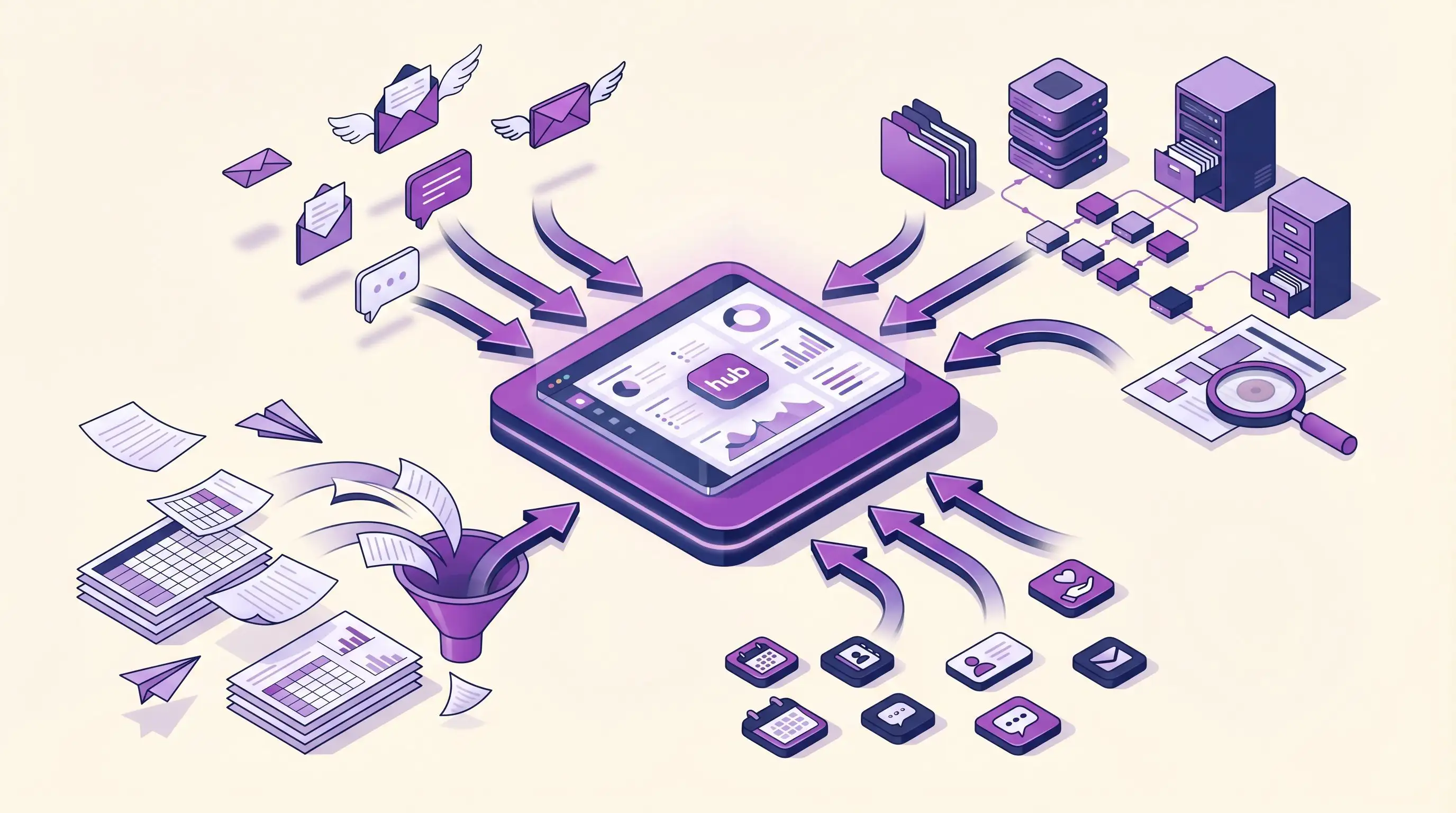
Spreadsheets, email tools, payment processors, and a CRM that barely works together. DonorDock brings giving, communication, and donor data into a single system built for lean nonprofit teams.
DonorDock solution screenshot
BY THE NUMBERS

Your tools should work together, not against each other

Most nonprofit teams juggle multiple platforms that don't share data. That means duplicate entry, missed context, and wasted hours reconciling systems that should be one.

5-6
disconnected subscriptions the average nonprofit team manages
45%
of staff time spent cleaning and prepping data instead of using it
3.5%
more dollars raised last year, but with 4.5% fewer donors to track
ONE PLATFORM, EVERYTHING YOU NEED

All your fundraising tools, finally in one place.

Book Your Demo
UNIFIED DONOR DATA

One record per donor. Every interaction in one place.

No more cross-referencing spreadsheets with your email tool. DonorDock creates a single donor profile with giving history, communications, tasks, and notes all connected.
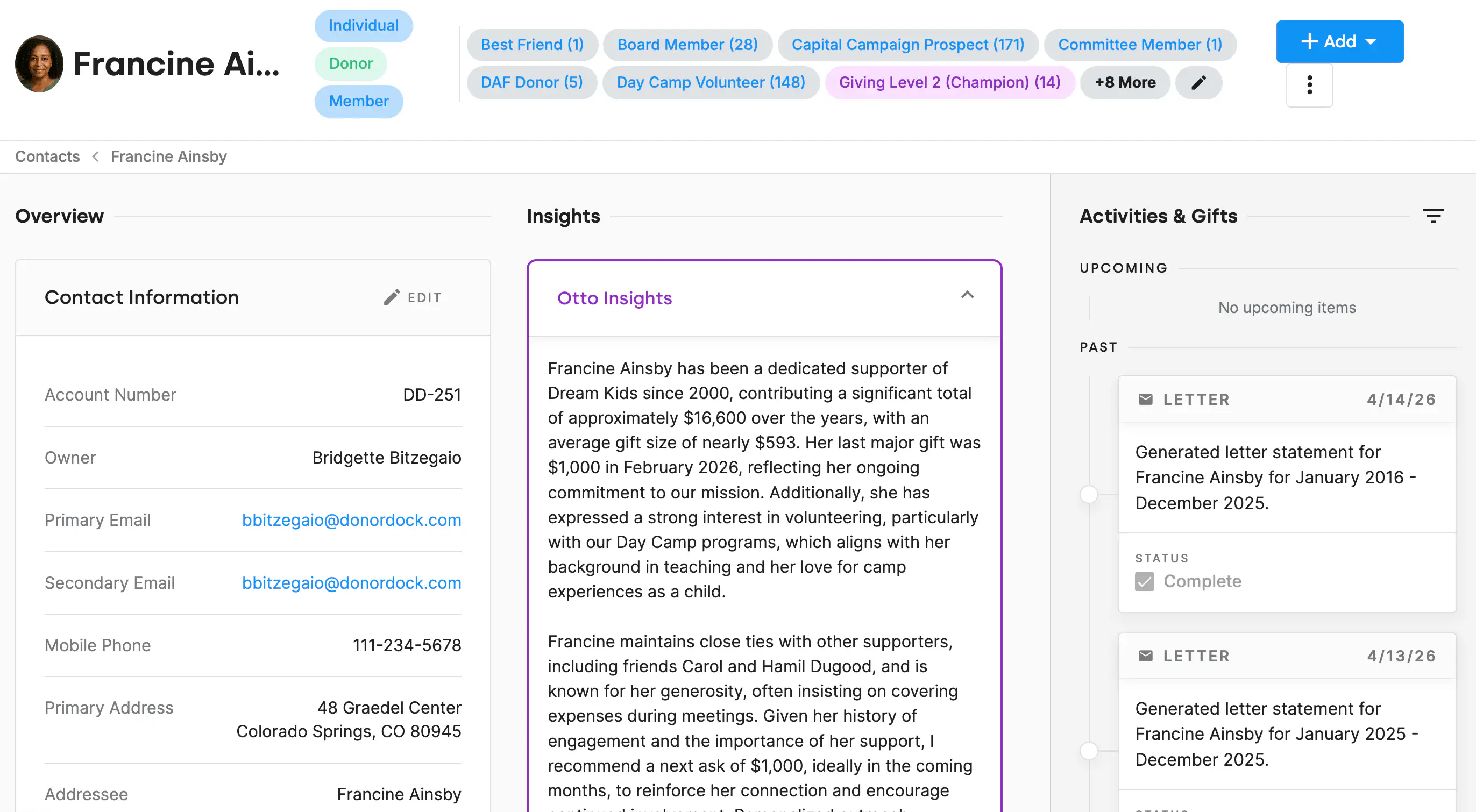
Desktop mockup of DonorDock
BUILT-IN COMMUNICATIONS

Send emails and letters without leaving your CRM.

DonorDock includes email, letter templates, and text messaging so you can communicate with donors from the same place you manage their data. No integrations needed.
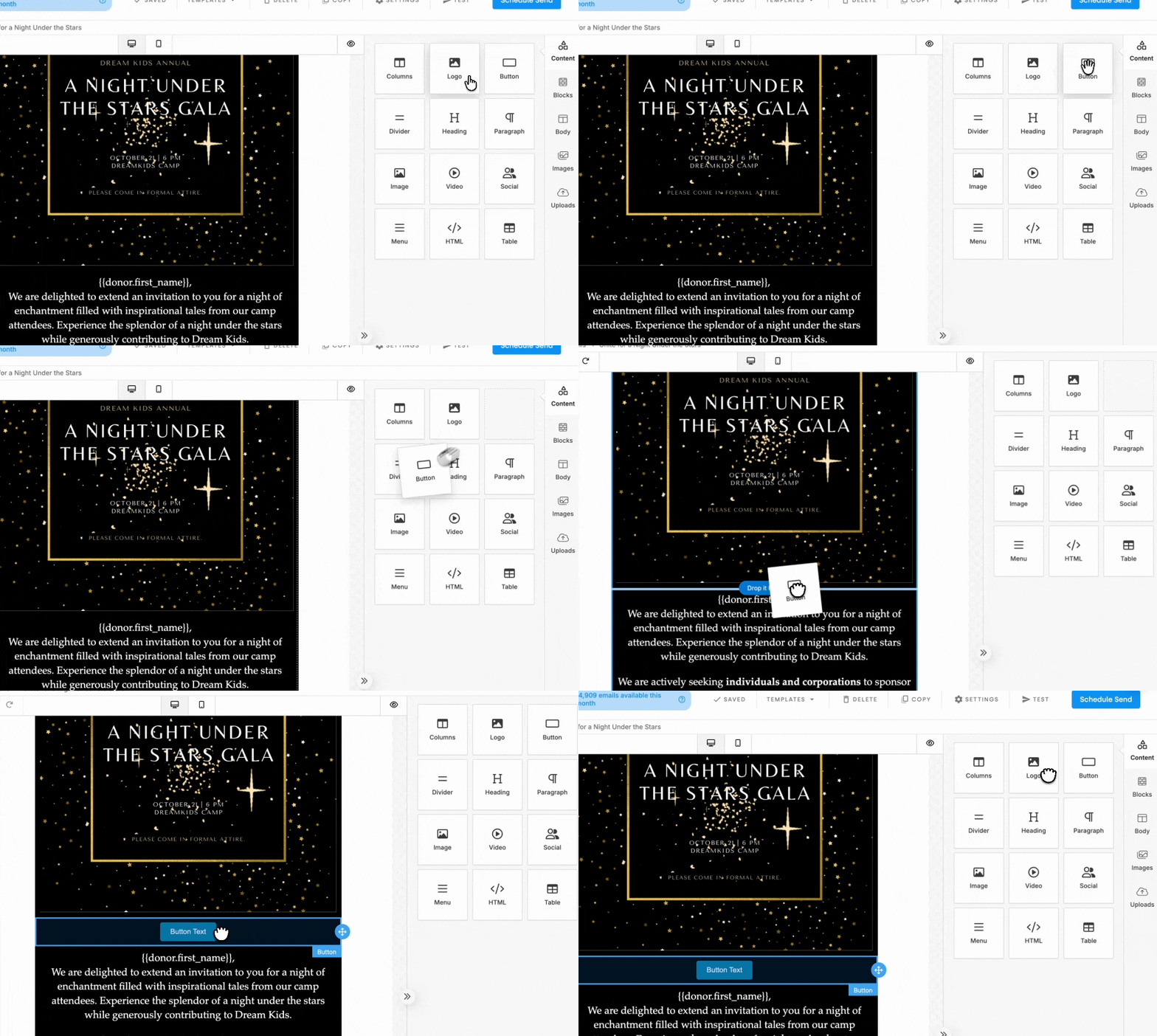
Desktop mockup of DonorDock
ONLINE GIVING INCLUDED

Accept donations without a separate payment tool.

Embedded giving forms, recurring gift management, and automatic receipt generation all live inside DonorDock. No third-party payment page needed.
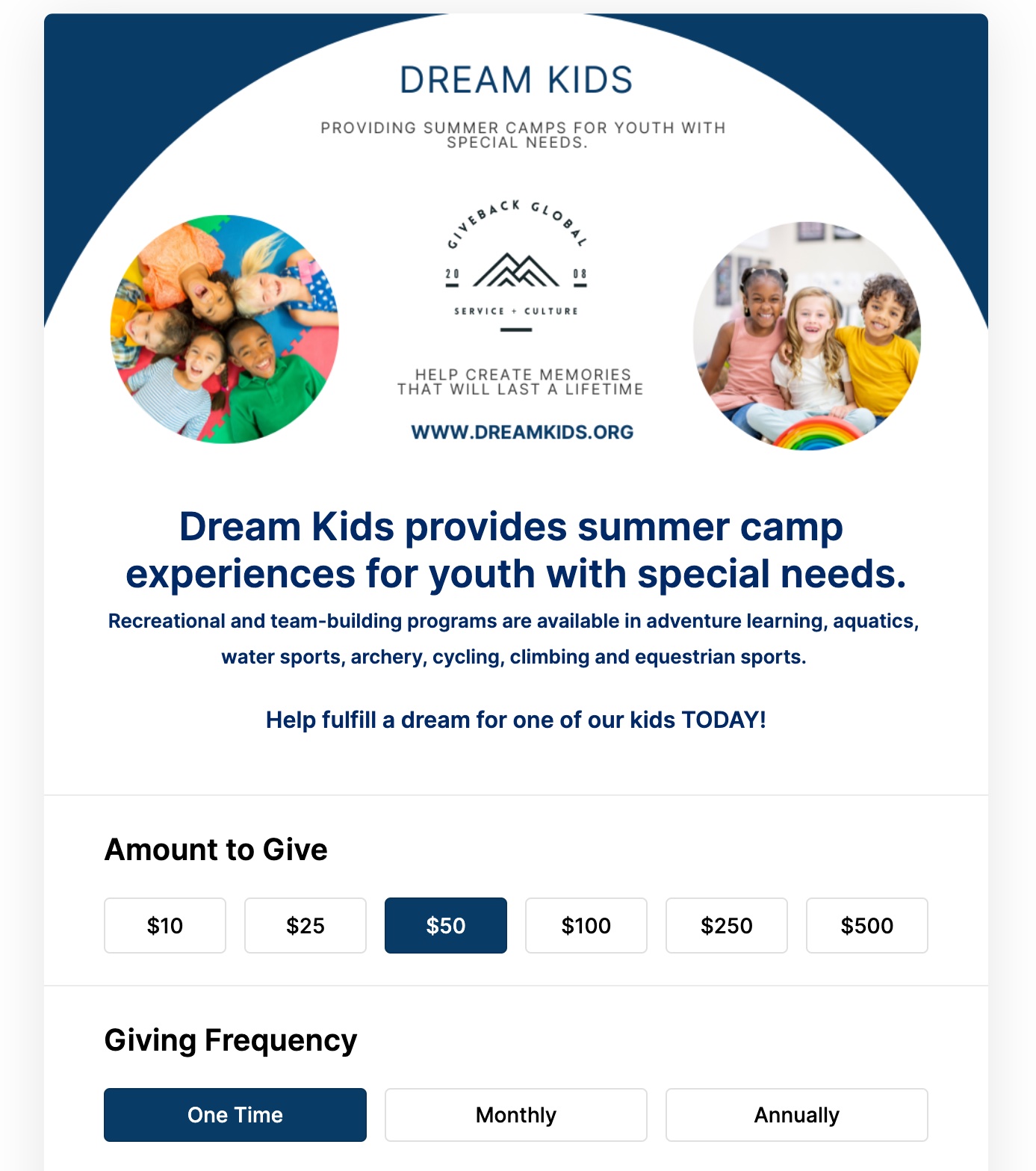
Desktop mockup of DonorDock
THE SHIFT

From duct-taped tools to a unified platform.

Old way

The Patchwork Approach

  • Donor data scattered across 4+ tools
  • Manual data entry between disconnected systems
  • No single source of truth for donor relationships
  • Monthly subscription costs that add up fast
VS
New way

With DonorDock

  • One platform for giving, email, data, project management and reporting
  • Data flows automatically between every feature
  • Every team member sees the same up-to-date records
  • One affordable subscription replaces multiple tools
  • Built-in document management with organization and preview keeps donor files right where you need them
Customer success story
CUSTOMER SPOTLIGHT

From Triple Entry to One Simple System

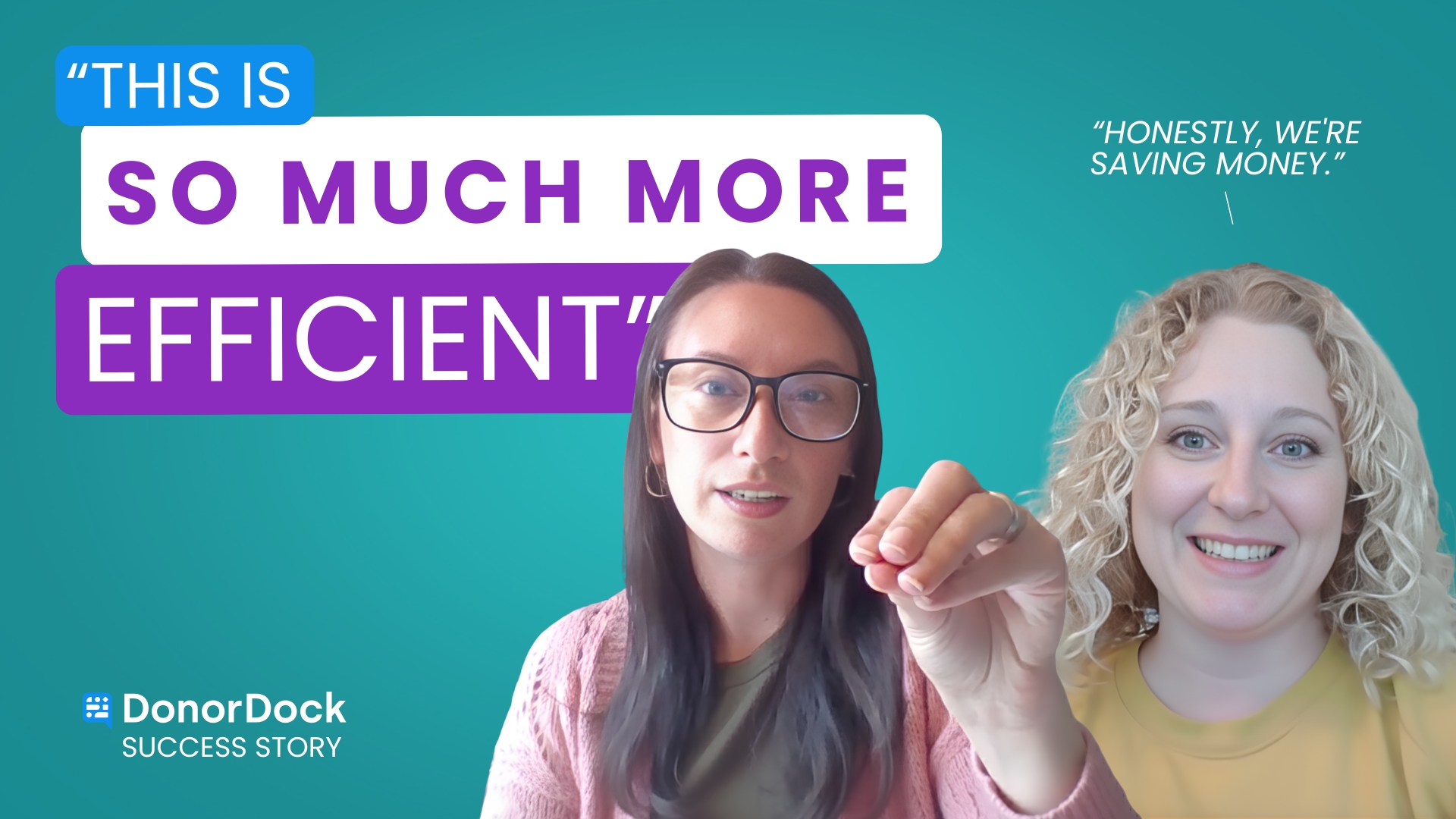
One platform replaced three. Geneva Lake Conservancy now saves hours every week and has cleaner, faster workflows with DonorDock.

Read their story →
"DonorDock provides an easy-to-use product that nicely meets the needs of our non-profit"
DonorDock thumbnail
Mark S.
Founder & CTO
DonorDock has made my tasks as an ED actually enjoyable. Knowing that I have DonorDock in my toolkit, it has relieved so much anxiety. It's really helped me stay on top of things that previously fell through the cracks.
DonorDock thumbnail
Les Tilka
Executive Director
"We couldn't have chosen a better company to trust with our nonprofit business."
DonorDock thumbnail
Laura V.
Mom in Chief
"The customer service has always been so helpful and prompt. No question or problem asked has ever been unanswered or unsolved."
Decorative image
LesleyAnne B.
Project Coordinator
"I was able to start managing and tracking my donors almost since day 1."
DonorDock thumbnail
Isaac C.
Director of Operations
As a fundraising consultant working with hundreds of nonprofits, DonorDock is a no-brainer for charities.
Patrick Kirby, DonorDock testimonial
Patrick Kirby
DoGoodBetter Consulting
"Hands down the best donor management system out there."
DonorDock thumbnail
Jen K
Office Manager
"It's so much easier to use than any other donor management system I've tried."
Decorative image
Kelly S.
Executive Director
"I have just moved a second organization to DonorDock because I love it so much."
DonorDock thumbnail
Corinne D.
Small nonprofit
"It's like adding a fundraising teammate!"
Scott Holdman, DonorDock testimonial
Scott Holdman
Consultant

Voted #1 for Growing Nonprofits

G2 Fundraising Easiest to Do Business With badge
G2 Fundraising Best Support badge
G2 Donor Management Easiest Setup badge
G2 Momentum Leader badge
G2 Fundraising Easiest to Use badge
G2 Fundraising Easiest Admin badge
G2 Donor Management Best Meets Requirements badge

Worried about data migration?

Switching to DonorDock is simple

We understand that you wear a lot of hats, so we make your transition to DonorDock easy and uncomplicated. DonorDock was rated #1 Easiest Setup and comes with human support for free.
Integration iconIntegration iconIntegration iconIntegration iconIntegration iconIntegration iconIntegration iconIntegration icon

Get more value from your tools

Connect your tools, connect your teams. With over 100 apps already available in our directory, your team’s favorite tools are just a click away.

Frequently asked questions

Can DonorDock replace our email marketing tool, like MailChimp or Constant Contact?

Yes. DonorDock can replace Mailchimp or Constant Contact for nonprofit email marketing, with a built-in drag-and-drop email builder, bulk sending, list segmentation, and drip campaign automations. Because your email tool lives inside your CRM, you can personalize every message using donor data like giving history, tags, and custom fields—something standalone email platforms can't do. Learn more about DonorDock's email features.

Last updated
February 25, 2026
Can DonorDock replace Trello, Asana, or ClickUp for small teams?

Yes. DonorDock provides project boards, ask boards, action boards, tasks, reminders, automations, and calendars all tightly connected to the CRM, giving you a unified system for donor work and internal fundraising projects.

For many nonprofits, DonorDock can replace separate project management tools like Trello, Asana, or ClickUp.

Last updated
February 25, 2026
Can I migrate from Bloomerang, DonorPerfect, or other CRMs?

Yes. Migrate from Bloomerang, DonorPerfect, or any other CRM by exporting your data and importing it into DonorDock. with premium onboarding our support team will guide you through the migration each step of the way. Learn more about data migration.

Last updated
February 27, 2026
How do I import my donor data into DonorDock?

Import donor data into DonorDock by connecting third-party tools through a direct integration or uploading a CSV or Excel file using the built-in import tool. DonorDock guides you through field mapping so contacts, gifts, and interactions land in the right place. Free weekly live trainings are also available to walk you through your first import if you need extra help.

Last updated
February 25, 2026
How do integrations work?

DonorDock has native integrations with QuickBooks Online, OneCause, GoFundMePro, Fundraise Up, Point Volunteer, and Double the Donation. You can also connect 5,000+ other tools through Zapier, which automates tasks between apps without custom development. Learn more about how integrations work.


Last updated
February 27, 2026

You'll believe it when you see it.

Schedule a demo and see why 7,200+ people trust DonorDock for their CRM.
We use cookies to make your experience better. Learn more about how and why.