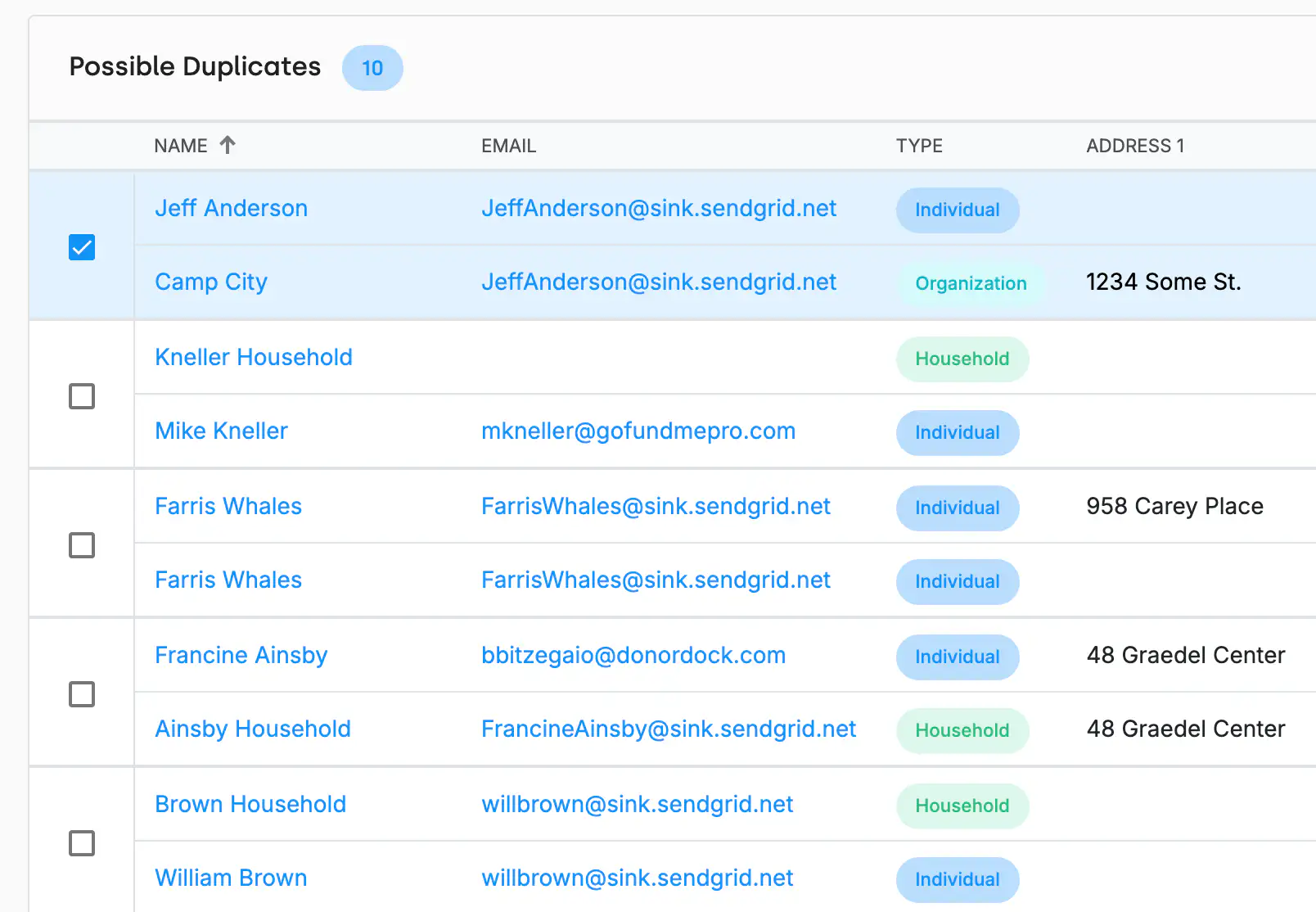
DonorDock scans your database for contacts with matching names, email addresses, or other identifiers and flags potential duplicates. Review suggested matches, confirm which records to merge, and DonorDock combines them into one clean record.
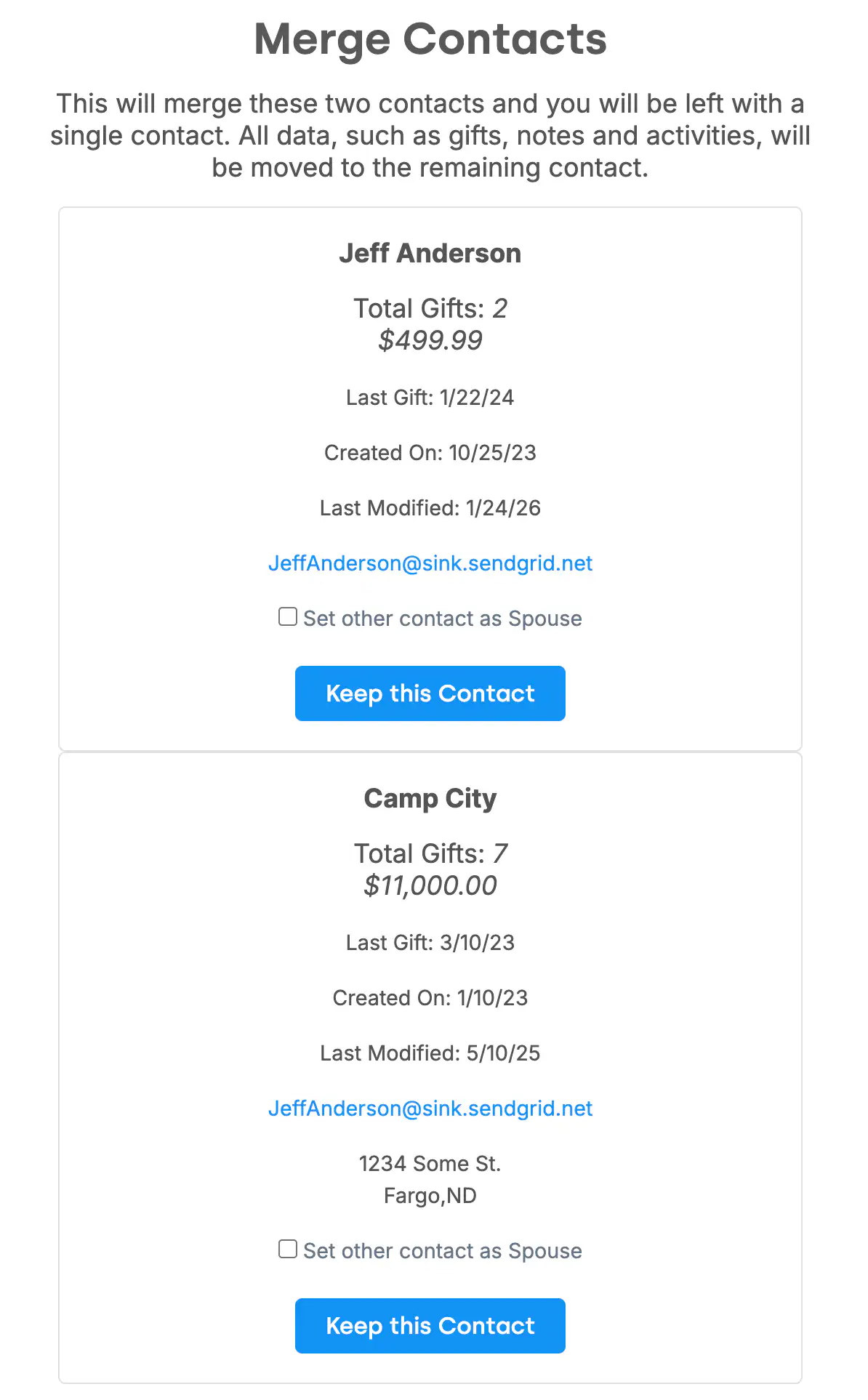
When you merge contacts, nothing is lost. Gifts, activities, notes, badges, and custom field data from both records are combined into the surviving contact. You choose which name, address, and email to keep as the primary — DonorDock handles the rest.
After a data import, duplicates are common. DonorDock helps you clean up quickly by surfacing likely matches and letting you merge them in batches. This is especially valuable when consolidating data from multiple sources during a CRM migration.
DonorDock's duplicate detection runs continuously, alerting you when new records look like existing contacts. This prevents duplicates from accumulating over time and keeps your reporting accurate.
Will merging contacts delete any data?
No. All gifts, activities, notes, and history from both records are preserved on the merged contact. You choose which primary details (name, email, address) to keep.
Can I undo a merge?
Merges cannot be automatically undone, so DonorDock shows you a full preview before confirming. Review all data from both records before proceeding.
How does DonorDock detect duplicates?
DonorDock compares contacts by name, email, phone, and address to find likely matches. The system suggests duplicates for your review — you always make the final decision.


.webp)