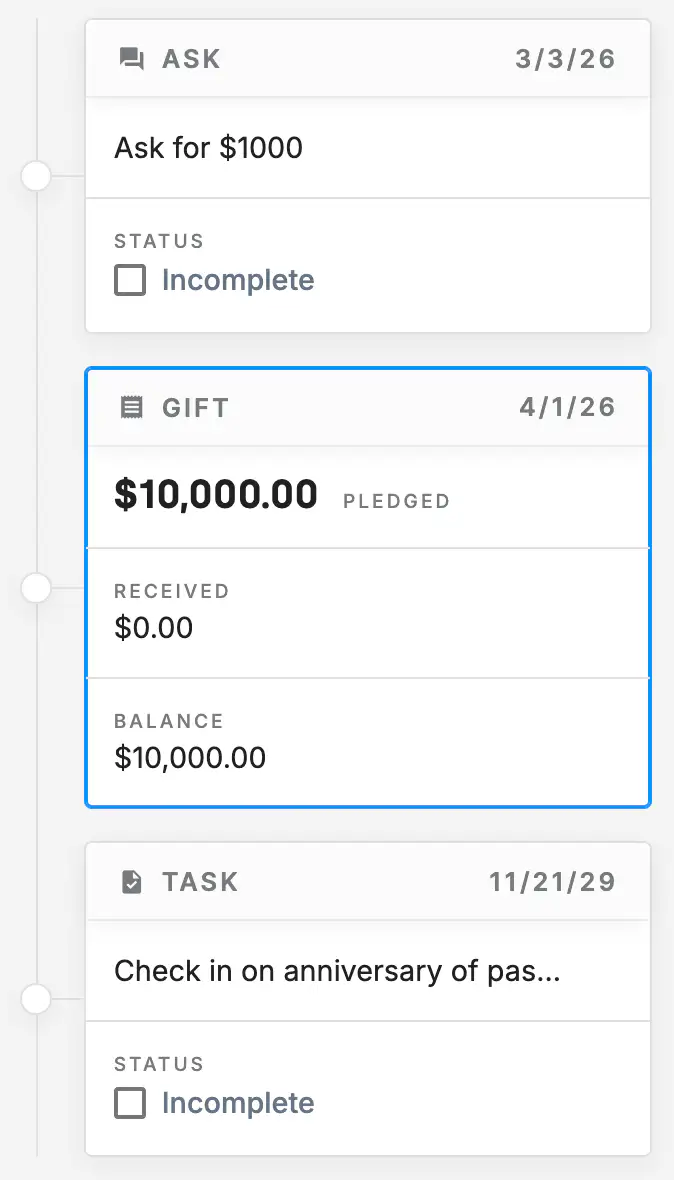
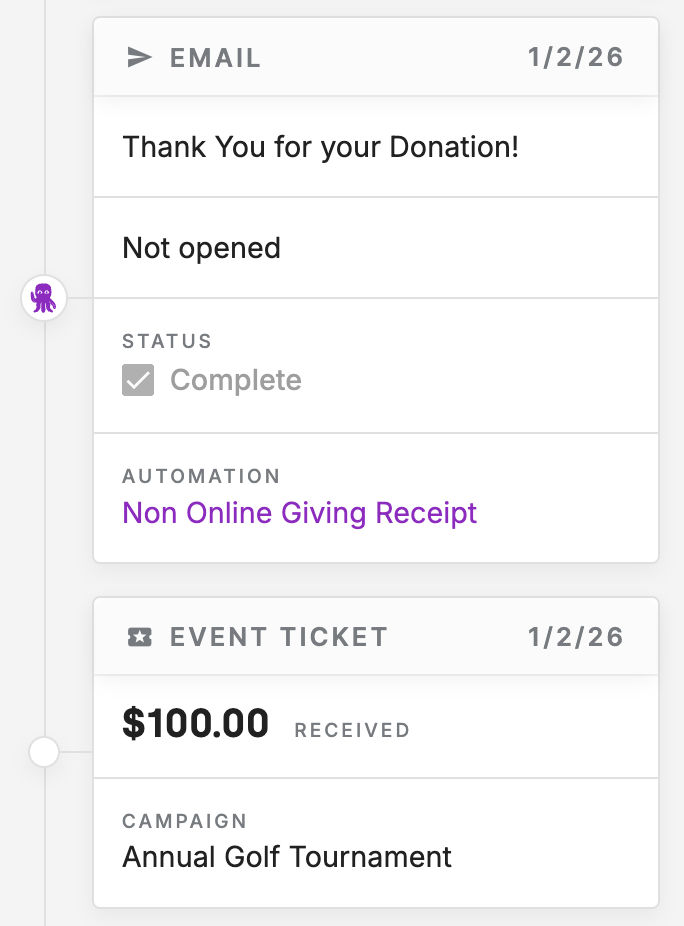
Every contact in DonorDock has a built-in activity timeline that captures their full history with your organization. Gifts, emails, event attendance, volunteer hours, and manual notes all appear in chronological order, giving you instant context before every call, meeting, or outreach.
DonorDock automatically records key interactions — online donations sync instantly, emails are tracked when sent through the platform, and event attendance is logged when tickets are scanned. This means less manual data entry and more time building relationships.
Go beyond standard activity logging. Add custom fields to activities to capture follow-up categories, volunteer shift types, outreach outcomes, or any internal tracking detail. Activity custom fields let you track consistent information across interactions that standard fields don't cover.
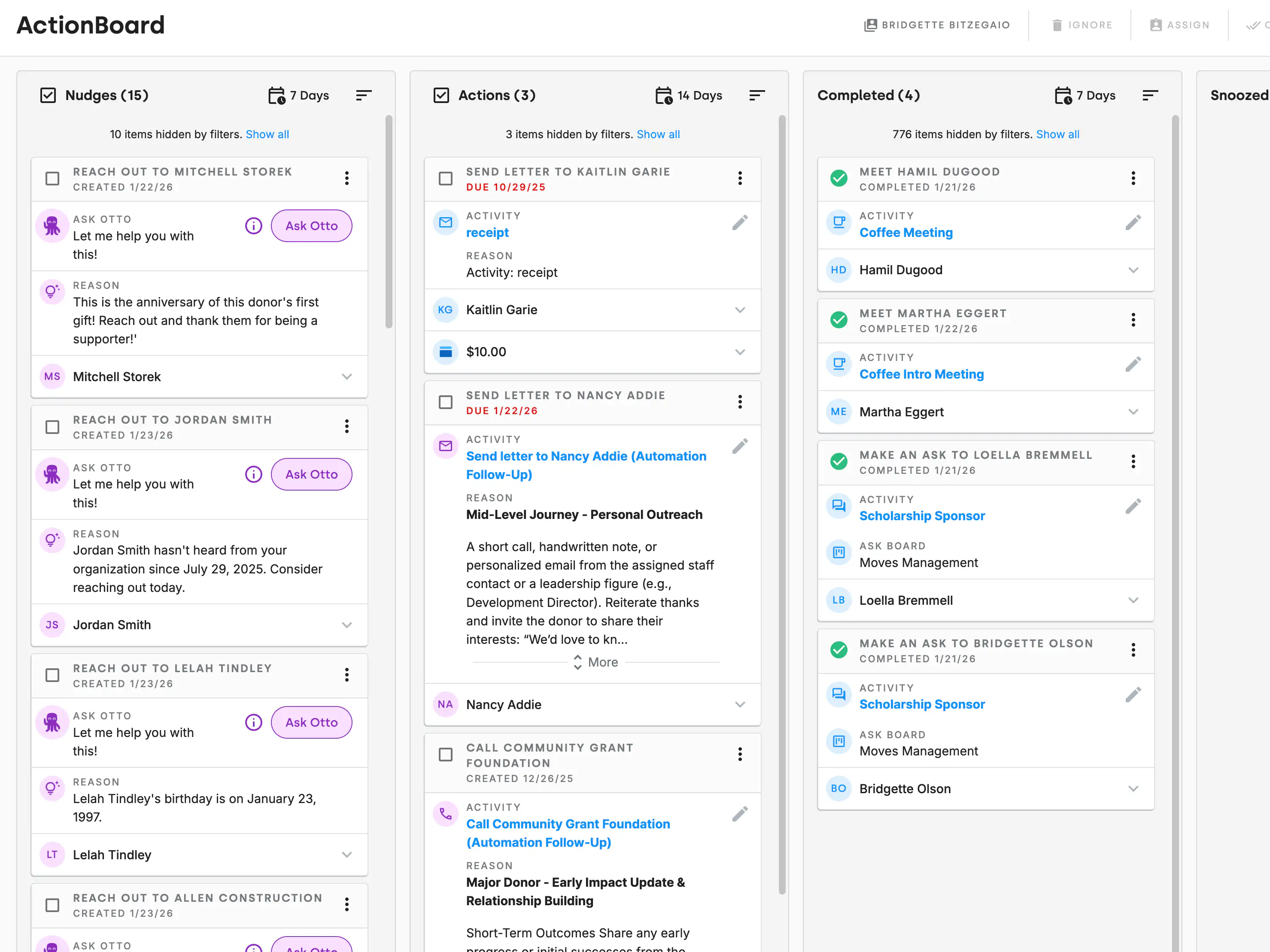
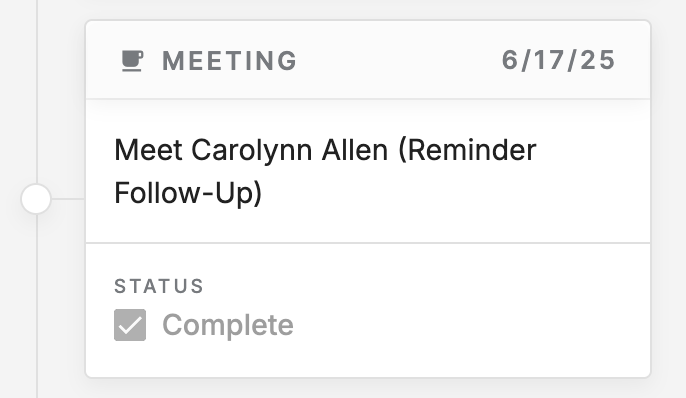
Activity tracking is not just about donors — it covers your team as well. Log calls, thank-you notes, meetings, and follow-ups so everyone on your team can see what outreach has already happened. This prevents duplicate outreach and keeps your team coordinated.
Whether a board member asks about a donor or you are preparing for a major gift conversation, the activity timeline gives you everything you need at a glance. Filter by activity type, date range, or team member to find exactly what you are looking for.
What types of activities are tracked automatically?
Online donations, email sends and opens, event check-ins, and recurring gift updates are all logged automatically. You can also manually log calls, meetings, thank-you notes, and custom activities.
Can I see activities for all contacts at once?
Yes. DonorDock's reporting tools let you pull activity reports across your entire database, filtered by activity type, date, team member, or campaign.
Does activity tracking integrate with email?
Emails sent through DonorDock are automatically logged on the contact record. You can see when each email was sent, opened, and clicked.


.webp)