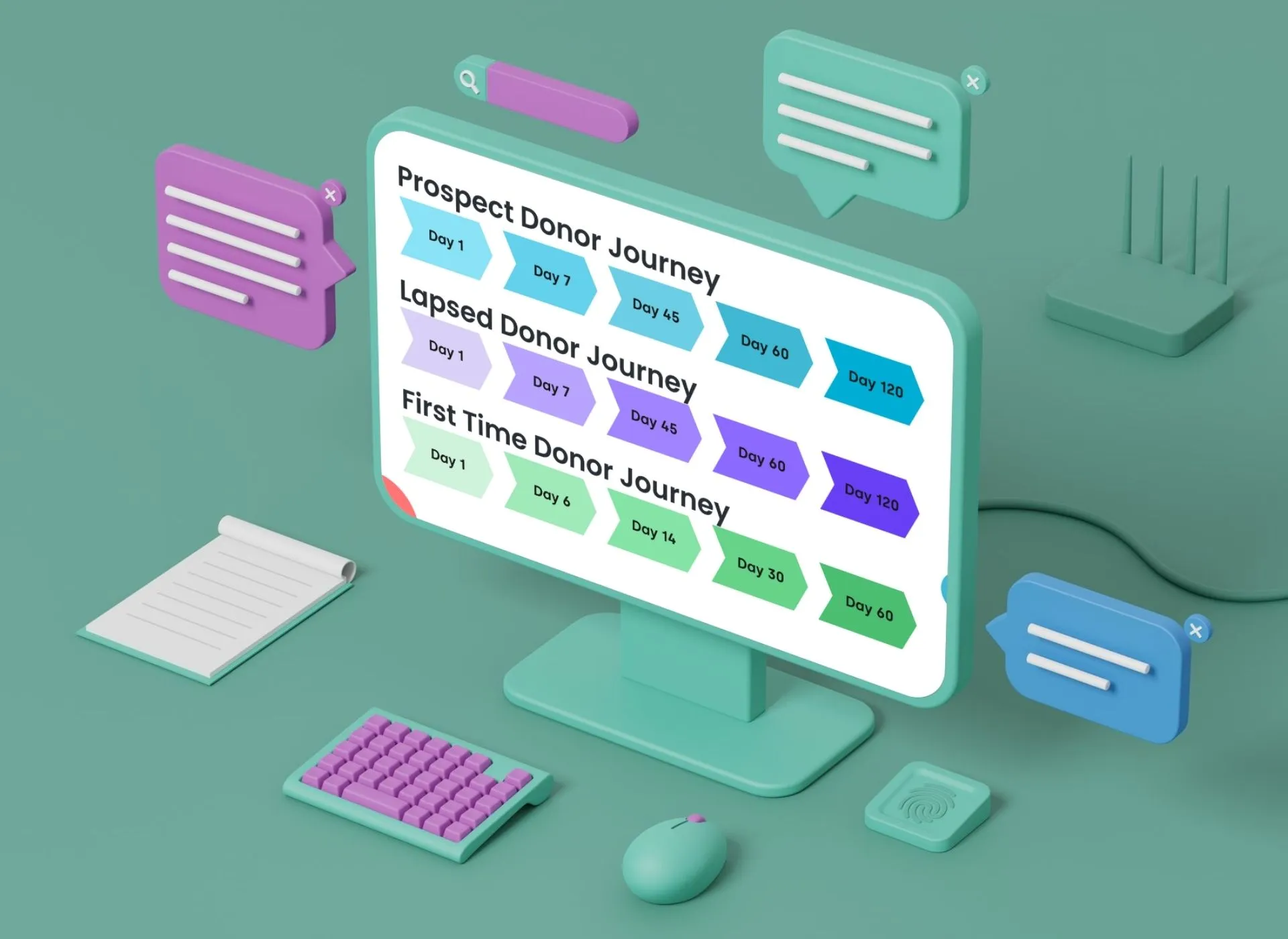
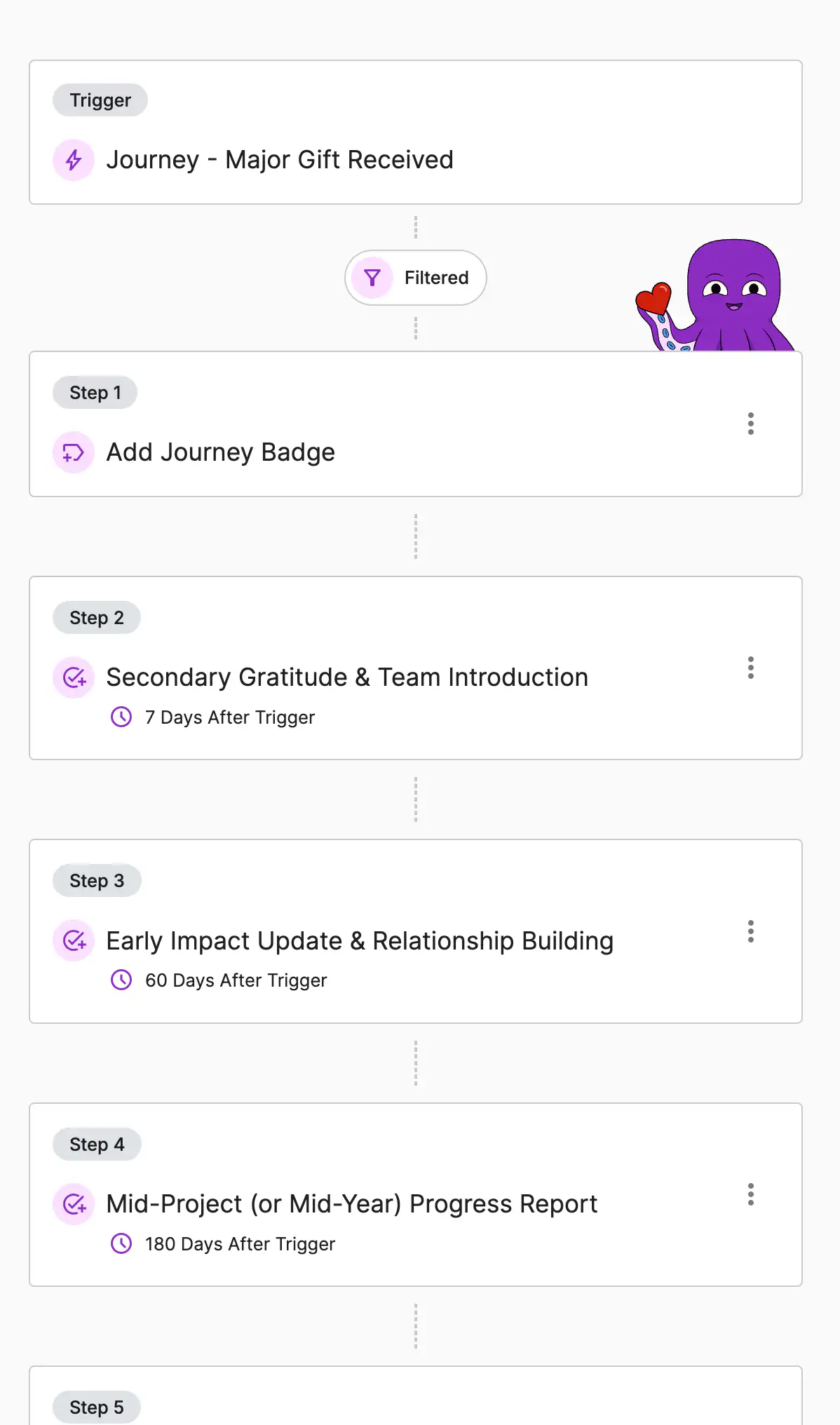
A donor journey is an intentional, step-by-step engagement path: the thank you, the impact story, the invitation, the call, mapped against time rather than left to whoever remembers. A donor who gives in March hears from you in April, June, and September without anyone having to notice it is time.
Rather than starting from a blank page, DonorDock includes pre-configured journeys for the six segments most nonprofits are trying to move:
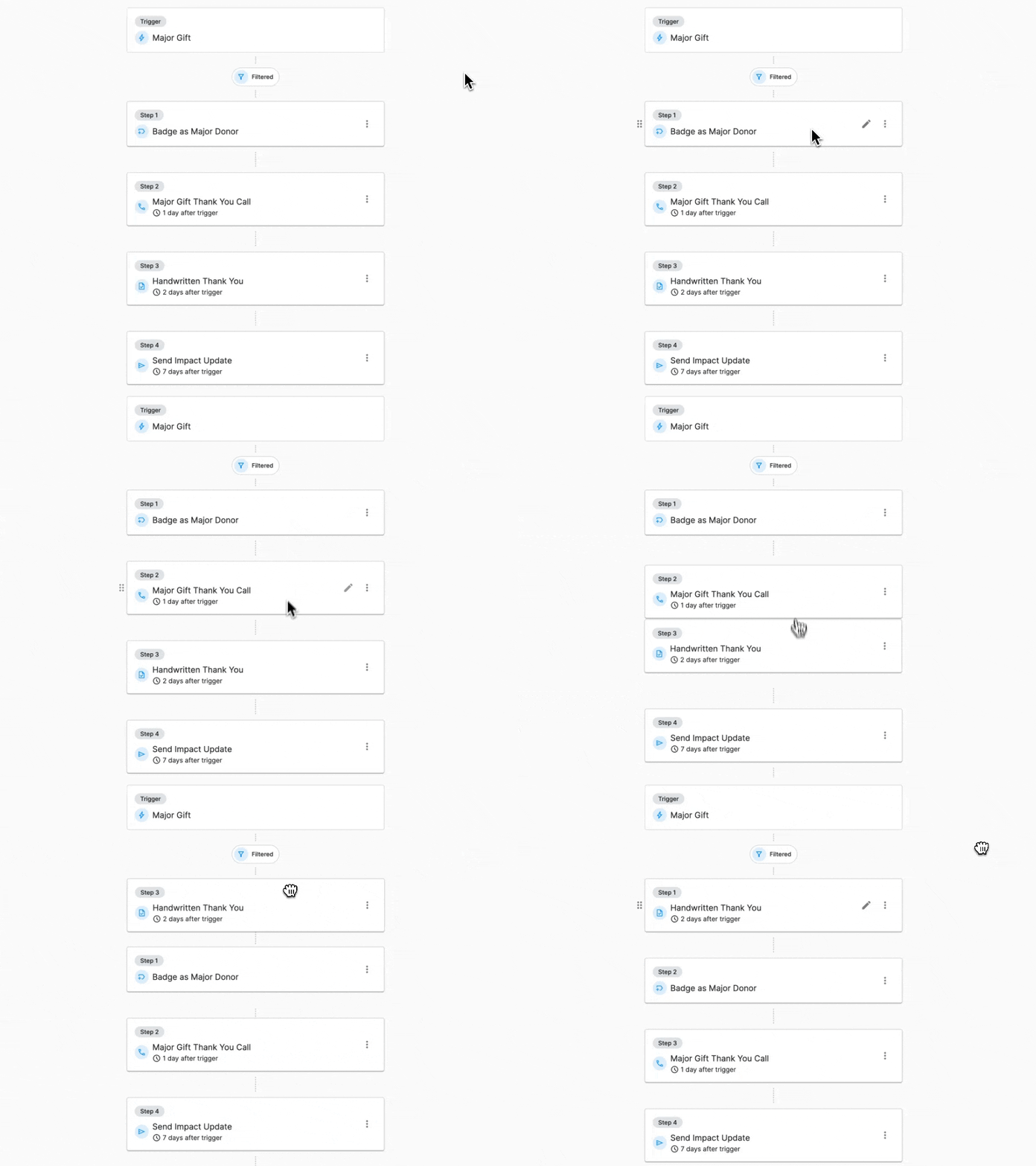
Change the wording. Move day seven to day three. Add a task for the person who owns that relationship instead of an email. Delete a step you would not really send.
When a journey creates a task, schedules a call, or adds a nudge, it lands on the Action Board of whoever owns that contact, not in a separate queue nobody checks. Emails and texts send using your own templates.
This page is about the six journeys DonorDock ships already mapped. Stewardship Journeys is the engine underneath them: the triggers, the timed steps, and the personalization that make any journey run. Start here if you want a working draft to react to, and go there if you are building a sequence of your own.
Both sit inside the Smart Steward Method, the wider stewardship framework they put into practice. If you are still at the mapping stage rather than the automating stage, start with the nonprofit donor journey, then automated donor journeys and five tips for the donor lifecycle.
What is a donor journey?
An intentional, step-by-step engagement path that guides a donor through a planned series of interactions over time — thank you, impact update, invitation, personal contact — rather than leaving follow-up to memory.
Does DonorDock include prebuilt donor journeys?
Yes. Six pre-configured journeys are included: first-time donors, recurring donors, prospective donors, mid-level donors, major donors, and lapsed donors.
How do I start a donor journey?
Go to Automations, open Journeys, select a journey, edit the email content, timing, and tasks, then click Start.
Can I change the prebuilt journeys?
Yes. Every email, delay, and task can be edited before or after you start it, and you can add or remove steps.
Do I need to map my donor journey before using this?
No. The six included journeys give you a working draft to react to, which is usually faster than starting from a blank map.
What is the difference between a donor journey and an automation?
A journey is an automation shaped around the donor lifecycle, with the sequence already built. Automations are the general-purpose builder behind them.


.webp)