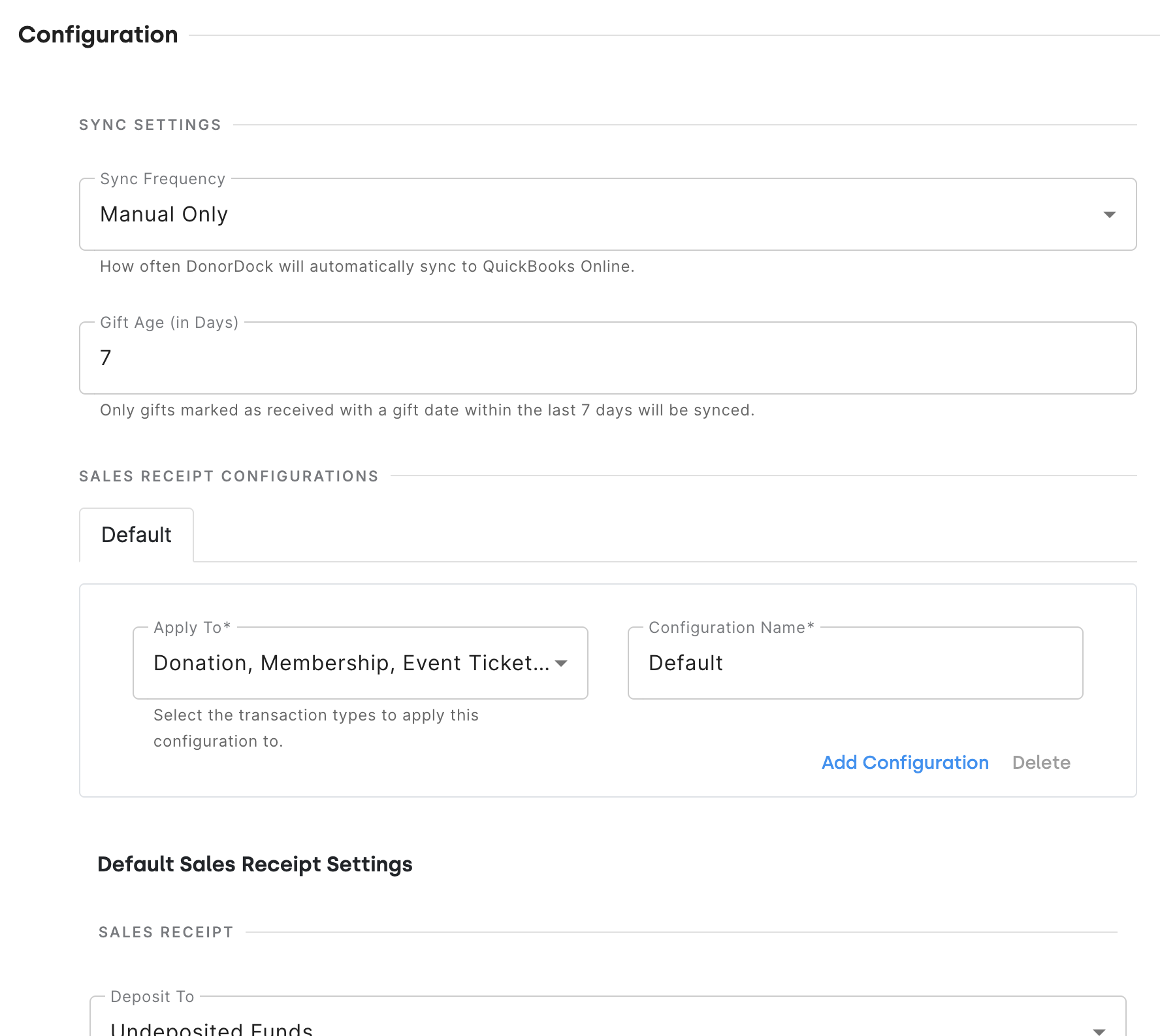
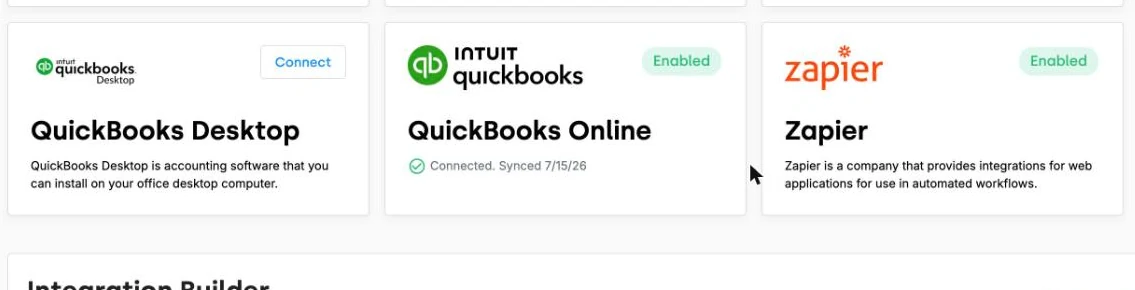
The built-in integration sends DonorDock gifts in received status to QuickBooks Online as sales receipts, automatically, every hour. Nobody re-keys a gift and nobody exports a spreadsheet on the last day of the month. Connecting and disconnecting are both self-serve, so your bookkeeper is not waiting on a support ticket.
If your accountant would rather see one deposit than fifty sales receipts, the Integration Builder offers two prebuilt scenarios you can choose between:
The second is what most finance teams actually want, because it matches what shows up on the bank statement.
Reusable gift filters let you control which gifts go to QuickBooks Online, based on criteria like a custom field value. Only gifts that match your conditions are sent, and gifts that do not match are held back until a later run once they qualify. Leave the filter empty and every eligible gift syncs, the way it always has.
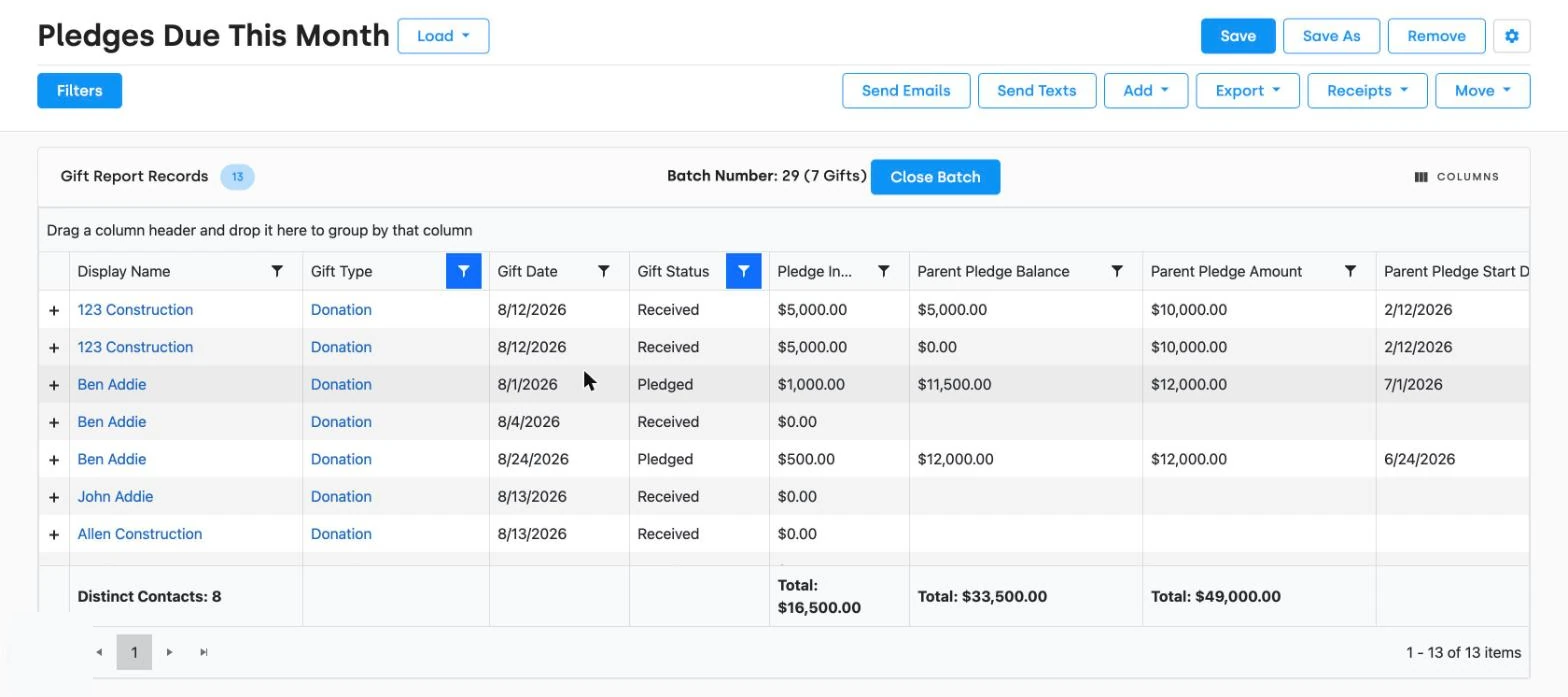
Still on Desktop? Batch gift reports export as IIF files ready to import into QuickBooks Desktop. It is a manual step rather than a sync, but it is a batch step, not a gift-by-gift one.
A surprising number of small nonprofits track donors in QuickBooks because it was already there. If that is you, DonorDock has an import guide specifically for moving donor information out of QuickBooks Online, so your giving history lands in a system built to steward it. See data migration.
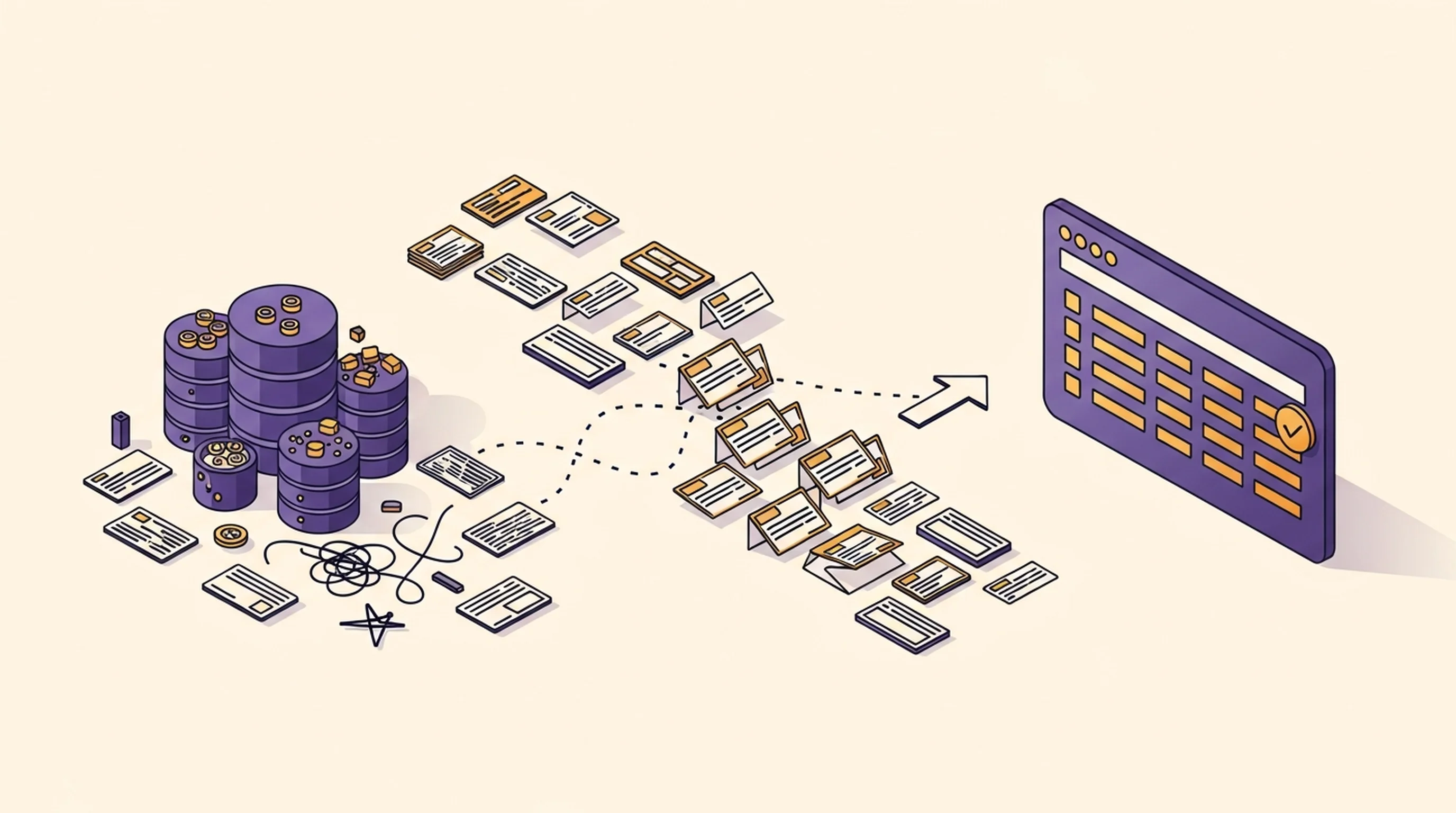
Gifts flow to accounting on their own. Fund tracking keeps restricted gifts straight on the DonorDock side, and gift reports give you the detail behind any number your treasurer questions. For everything else in the finance stack, see integrating with your finance tools.
Does DonorDock integrate with QuickBooks?
Yes, with both QuickBooks Online and QuickBooks Desktop. QuickBooks Online has a built-in automatic integration; Desktop uses IIF file exports.
How often does the QuickBooks Online sync run?
Automatically, every hour, for gifts in received status.
How do gifts appear in QuickBooks Online?
As sales receipts by default. Alternatively, the Integration Builder can create one deposit per closed gift batch instead.
Can I create a single deposit instead of individual receipts?
Yes. A prebuilt Integration Builder scenario creates one QuickBooks Online deposit when a DonorDock gift batch closes.
Does it work with QuickBooks Desktop?
Yes. Batch gift reports export as IIF files for import into QuickBooks Desktop.
Can I move donor data out of QuickBooks into DonorDock?
Yes. There is a dedicated guide for migrating donor information from QuickBooks Online.
Can I control which gifts sync to QuickBooks Online?
Yes. Reusable gift filters let you sync only the gifts that match conditions you set, such as a custom field value. Gifts that do not match are held back and sync later once they qualify.


.webp)