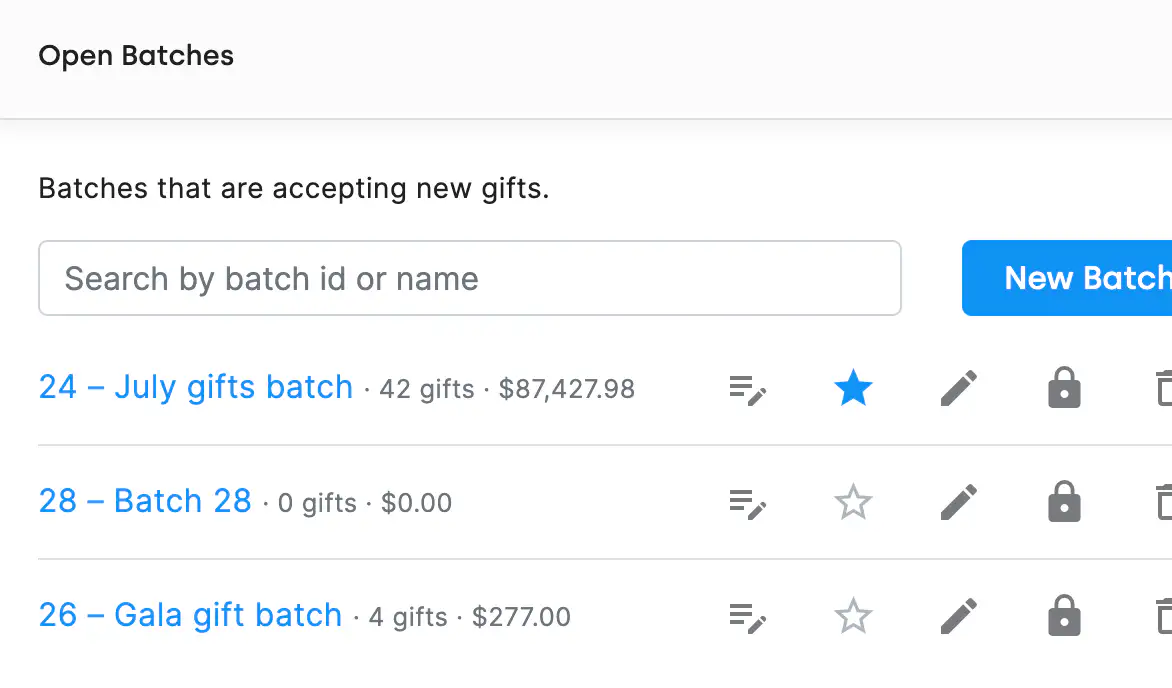
Gone are the days of Batch-001 and Batch-002 that mean nothing a week later. Give each batch a clear name, like "Spring Gala Gifts" or "March Mail Appeal," so anyone on your team can search for it by name or ID and pick up right where things left off.
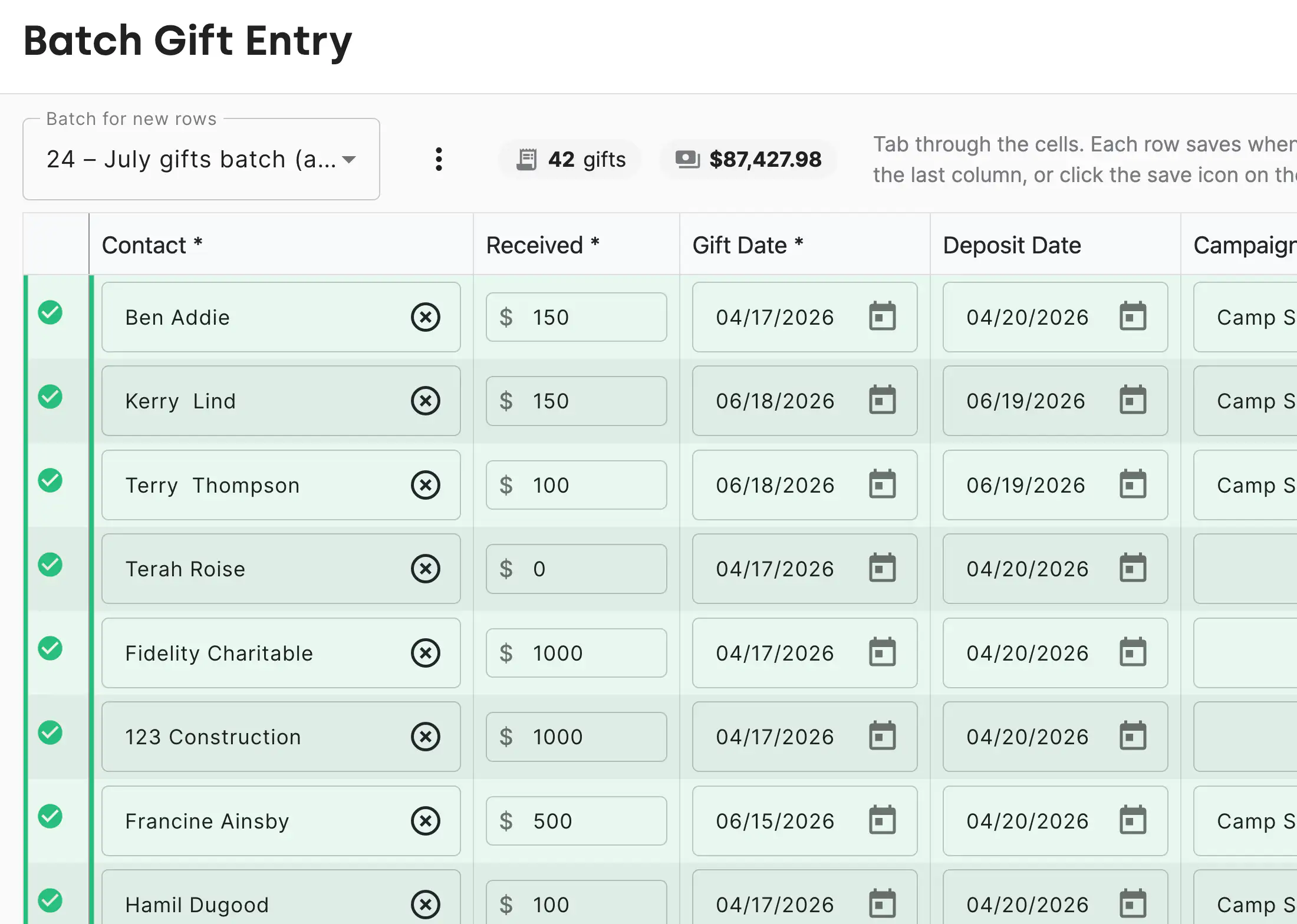
If every gift in a batch belongs to the same Campaign and Fund, set those as defaults when you create the batch. DonorDock fills them in automatically for every entry, so you can move through a stack of gifts quickly without repeating the same steps hundreds of times.
Working with multiple open batches at once? You can designate one as the active batch. Manual gift entries default to your active batch, even when background integrations are processing gifts into other batches at the same time. No more gifts landing in the wrong place.
Can I have more than one batch open at the same time?
Yes. DonorDock supports multiple open batches. You can designate one as your active batch so manual entries default to the right one, while integrations process gifts into other batches in the background.
Can I search for a batch I created earlier?
Yes. You can find any batch by name or ID using the searchable batch lookup. This is especially useful when different team members are entering gifts from different events or appeals.
Can I import gifts directly into a named batch?
Yes. Gift import files can include a Batch Name column. DonorDock automatically routes each gift to the named batch, matching existing batches or creating a new open batch when the name is new. See the Bulk Import feature for more detail.


.webp)