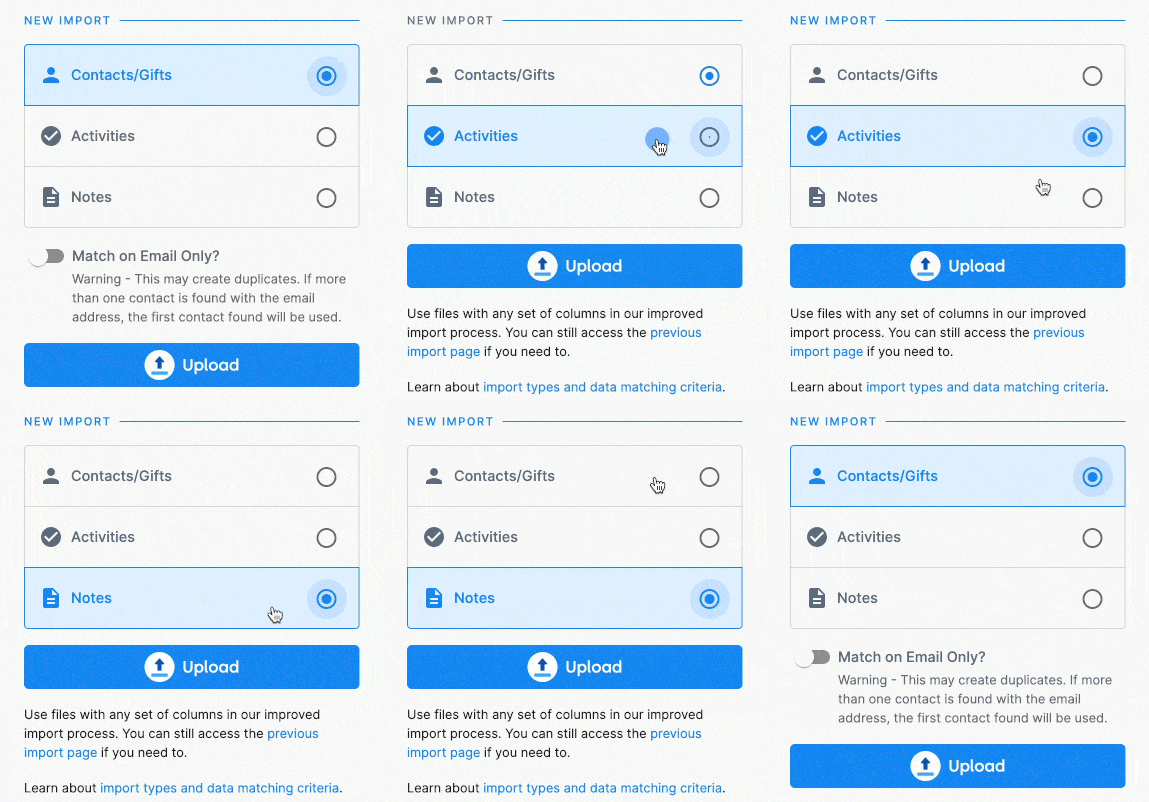
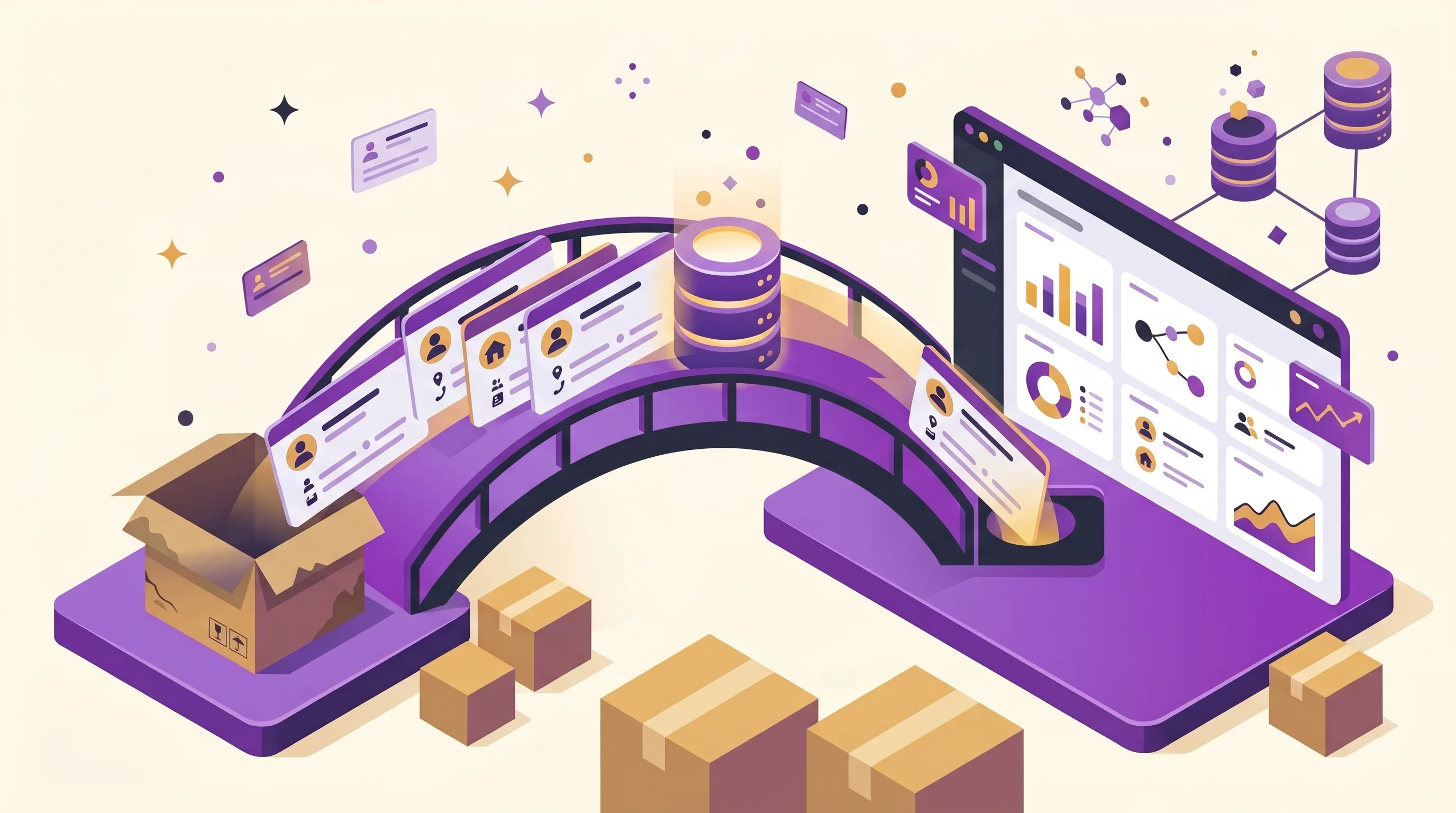
The fear with any migration is arriving in a new system with a contact list and nothing behind it. Eight record types import into DonorDock, so the giving history you spent years building comes across intact:
Recurring gifts are the piece most migrations break. If you are moving card-on-file subscriptions, DonorDock offers Stripe payment migration services so your monthly givers are never asked to re-enter anything and your recurring revenue does not dip during the switch. See migrating recurring donations for how that works.
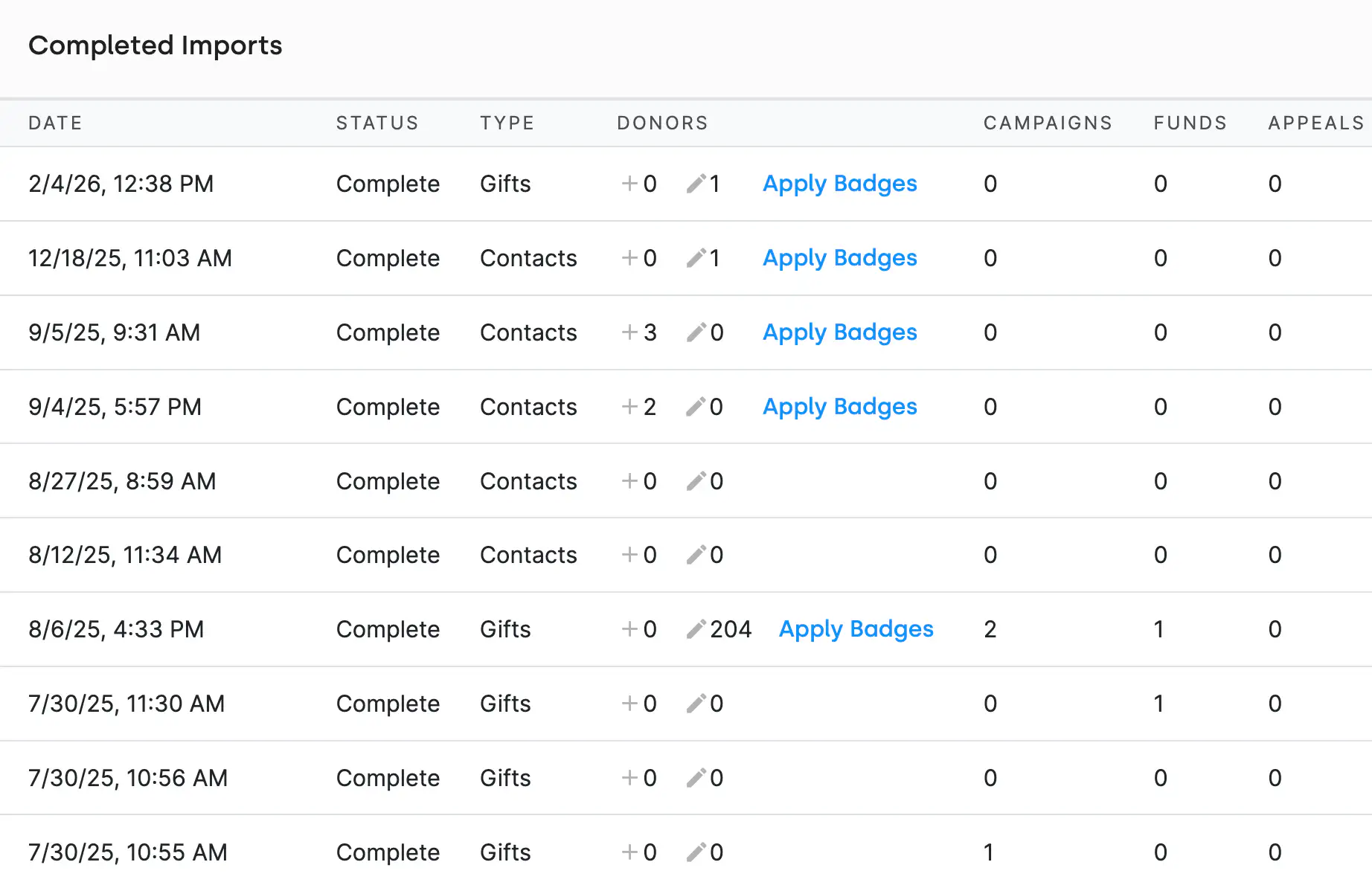
The same tool you use on day one still works after. Teams use it to bulk-edit existing records, add gift tags across a batch of gifts, load event attendance after a gala, and pull activity data in from other systems. See bulk importing for the ongoing side of it.
What data can I move into DonorDock?
Contacts, gifts, activities, notes, pledges, campaigns, funds, and appeals. Files come in as CSV or Excel.
Will I lose my giving history?
No. Gifts import with their campaign, appeal, and fund attached, and pledges keep their balances, so historical reporting still works after the move.
Do I have to figure out the mapping myself?
No. You can book a mapping consultation with a DonorDock team member who reviews your export before you import it.
Which systems have migration guides?
Seventeen, including Bloomerang, DonorPerfect, Raiser's Edge, Little Green Light, eTapestry, Kindful, Neon, Network for Good, Salsalabs, GiftWorks, Servant Keeper, Blackbaud Luminate Online, DonorBox, Pushpay, Eventbrite, Mailchimp, and QuickBooks Online.
What happens to my monthly donors?
DonorDock offers Stripe payment migration services so existing recurring gifts transfer without asking donors to re-enter their payment details.
How are duplicates handled?
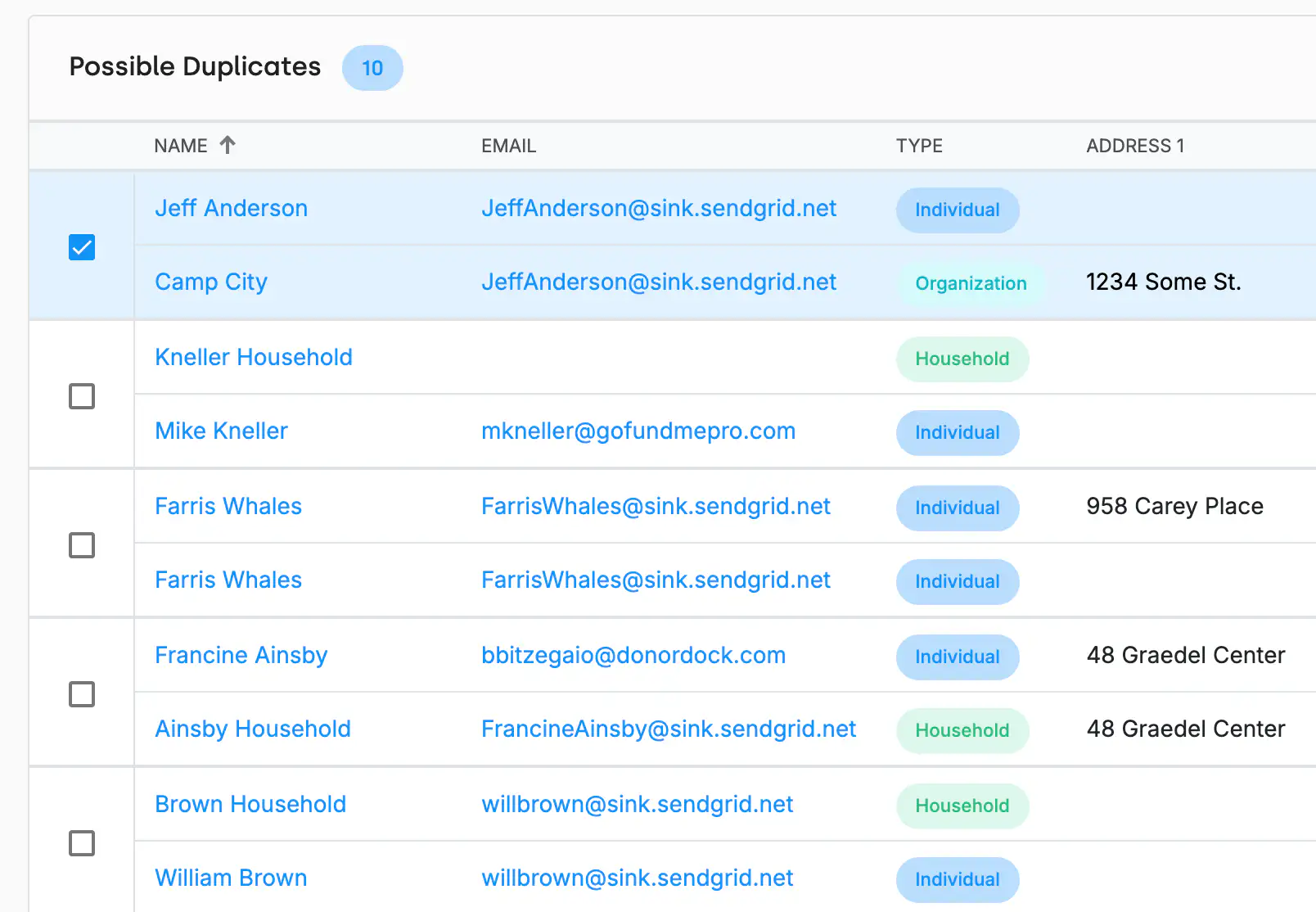
Duplicate contact detection runs during the import, so you can resolve matches before they become separate records.


.webp)