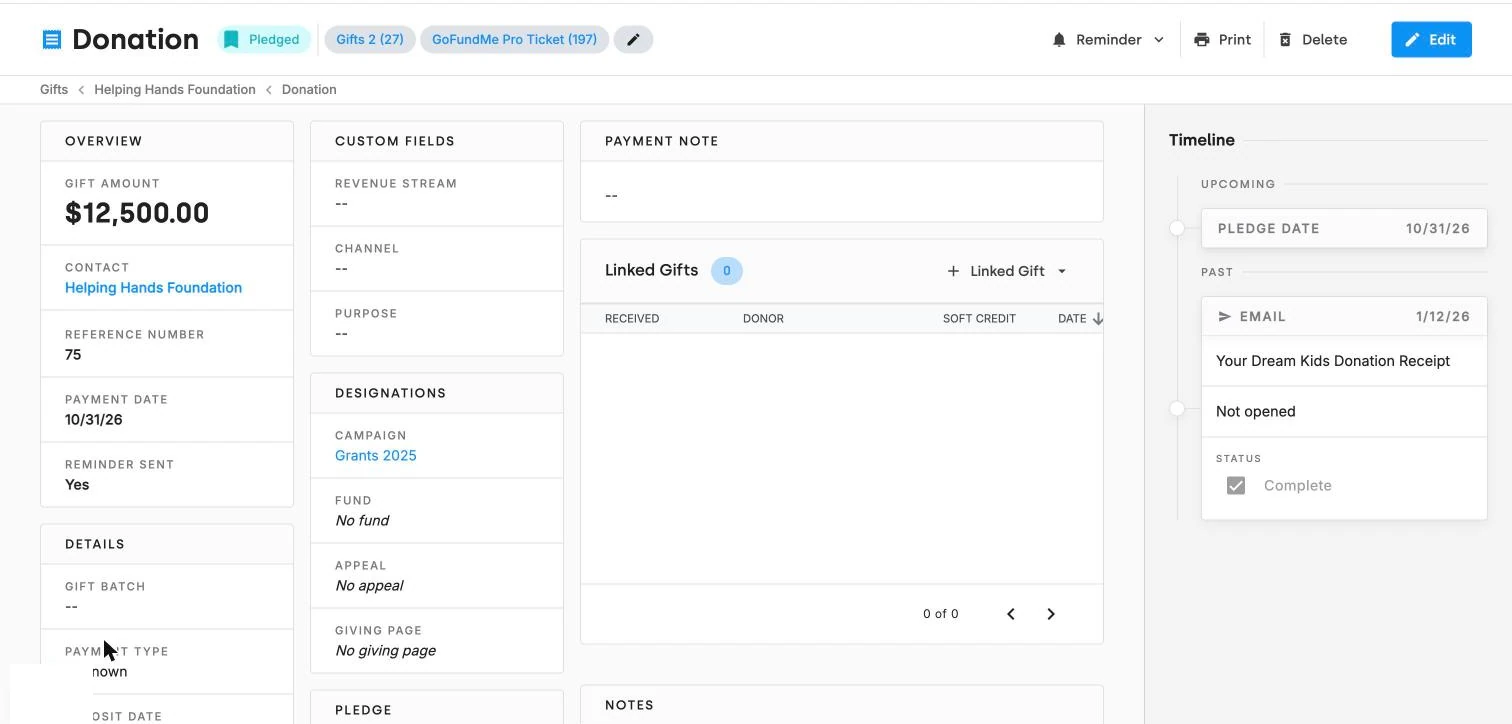
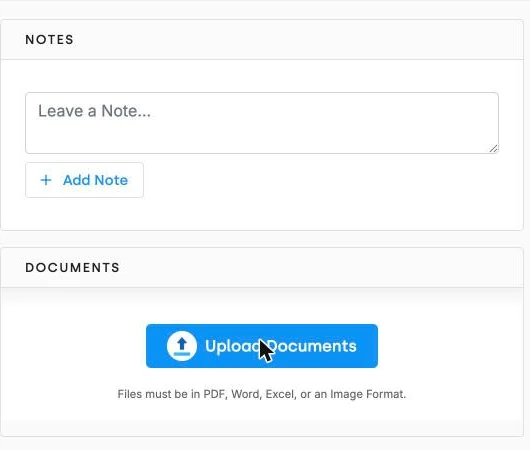
You can upload files directly onto a contact, a gift, or an activity record.
PDF, Word, Excel, and image files are all supported.
A shared drive organizes by folder. A donor database organizes by relationship. When the grant officer calls about the report you owe them, you want the agreement on the grant activity — not in a folder named after whoever downloaded it in 2022. See grant management and activity and contact tracking.
What records can I attach documents to in DonorDock?
Contact, gift, and activity records.
What file types are supported?
PDF, Word, Excel, and image files.
How do I upload a document?
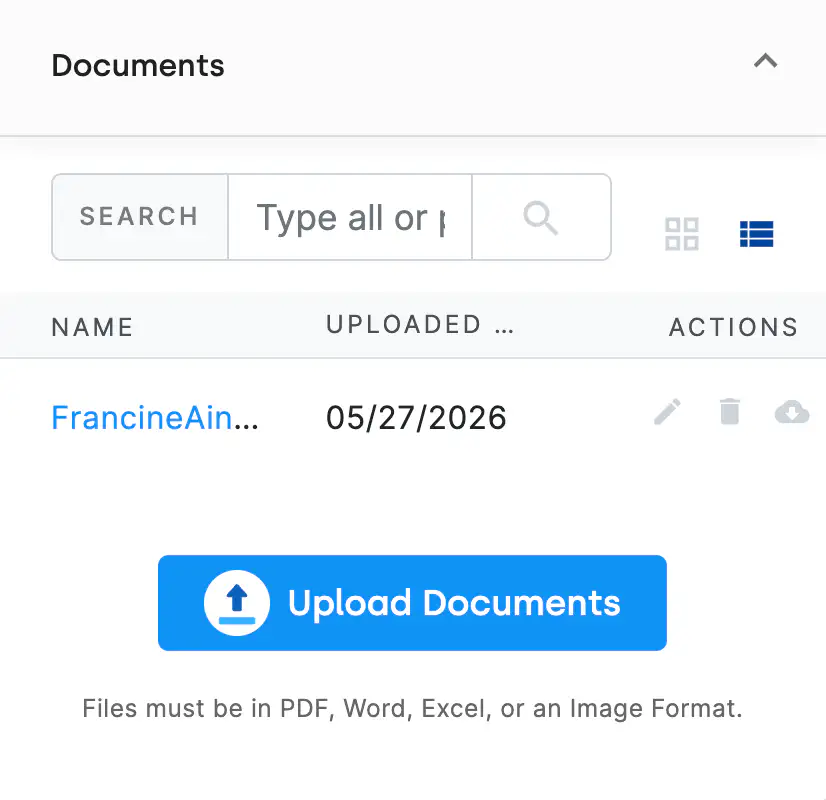
Open the record, select the Documents tab, click Upload Documents, and choose your file.
Who can delete a document?
Only the user who uploaded it or an administrator.
Can I upload documents in bulk?
Not currently. Documents are uploaded individually to the contact, gift, or activity record they belong to.
Can I search my documents?
Yes. The Documents tab includes a search bar that filters by keywords in the document title.


.webp)