DonorDock turns the things you already know you should do after every gift into workflows that run on their own — the thank-you, the task, the badge, the second touch a month later.
Retention is where the money already is, and it comes down to whether the second, third, and fourth touch actually happen. For a team of one or two, that is not a discipline problem. It is a capacity problem, and it is the one thing automation genuinely fixes.










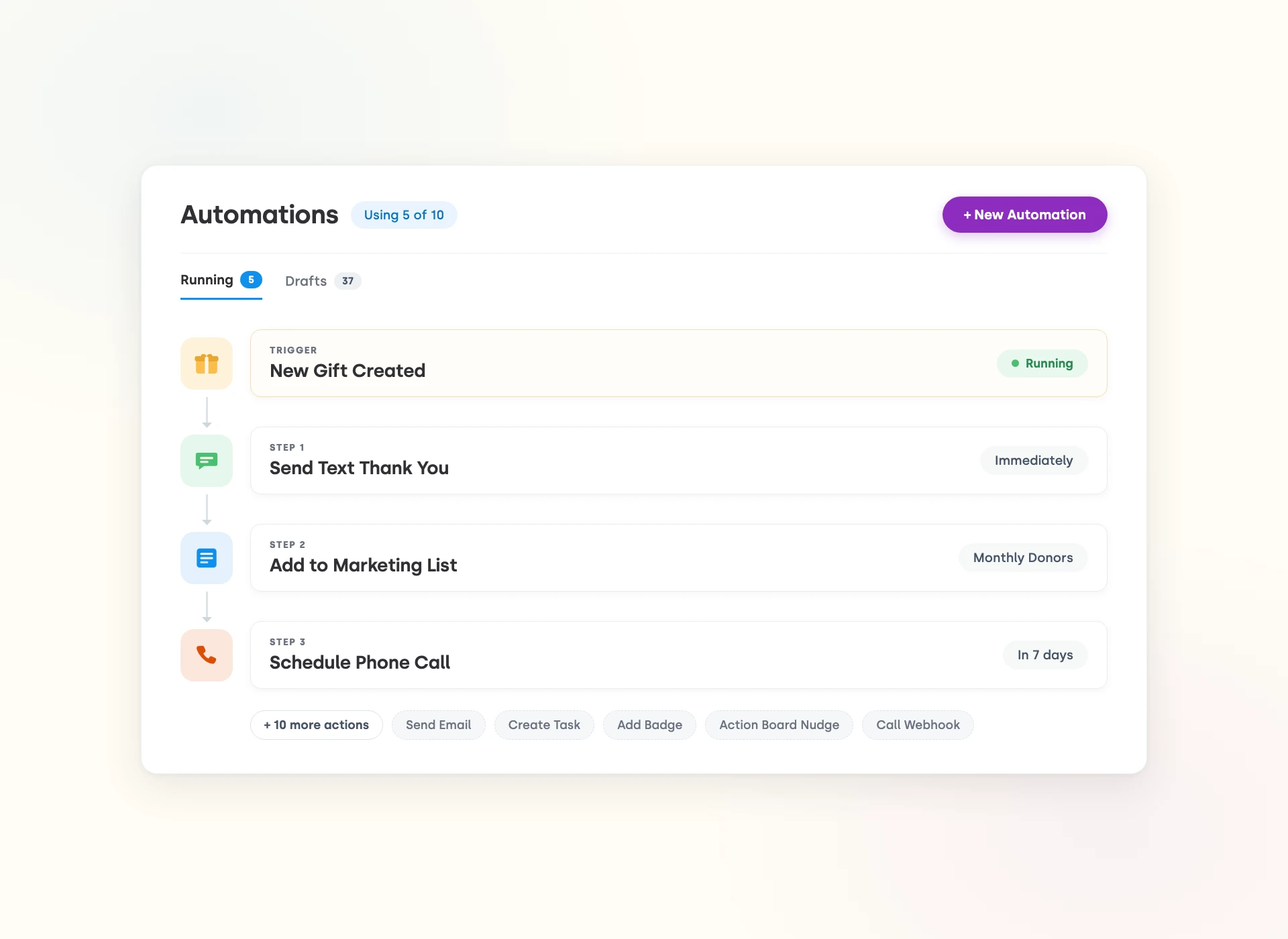
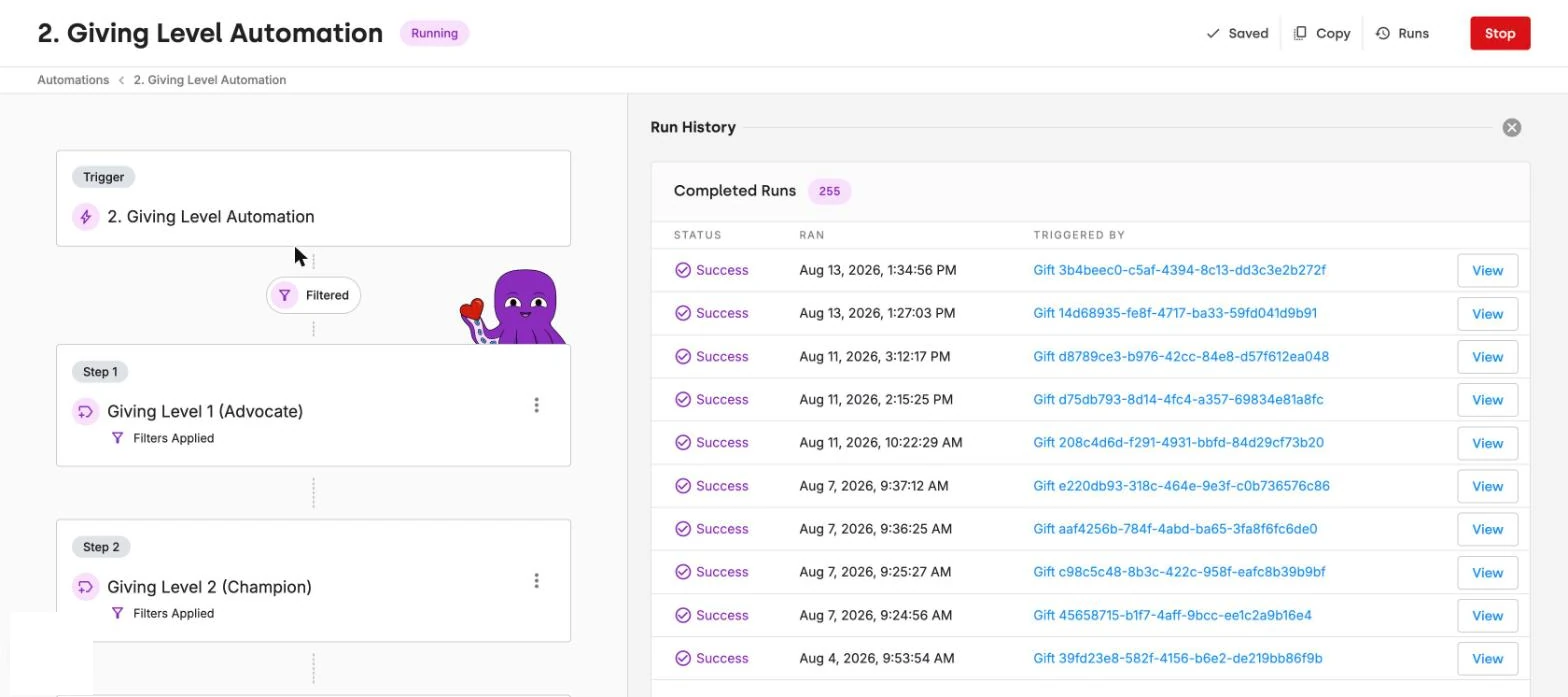
Start an automation when a gift is created or updated, a recurring donor signs up, a contact is created, updated, or changes stage, someone joins a badge or marketing list, an activity is created, or an Ask moves to a new stage on your AskBoard. Stack up to twenty filter lines with And/Or logic so a first-time $1,000 gift takes a different path than a $25 monthly one.
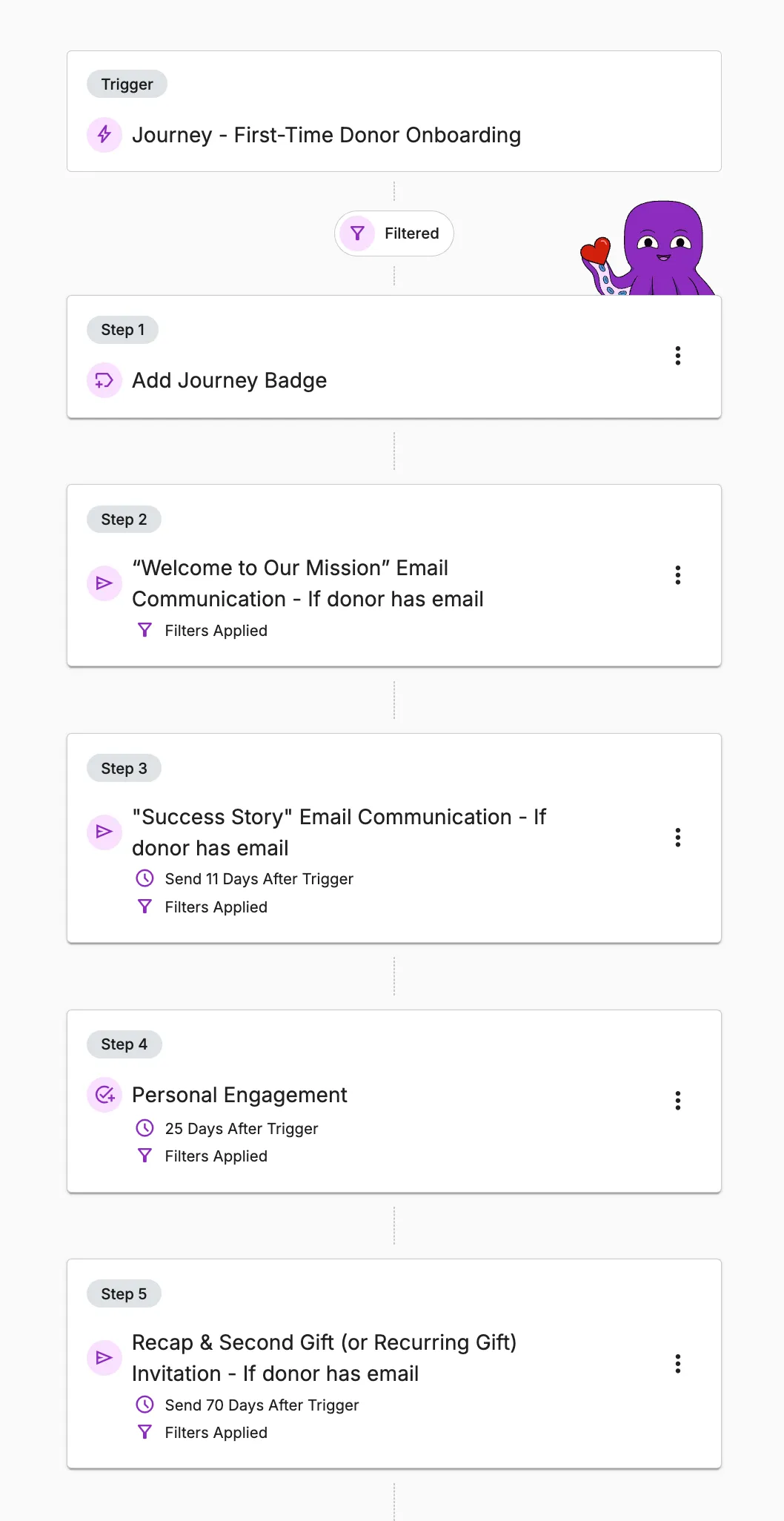
Send an email, text, letter, or internal alert. Create a task, schedule a call or meeting, add an Action Board nudge. Add or remove badges and marketing list membership. Call a webhook to reach another system. Each step can be dated up to 365 days after the trigger, so a full year of cultivation is one workflow you build once.
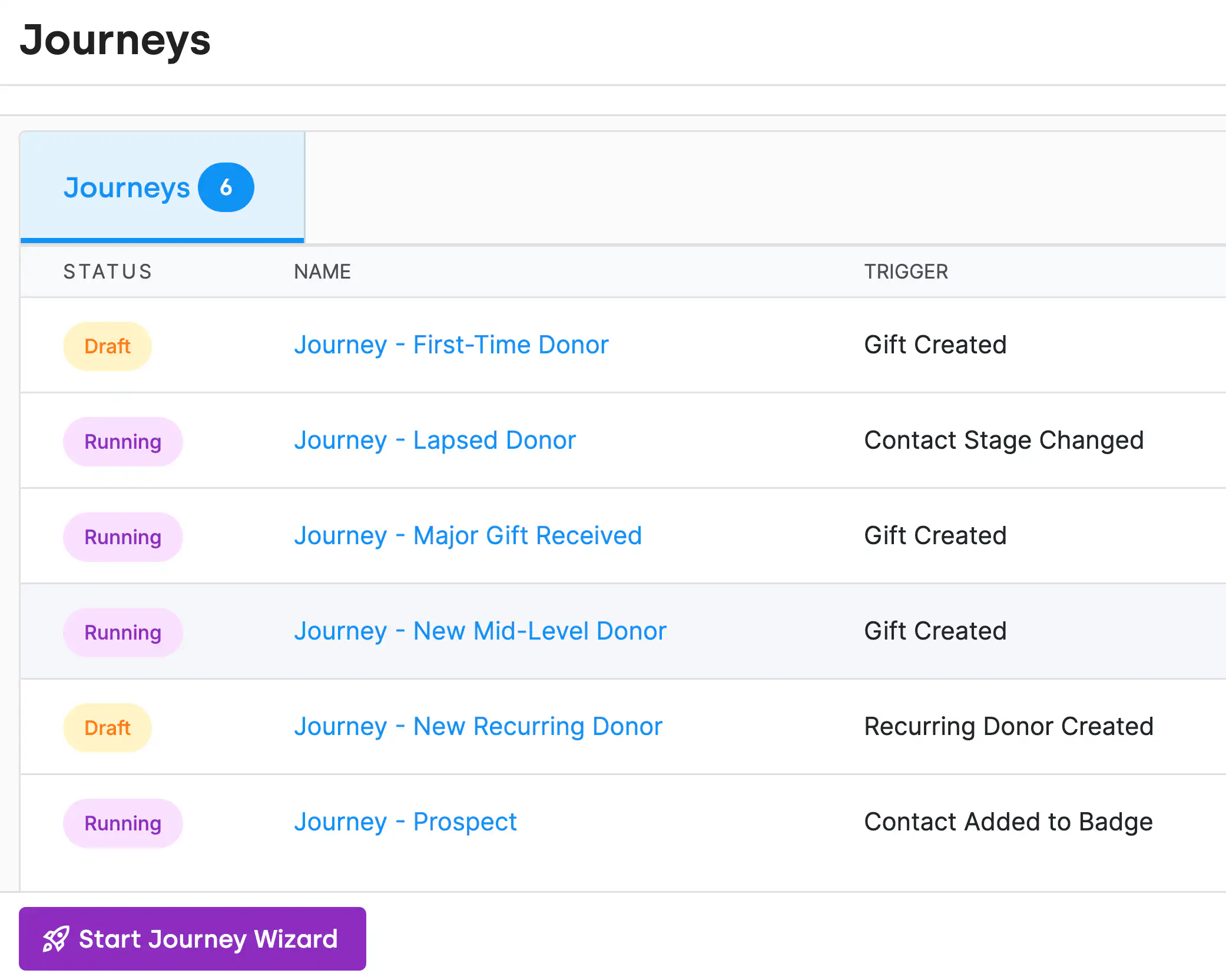
Prebuilt journeys for first-time, recurring, prospective, mid-level, major, and lapsed donors. Open one, edit the emails and timing so it sounds like your organization, and press Start. The map and the thing that runs are the same object, so a journey mapping exercise no longer dies on the whiteboard.



.webp)

















Fundraising automation means setting up workflows that run the repeatable parts of donor follow-up for you: the thank-you after a gift, the receipt, the task for a personal call, the second touch a month later. You build the sequence once and it runs for every donor who matches. In DonorDock, ten triggers, thirteen actions, and six prebuilt donor journeys cover most of what a lean team used to do by hand.
Start with the follow-up that most often slips: the thank-you within 48 hours of a gift, the receipt, and the first-time donor journey that earns a second gift. Those three have the clearest retention payoff and the least judgment required. Add lapsed-donor and major-donor sequences next. Keep the personal call human; automate the reminder that tells you to make it.
Create a workflow that triggers when a gift is recorded, filter it by gift size or donor type so a first-time $1,000 gift gets a different message than a $25 monthly one, and attach an email or letter template with merge fields for the donor's name and gift details. In DonorDock the thank-you and tax receipt send within minutes of the gift, and Otto can draft the message in your voice.
Yes. You can automate reminders for stewardship, campaign steps, and engagement milestones based on different triggers with full flexibility for customization.
Yes. Online donors automatically receive a tax receipt and thank-you message immediately after giving. You can customize these messages and set up additional follow-up emails to deepen relationships. It's all automatic once you configure it.
Yes. You can build custom workflows that generate reminders when donors reach milestones or show giving patterns worth attention.
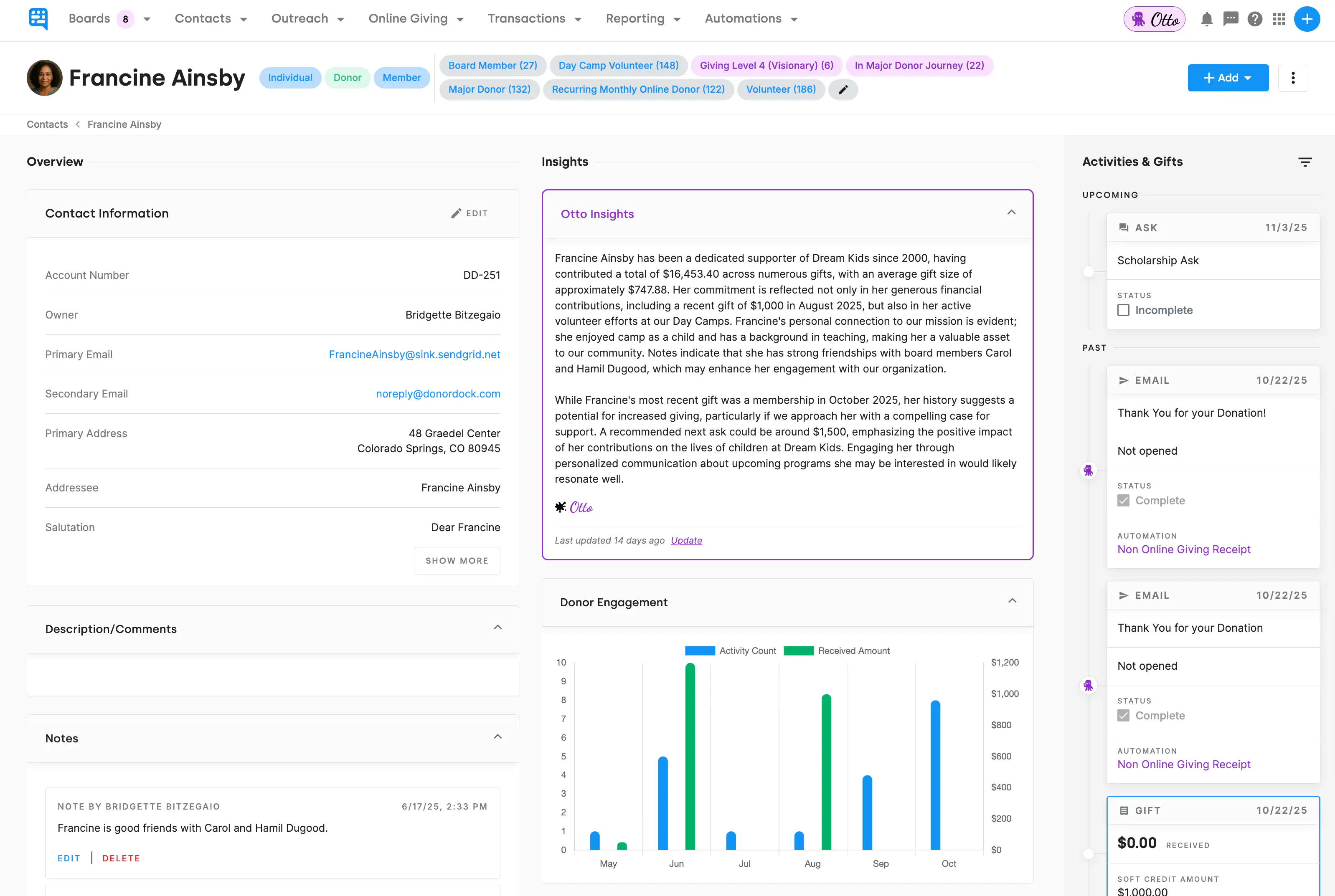
Otto also sends Smart Nudges to your ActionBoard for timely moments like gift anniversaries, significant gift increases, birthdays, first-time donors, and many more.
Otto is DonorDock's built-in AI assistant trained on fundraising best practices and thousands of hours of nonprofit stewardship expertise.
It identifies donor opportunities, suggests next actions, highlights important donors, flags lapsed givers, recommends follow-up actions, helps with messaging, and generates tasks or reminders based on donor behavior.
Yes. Otto, DonorDock's intelligence layer, can draft donor messages, email copy, thank-you notes, and stewardship communication that you can customize to fit your organization's voice and mission.
This saves you time on first drafts while keeping every message personal and on-brand.