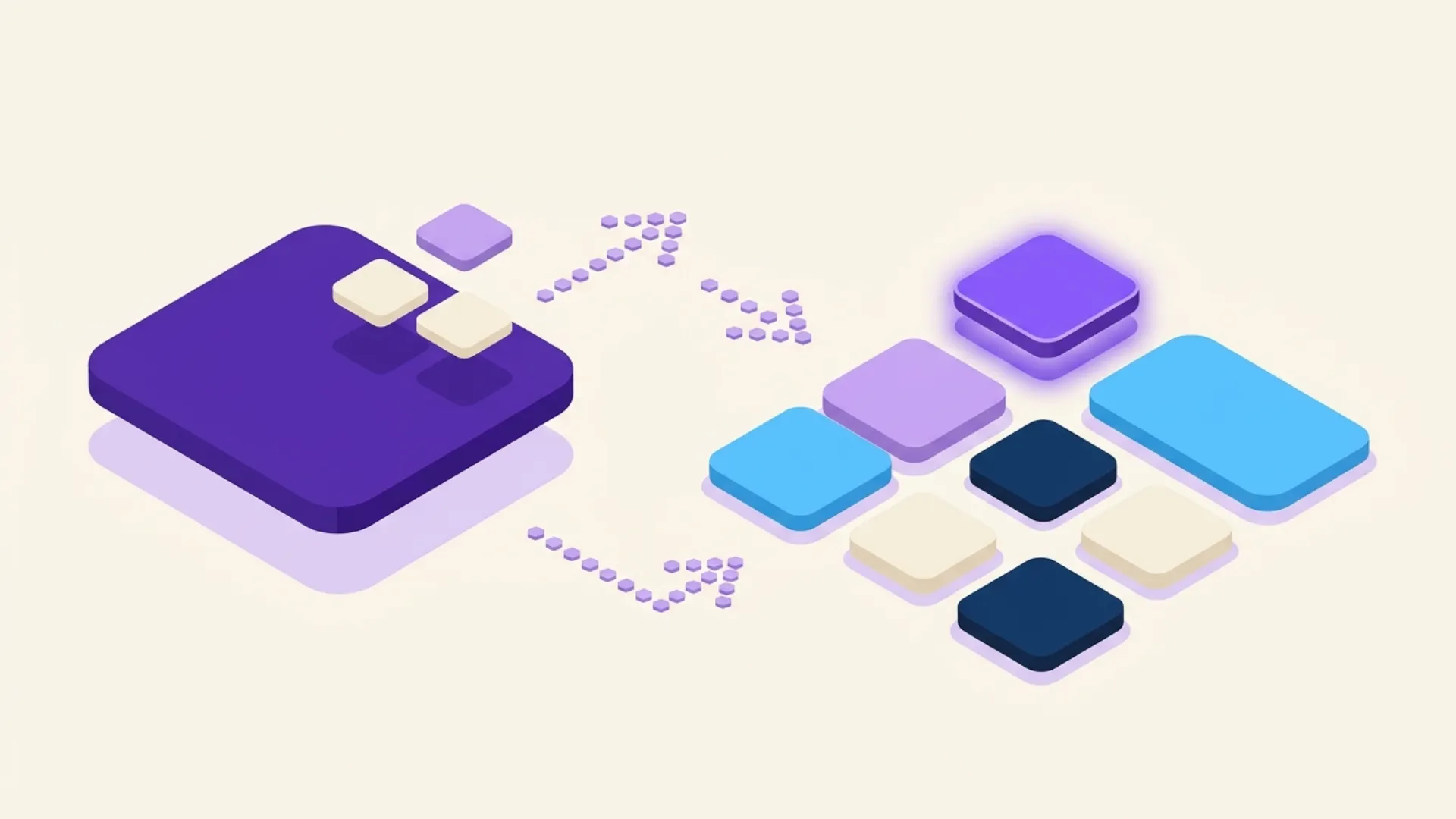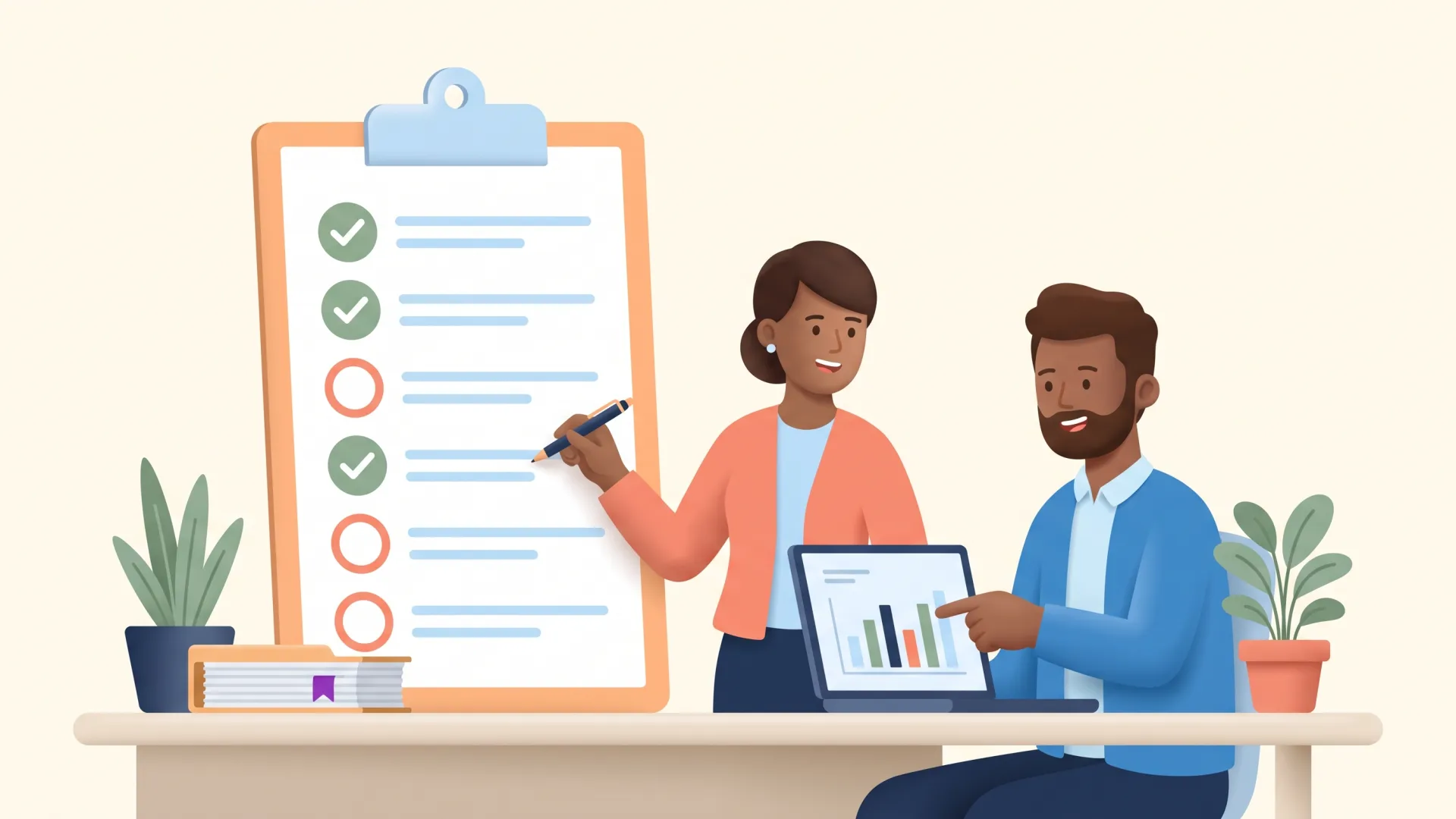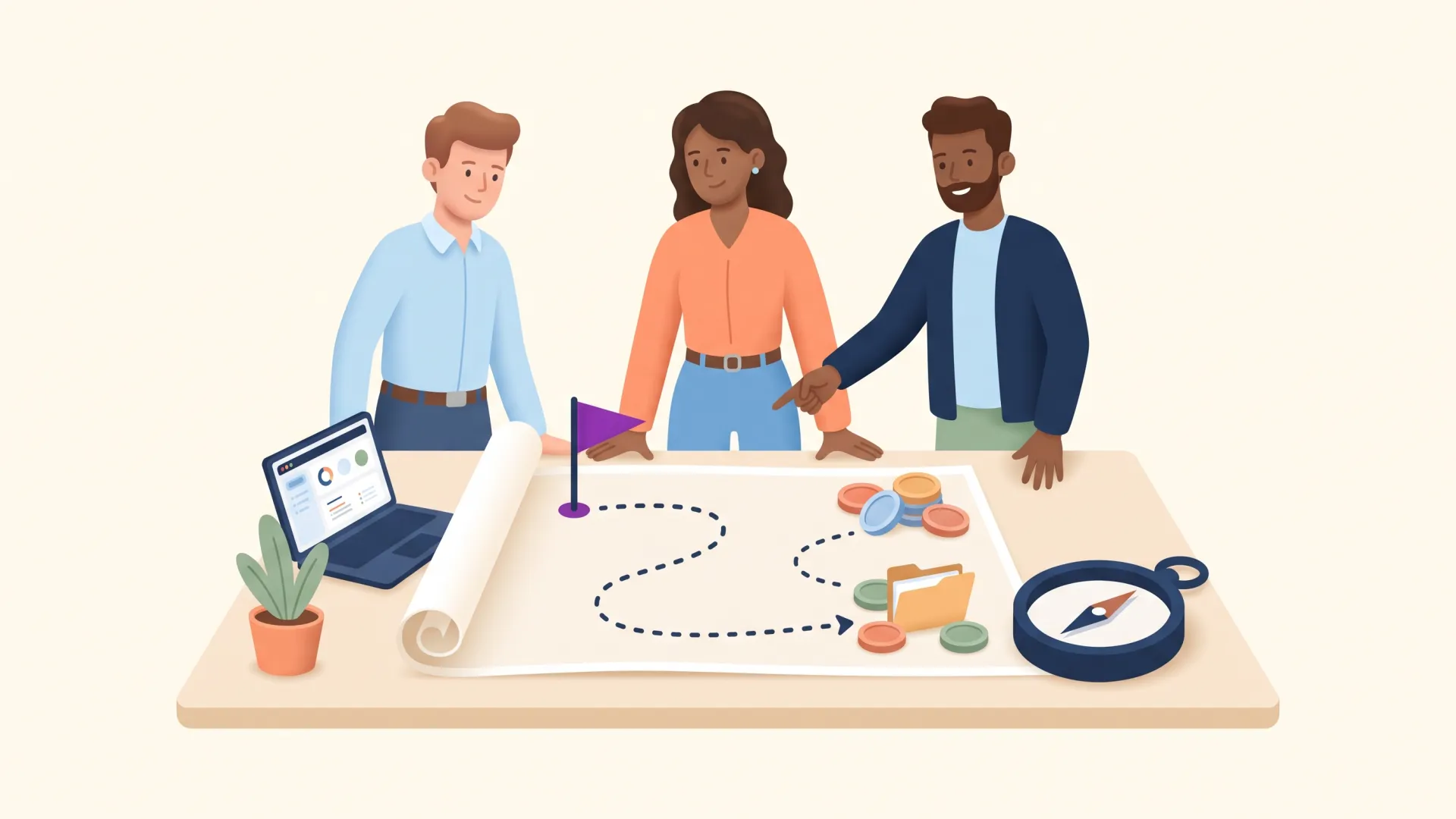
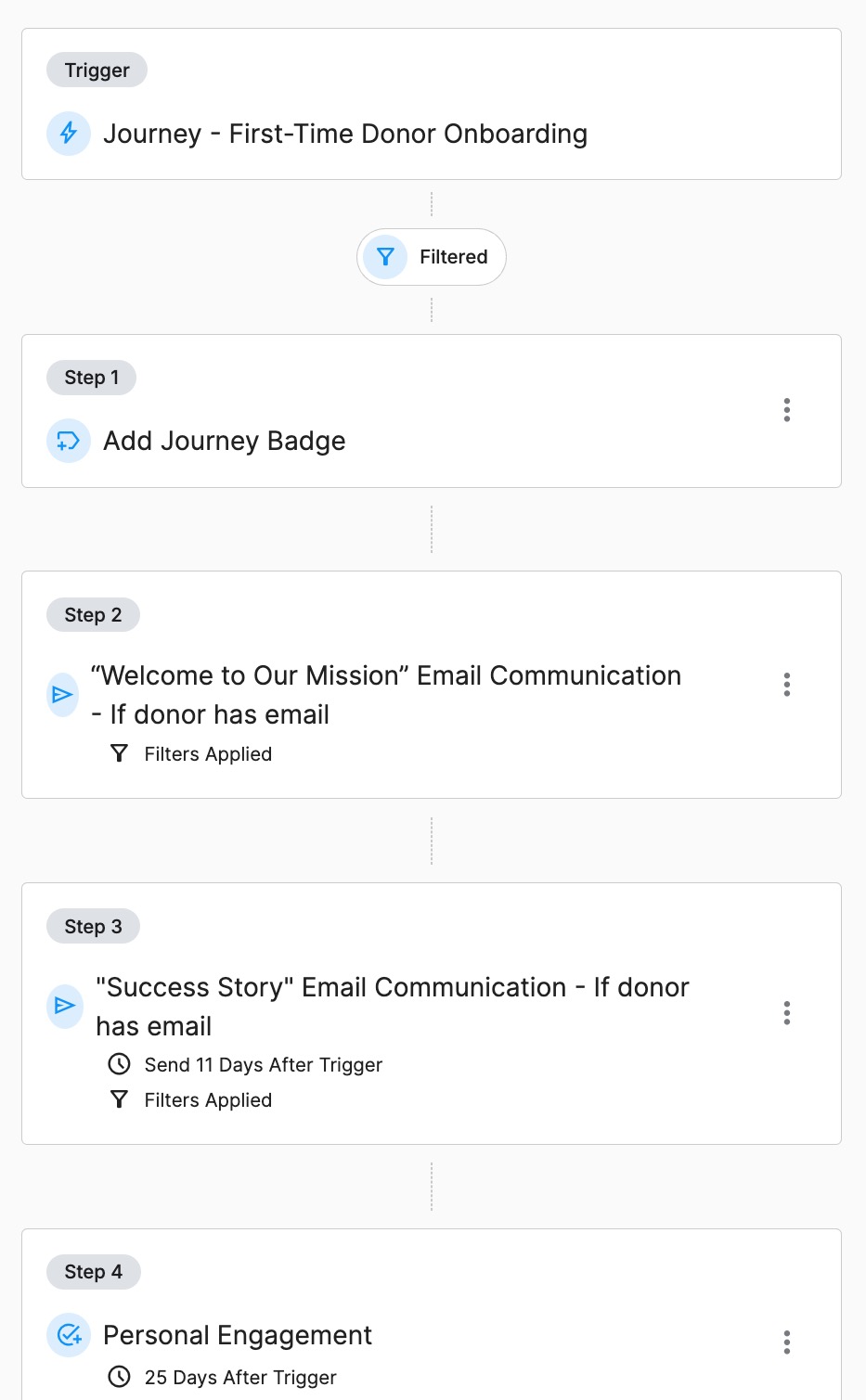
Create Journeys with a series of timed steps: send a thank-you email immediately after a gift, follow up with an impact story a week later, schedule a personal call at 30 days, and send a re-engagement prompt at 90 days. Each step can be an email, a task, or a nudge.
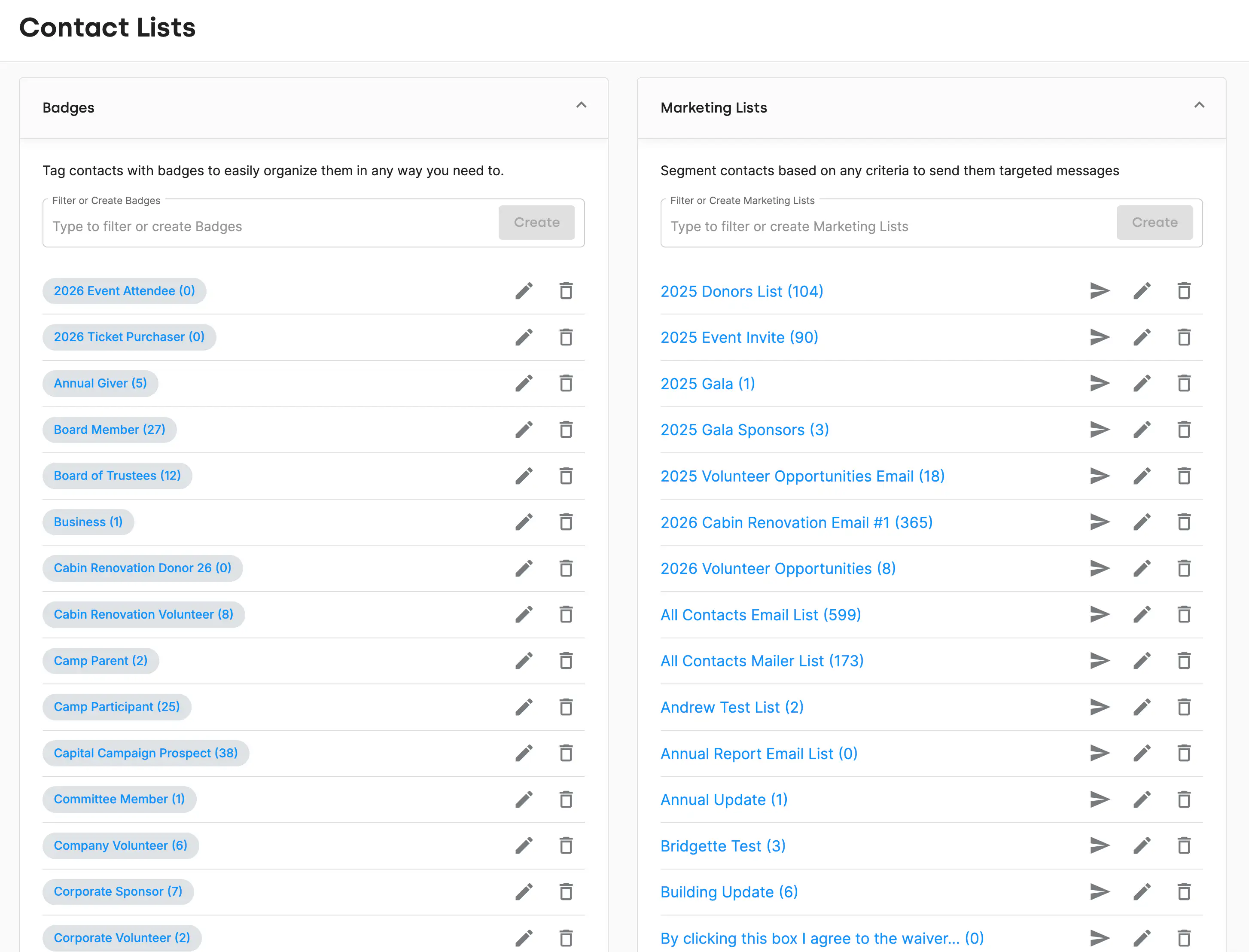
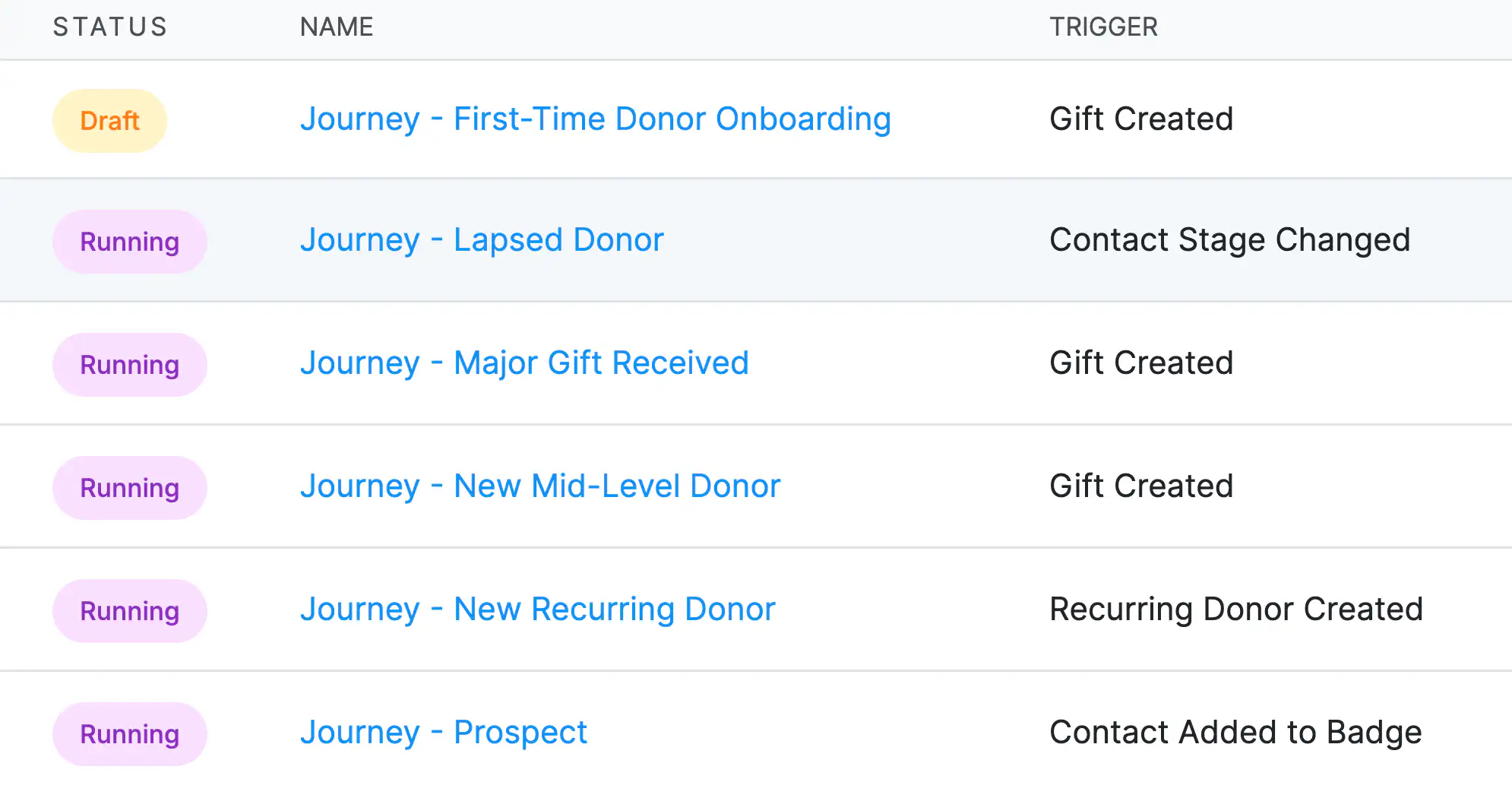
Journeys start automatically when a specific action occurs: a first-time donation, a recurring gift signup, an event registration, a lapsed donor's return, or any custom trigger. You design the sequence once, and DonorDock runs it for every qualifying donor going forward.
Every Journey email uses mail merge to include the donor's name, gift amount, campaign, and other personal details. The result is automated outreach that feels genuinely personal, because it is. Donors receive relevant, timely messages without your team manually sending each one.
Journeys work alongside Otto and the Action Board. When a Journey creates a task (like "Call this donor"), it appears in the assigned team member's Action Board. Otto's Smart Nudges can also supplement Journeys with additional engagement suggestions based on real-time data.
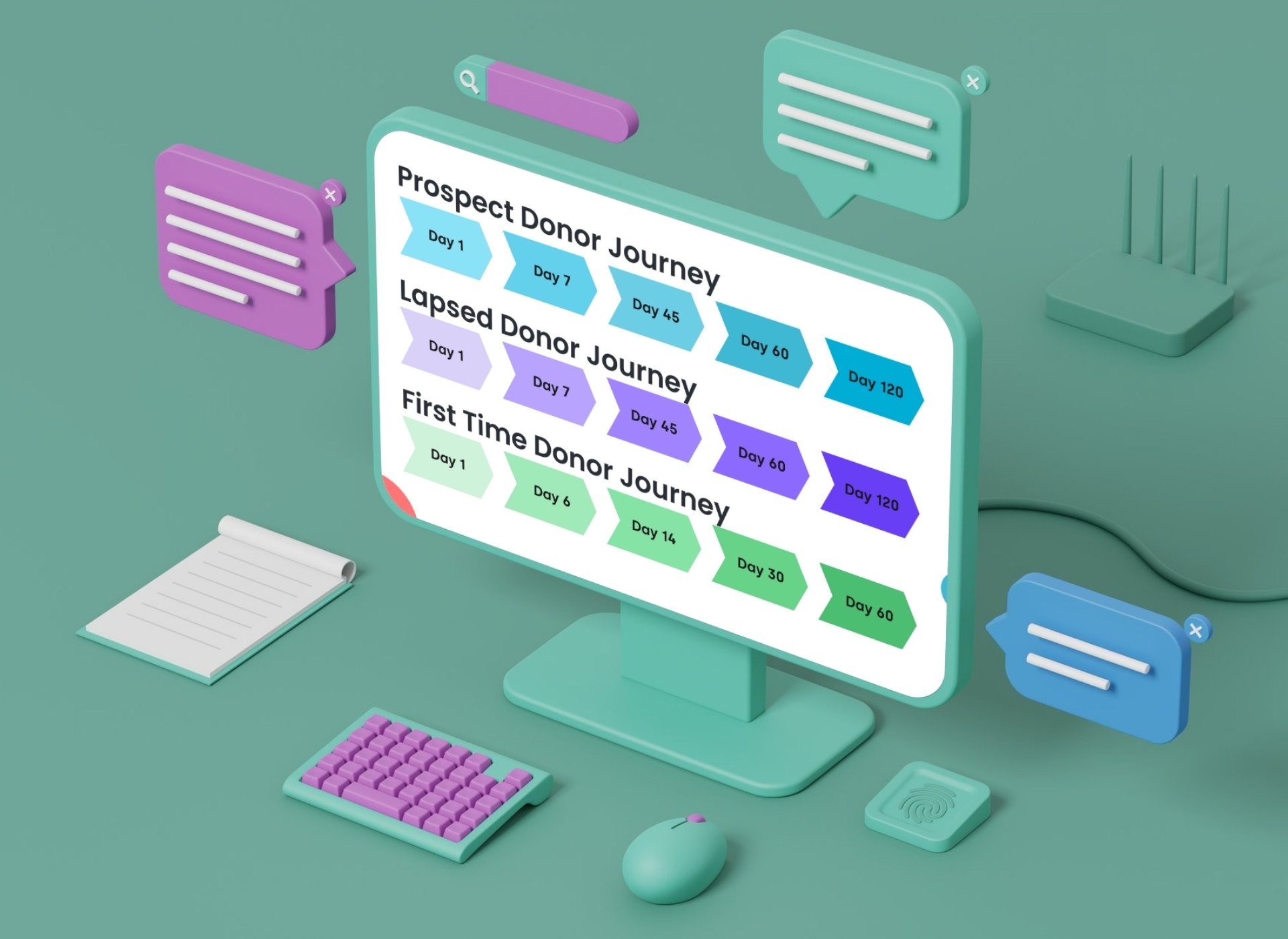
This page is about the engine: triggers, timed steps, and personalization for sequences you design. If you would rather start from something already built, Donor Journeys covers the six journeys DonorDock ships pre-configured for first-time, recurring, prospective, mid-level, major, and lapsed donors.
Both are how the Smart Steward Method gets executed day to day. For the thinking behind the sequences, see the nonprofit donor journey, automated donor journeys, and five tips for the donor lifecycle.
What is the difference between Journeys and email campaigns?
Email campaigns are one-time sends to a list. Journeys are automated sequences triggered by individual donor actions. A campaign sends one email to many people at once; a Journey sends a personalized series to each person based on their behavior.
Can I create different Journeys for different donor types?
Yes. Build separate Journeys for first-time donors, major gift prospects, recurring givers, event attendees, volunteers, and any other segment. Each Journey can have unique messaging, timing, and actions.
How many steps can a Journey have?
Common Journeys range from 7-10 steps, but you can build longer sequences up to 20 steps for extended cultivation or onboarding flows.


.webp)