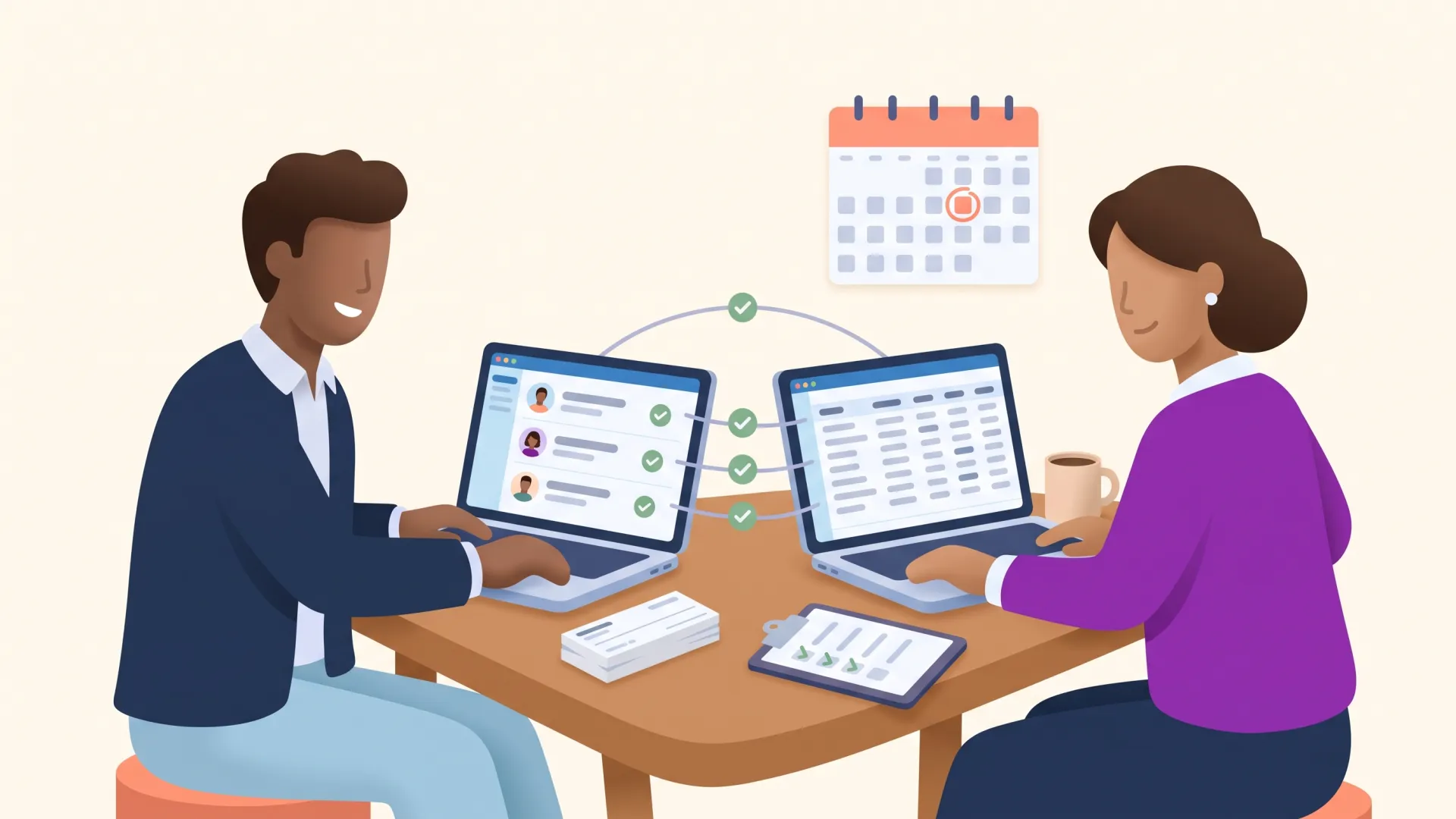
Data hygiene is the ongoing practice of keeping your donor database accurate, complete, and consistent. Clean it in six steps: back up, audit, update, standardize, automate, and maintain. Then protect the results with a named system owner and a short weekly review rhythm.
Imagine building a puzzle with missing pieces and a few that belong to a different box. That is what fundraising feels like on top of a messy donor database: appeals go to dead addresses, thank-yous greet "FRIEND," and reports disagree with each other in front of your board.
The fix is not a heroic one-time purge. It is a repeatable cleanup plan plus a light maintenance rhythm. This guide walks through both, step by step.
What is database hygiene?
Database hygiene (also called data hygiene or data cleansing) is the ongoing practice of keeping the records in your CRM accurate, complete, consistent, and free of duplicates. For a nonprofit, that means verifying contact details, merging duplicate donor records, standardizing how information gets entered, filling gaps in giving history, and retiring data you no longer need.
The key word is ongoing. A database is not cleaned once; it is tended, the same way donor relationships are. One-time cleanups decay quickly because the habits that dirtied the data are still running. Whether your records live in a CRM or in spreadsheets, hygiene is a rhythm, not a rescue mission.
Why does data hygiene matter for fundraising?
Because dirty data quietly taxes everything your development team does. In Experian's data quality benchmark research, organizations estimated that 32 percent of their data was inaccurate, and 91 percent said inaccurate data directly hurt their revenue. For a fundraising shop, the damage shows up as undeliverable mail, misdirected appeals, awkward acknowledgment mistakes, and hours lost rebuilding lists by hand.
The stakes keep rising as donors get harder to keep. As Nonprofit Quarterly reported from Fundraising Effectiveness Project data, donor retention fell 2.6 percent in 2024 while total donor counts dropped 4.5 percent. When every relationship counts this much, you cannot afford to lose one because a lapsed-donor report missed someone or a thank-you went to the wrong name.
Clean data pays off in three ways:
- Better decisions. Reports you trust, so fundraising strategy is built on reality instead of guesswork.
- Warmer relationships. Accurate history powers real personalization and donor segmentation that actually lands.
- More mission time. Less hand-fixing spreadsheets, more time with donors.
What makes donor data get dirty?
Every database drifts toward mess for the same handful of reasons. Knowing them tells you exactly what your cleanup plan needs to catch:
- Duplicate records, usually born from a name or email variation, that split one donor's history across two profiles.
- Outdated contact information that turns appeals and receipts into returned mail.
- Missing data, from empty fields to gifts logged without a fund or appeal, that blocks segmentation and reporting.
- Inconsistent entry, where every teammate formats names, addresses, and notes their own way.
- Inaccurate gift records, especially common in spreadsheet tracking, that skew totals and acknowledgments.
- Data you no longer need, which clutters searches and creates privacy risk under regulations like CCPA if personal information is kept beyond its purpose.
If several of these sound familiar, you are normal. Here is the plan.
The six-step donor database cleanup plan
Set aside a focused block of time for the first pass. Everything after that gets dramatically faster.

Step 1: Back up your database
Before you change anything, export a full backup: contacts, gifts, notes, and custom fields. If a merge goes sideways, you can restore instead of reconstructing. Make backups a habit before any bulk update, import, or migration, not just this one.
Step 2: Audit what you have
Run a health check before you touch a record. Generate reports that surface missing emails and addresses, likely duplicates, gifts with no fund or appeal, and records untouched in years. While you are in there, review your fields themselves: are there unused fields collecting clutter, or fields everyone interprets differently? Write down what you find. This inventory becomes your punch list and your baseline for measuring progress.
Step 3: Update the records
Now work the list, in this order:
- Merge duplicates. Use your CRM's dedupe tools rather than eyeballing. DonorDock's contact merging flags likely matches and combines their giving history in a couple of clicks.
- Archive inactive records. Define inactivity for your organization (for example, no gift in five years and no engagement in two), then segment those records out of active communications, into a re-engagement track or an archive.
- Fill the gaps. Pull known information in from wherever it hides (inboxes, event sheets, receipts), and ask donors to update their own details in your next newsletter. Knowing which data points matter most keeps this from becoming a fishing expedition.
Step 4: Standardize how data gets entered
Consistency is what keeps the mess from growing back. Agree on one format for names, addresses (USPS standardization), phone numbers, and dates, and write the conventions down in a one-page data entry guide. Then let the system enforce what it can: required fields, drop-down menus instead of free text, and badges and tags with a defined vocabulary instead of improvised labels.
Step 5: Automate the upkeep
Manual vigilance does not scale, and automation removes the human error that causes most dirt. Set up workflow automations that update badges and tags when constituents take action, sync your giving forms and email tools directly into the CRM so nothing gets rekeyed by hand, and use validation rules to catch bad entries at the door. Every field a human never types is a field that never needs cleaning.
Step 6: Maintain with a standing rhythm
Protect the win with two recurring calendar blocks: a 15-to-20-minute weekly review (merge new duplicates, spot-check the week's gift entry, clear bounced emails) and a monthly hour (audit one report, confirm automations ran, fix the top logged issue). If your finance team closes the books monthly, pair that hour with a monthly donation reconciliation checklist so gift totals and the books stay in agreement. Document your conventions in a short data hygiene manual and train everyone who touches the database, so the standard survives staff transitions.
What are data hygiene best practices after the cleanup?
The difference between organizations whose data stays clean and those who repeat the purge every two years comes down to ownership, not effort. The sector's own habits make the point: Nonprofit Tech for Good's survey of 1,732 nonprofit professionals found 67 percent use a CRM, yet only 38 percent regularly remove unengaged subscribers from their email lists. Most teams have the tool; far fewer have the habit.
The best practice that makes every other one stick: name one person as the system owner, give them two to four protected hours a week, and let the weekly and monthly reviews live in their job description. We wrote a full guide to who should own your nonprofit CRM, including sample job description language and a 90-day plan. And if your team is tempted to solve messy data by replacing the platform entirely, read why nonprofit CRM implementations fail first: unowned data problems migrate right along with the data.
What should you look for in a CRM that keeps data clean?
The right platform makes hygiene the path of least resistance. NTEN's digital investments research found 54 percent of nonprofit staff say they lack time to learn new technology, so ease of use is not a nice-to-have; it is the difference between conventions that get followed and conventions that get skipped. When you evaluate a nonprofit CRM, look for:
- Built-in cleaning tools: duplicate detection, contact merging, and bulk update utilities.
- Entry guardrails: required fields, drop-downs, and validation that stop bad data at the source.
- Native integrations: giving forms, email, and accounting that sync automatically instead of via CSV shuffle.
- Security and compliance: role-based access and data security practices that protect donor trust.
- Reports your whole team can run: because data only stays clean when everyone can see it.
DonorDock was built around exactly this idea: deduplication and merging live one click from every contact, automations keep records current as donors act, and the Action Board surfaces data gaps as daily next steps instead of letting them pile up for an annual purge.
The bottom line
Clean data is not an IT chore. It is donor stewardship in its least glamorous form: every merged duplicate is a donor who gets thanked correctly, and every updated address is an appeal that actually arrives. Back up, audit, update, standardize, automate, maintain. Six steps, one owner, twenty minutes a week, and your database stops being the puzzle with missing pieces and starts being the clearest picture you have of the people who power your mission.