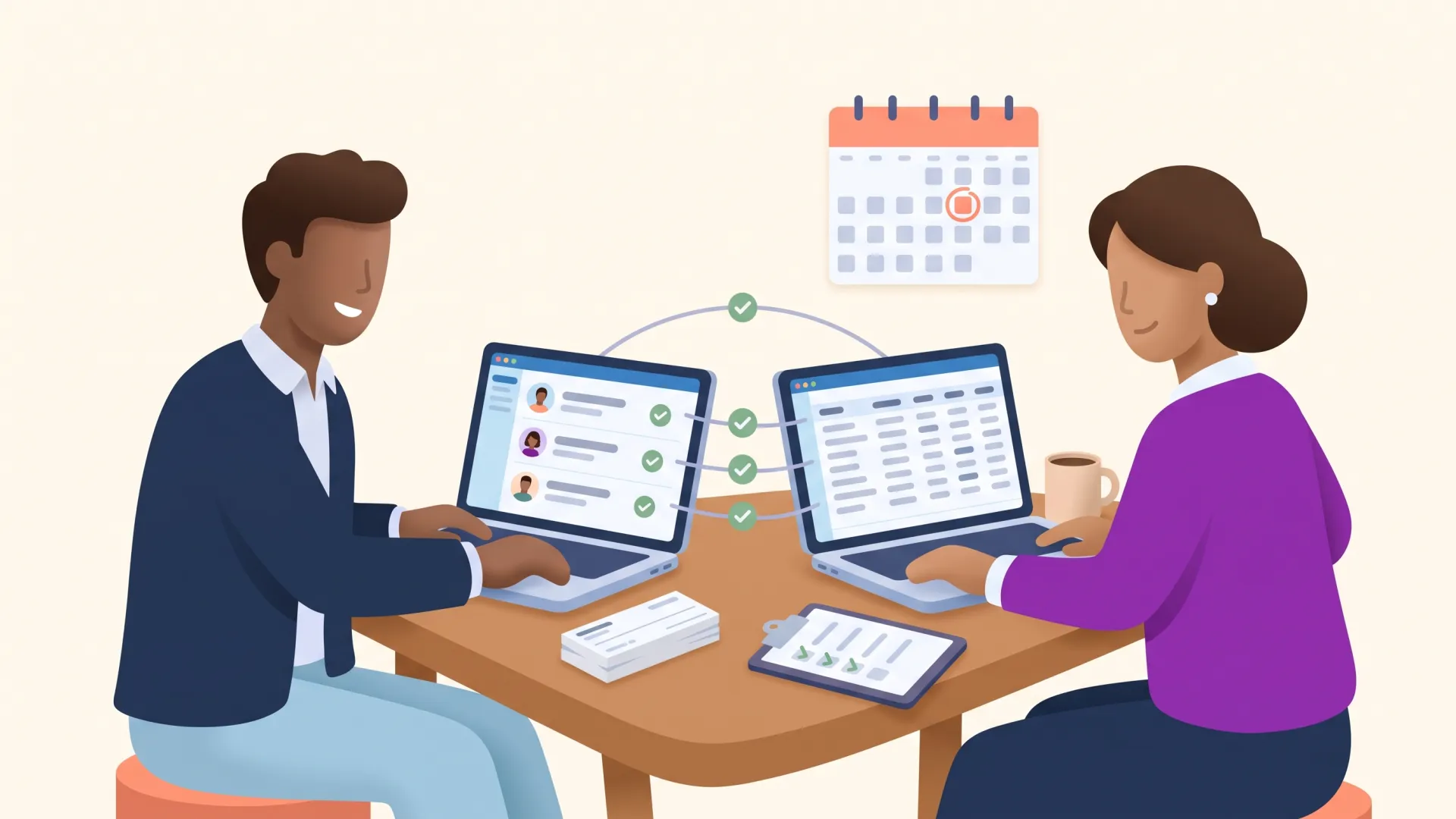
Fundraising automation is when your donor management platform handles routine fundraising work for you. Something happens, like a first gift, a new monthly donor, or a donor who stops giving, and the platform sends the thank-you, creates the follow-up task, or updates the record, with no one having to remember.
If you raise money at a growing or mid-sized nonprofit, you already know what should happen after every gift. The hard part is making it happen every time, for every donor, while you do everything else on your plate. Automation can do that part for you.
This guide covers:
- What fundraising automation is, with a real example;
- The benefits, and the challenges to plan for;
- What to look for in an automation tool;
- Eight tasks to automate, in the order we would tackle them;
- How to automate donor follow-up without losing the personal touch.
Want to see how this works inside DonorDock? Visit our fundraising automation for nonprofits page.
Table of Contents:
- What is fundraising automation?
- The benefits of workflow automations
- The challenges of automating communications
- What to look for in an automations software
- 8 tasks to automate with fundraising workflows
- Conclusion
Fundraising Automation for Nonprofits
We get it - the world of nonprofit leadership is demanding! You’ve got a million tasks on your plate, all of them pulling your attention in different directions. Simplifying your workload by implementing workflow efficiency isn’t just ideal, it is necessary to your mission!
Fundraising automation is all about making life easier by using technology to handle your fundraising tasks with little to no human input. From updating your nonprofit CRM to sending engagement email drips or creating donation receipts, fundraising automation simplifies your work and saves you time.
Imagine if every time you wanted to thank a donor, update your database, or send out an email campaign, it was as easy as flipping a switch. This innovative tech transforms the way charitable organizations streamline their workflow, automating mundane duties and allowing employees to concentrate on pivotal projects.
So, what exactly is a “Workflow Automation"?
Fundraising workflow automations are automated processes and systems used to streamline and optimize the marketing efforts of fundraising campaigns - a series of tasks that a system can automatically handle for you, reducing your workload. These automations help manage repetitive tasks, personalize communications, and improve donor engagement without requiring constant manual input.
A great example would be a “New Donor Welcome series.”
- After donors give their first gift, they are immediately sent a receipt and thank you email.
- Then an automatic welcome email is sent to the new donor.
- A few weeks later, they are sent an impact email.
- After that, they are added to the Monthly Newsletter.
- And finally, an email ask is sent several months later.

Now that you know what workflow automations are, how do they help your fundraising?
The Benefits of Fundraising Workflow Automation
With fundraising workflow automation, you’ll save heaps of time that would otherwise be spent on countless hours of manual work. It's like having a helpful digital assistant that ensures everything runs smoothly while you concentrate on your mission!

The top benefits of workflow automations include:
- Efficiency: Reduce the time and effort spent on repetitive tasks, allowing staff to focus on strategic activities.
- Consistency: Ensure consistent communication with donors, which helps in building trust and maintaining engagement.
- Personalization: Tailor messages to individual donors or segments, improving the relevance and impact of your communications.
- Consistent thank-yous: No donor goes unthanked because someone was out or busy. Automatic receipts and thank-you emails go out the moment a gift lands, so every donor gets a thank-you. (More on why donor appreciation matters.)
- Scalability: Easily scale your marketing efforts as your donor base grows without a proportional increase in workload. By simplifying workflows and boosting interactions with donors, your nonprofit is empowered to raise more.
- Data-Driven Insights: Collect and analyze data from automated campaigns to understand donor behavior and refine your strategies.
This technology saves countless hours that would otherwise be spent on tedious tasks, letting staff focus on mission-focused tasks, while still engaging your donor base. And these small gestures, like thank yous and emails sent to the right donor segment at the right time, go a long way in building trust. And when your supporters feel valued, they’re more likely to keep giving. The more you talk to people, the more they buy in. It’s a win-win!
Navigating Challenges in Fundraising Automation
While automating fundraising efforts has clear benefits, it comes with challenges, too.
- Losing the personal touch: One concern is the loss of personalization. It’s important to combine effective, personalized automations with well-timed human interactions. Smart workflow automations allow you to send personalized messages to the right segment at the right time, allowing you more connection points with your donors.
- Merging new tools with legacy systems: Merging new automation tools with legacy systems or data formats can be complex. To navigate this, careful planning is essential. To avoid issues, choose management solutions that seamlessly integrate, ensuring smooth data flow without the need for manual sorting of contacts or financial information.
- Training and implementation costs: Nonprofits often have limited budgets and time, so it’s important to find a solution that is easy to implement. Tools that offer onboarding assistance and free training help ensure your nonprofit is able to get started quickly without taking a major hit to the budget.
To combat these common challenges, look for a tool designed with your nonprofit in mind!
What to Look for in a Workflow Automation Tool
There are plenty of fundraising workflow automation tools available, but a tool is only useful if you use it. Here are our tips for finding a fundraising workflow automation tool that will actually help your nonprofit:
- Seamless Integration: Choose a tool that works effortlessly with your existing tech setup. If you have to copy and paste information between platforms, the tool isn’t simplifying your tasks. This includes automatically updating your nonprofit CRM! The goal is to reduce your workload, not create extra manual updates between systems.
- Intuitive User Experience: If a tool is hard to learn or use, your team won’t fully embrace it. Request a demo to see how it works and inquire about training and support to help your team get the most out of the tool.
- Scalability: Choose a tool that can grow with your organization. As your fundraising efforts expand, you'll want a solution that can handle increased data and more complex workflow, without a hefty price increase!
- Strong Customer Support: Opt for a tool backed by responsive and helpful customer support. This ensures that any issues or questions you have can be quickly addressed, keeping your operations running smoothly.
Examples of Tools for Fundraising Marketing Automations
- Email Marketing Platforms: DonorDock, Mailchimp, Constant Contact, or Brevo (formerly Sendinblue) for automated email campaigns.
- CRM Systems: DonorDock, Salesforce Nonprofit Success Pack, Bloomerang, or DonorPerfect for managing donor data and segmentation.
- Social Media Management Tools: Hootsuite, Buffer, or Sprout Social for scheduling social media posts.
- Event Management Software: Classy, OneCause, or Eventbrite for automating event registrations and communications.
By leveraging fundraising marketing automations, nonprofits can enhance their fundraising efficiency, build stronger relationships with donors, and ultimately increase their fundraising success.
Why DonorDock is the Perfect Choice for Your Nonprofit
When it comes to finding the right fundraising workflow automation tool, here's how DonorDock helps streamline your fundraising efforts:
DonorDock’s workflow automations effortlessly integrate with online donation pages, its CRM, and email marketing outreach ensuring a smooth flow of data between each platform in one software.
DonorDock is designed with users in mind. Its intuitive interface makes it easy for your team to learn and use effectively. With a demo and extensive training resources, DonorDock ensures your team can quickly get up to speed and make the most of its features.

As your organization grows, DonorDock grows with you. It's built to handle increased data and more complex workflows, making it a reliable partner for both growing nonprofits and large organizations alike. Plus, you’ll continue to have access to live training and Q&A sessions. As your team grows, you’ll know everyone can confidently use DonorDock.
DonorDock offers exceptional customer support, with a responsive team ready to assist you whenever needed. Whether you have questions or encounter issues, DonorDock’s support ensures your operations run smoothly.
By choosing DonorDock, you’re investing in a solution that will simplify your processes, engage your team, and support your organization's growth.
What should a nonprofit automate first? 8 tasks, in order
Automate the work that keeps the donors you already have. Start with what happens right after a gift, because the first thank-you sets the tone for everything after it. Then move to the workflows that bring back lapsed donors and collect money tied to gifts you already received. Event, membership and volunteer workflows come after that.
Here is the order we would build them in, and why:
- New donor welcome series. After a first gift, a new donor is waiting to see whether anyone responds. An automatic thank-you and welcome makes sure every one of them hears from you.
- Recurring gift email drip. Monthly donors keep giving month after month, so welcome them early and flag them the moment they lapse.
- Lapsed donor re-engagement. These people already said yes once. A timely, warm note costs less than finding a new donor.
- Matching gifts. Many employers will match a gift you already received, but the donor has to submit it. A reminder can help you collect it.
- Event registration and follow-up. Events run on deadlines, and the reminders and thank-yous are the same every time.
- Membership email drip. Renewals are tied to dates, which makes them easy to put on a schedule.
- Volunteer onboarding. Quick, consistent replies keep new volunteers from drifting away before their first shift.
- Volunteer hours tracked. Volunteers rarely hear back after they log hours, so a quick thank-you stands out.
Build one, let it run for a few weeks, then add the next. Our 11 automations checklist helps you plan the rest. The detail for each workflow is below.
1. New Donor Welcome Series
Trigger: Donor gives their first gift
Potential steps in the series:
- Automatic receipt and thank you email sent immediately;
- Welcome email sent to the new donor 2 days after gift;
- An impact email sent 2 weeks later;
- Then, they are added to the Monthly Newsletter;
- And finally, an email ask is sent several months later.
2. Recurring Gift Email Drip
Trigger: Donor gives their first recurring donation
Potential steps in the series:
- Automatic receipt and thank you email sent immediately;
- Prompt to call new donor 2 days after gift;
- Welcome email sent to the new donor 5 days after gift;
- An impact email sent 2 weeks later;
- Monthly “thank you” emails that include an impact statement;
- Yearly prompt to send a handwritten thank you on their donor anniversary;
- If they lapse in giving, automatically retag them as lapsed donor.
3. Lapsed Donor Re-engagement
Trigger: Donor has lapsed in their giving
Potential workflow automation:
- Automatically tag donor as lapsed;
- Automatically send a personalized re-engagement email thanking them for their past gifts, updating them on the impact of their donations, and highlighting current projects or needs;
- If no response or donation, send follow-up 2 weeks later;
- Create task for staff to call or text lapsed donor 4 days later;
- Send a survey to gather insights on why they stopped donating and what might encourage them to re-engage 1 week later.
4. Matching gifts automation
Trigger: New gift is made, not tagged with matching gift
Potential workflow:
- Automatic thank you email sent immediately;
- Corporate Matching Gift information email sent 1 week later;
- Impact email sent 2 weeks later;
- How to Submit a Matching Gift email sent 1 month later;
- Final Reminder and Appreciation email sent 2 months later.
5. Event Registration and Follow-Up
Trigger: Constituent signs up for an event
Potential steps in workflow:
- Automatic confirmation email sent immediately;
- Send email with full event details 2 weeks before event;
- Send event reminder email 3 days before event;
- Automatic feedback survey sent the evening of the event;
- Send thank you email 1 day after event;
- Send event impact email 2 weeks after event.
6. Membership email drip
Trigger: New membership is created
Potential workflow:
- Automatic thank you email with membership benefits sent immediately;
- Added to the monthly newsletter;
- Feedback survey sent 6 months into membership
- Impact email sent 2 months before expiration;
- An email detailing membership benefits and cost, plus a renewal reminder sent 1 month before expiration;
- Reminder email sent 2 weeks before expiration;
- Final reminder sent 3 days before expiration;
- Restart membership drip if they renew membership;
- If not, send a feedback survey 1 week after membership expiration.
7. Volunteer Onboarding
Trigger: Signup form submitted from new volunteer
Potential steps in workflow:
- Automatic email sent acknowledging receipt of the application with an overview of the next steps;
- If necessary, create a task for staff member to review application and credentials, run background checks, etc.;
- Email sent confirming approval or rejection;
- Send welcome email outlining onboarding steps, volunteer login, etc.
- Point of contact email sent from staff or volunteer who will be point of contact sent 2 days later;
- Text message engagement sent monthly or quarterly to connect with volunteer;
- Send volunteer feedback survey 1 year into volunteering.
8. Volunteer hours tracked
Trigger: New volunteer hours are tracked in CRM
Potential workflow:
- Thank you email sent 1 day after hours are tracked;
- Volunteer added to monthly mailing list;
- Volunteer opportunities and recognition email sent 2 weeks later;
- Impact email sent 2 weeks later;
- Email detailing unique volunteer benefits or events 1 month later;
- Email with new volunteer opportunities sent 1 month later;
- Volunteer opportunities email sent every 6 months.

How to automate donor follow-up without losing the personal touch
Use automation to get the timing right, and use your staff for the conversations. The donors who feel most cared for get both: a warm thank-you right away, then a real person when it counts.
A few habits keep automated follow-up personal:
- Write like a person. Use the donor's first name, sign from a real staff member, and say what the gift will do. If it reads like a receipt, rewrite it.
- Send different donors down different paths. Filters let a first-time $1,000 gift take a different route than a $25 monthly gift. The bigger gift can get a call from your executive director.
- Let the workflow set the reminder. For calls, handwritten notes and meetings, have it create a task on the right person's Action Board with a due date. Your team makes the call.
- Space it out. Thank first, share impact next, and ask later. Two asks in a row will undo the goodwill a thank-you built.
- Answer the replies. When a donor writes back to an automated email, someone on your team should respond.
In DonorDock, all of this lives in one automation. One workflow can send an email or text, create a task or call, add a badge, and schedule steps up to a year out. Otto, DonorDock's AI assistant, can suggest wording in your templates to give you a first draft, and you still decide what gets sent. See how it works on our automations page.
Conclusion
Fundraising automation gives your team back the hours that repetitive follow-up eats, and makes sure the follow-up actually happens. Start with the first-gift thank-you and welcome series, add the recurring and lapsed donor workflows, then work down the list.
Let automation handle the timing and the reminders, and save your team's time for the calls and handwritten notes.
A tool only helps if your team uses it, so pick one that is easy-to-use and keeps your donor data, emails, texts and tasks in one place. DonorDock is rated 4.8/5 on G2 from 151 reviews. Book a demo and we'll walk through your first workflow with you.