We use cookies to make your experience better. Learn more about how and why.

Prebuilt Nonprofit Reports, Ready on Day One

Prebuilt reports library

Thirty-one standard reports built in, so you are not designing a report before you can answer a simple question.
Most donor databases hand you a blank report builder and wish you luck. DonorDock ships with thirty-one standard reports across contacts, gifts, and activities, already filtered for the questions fundraisers actually get asked.
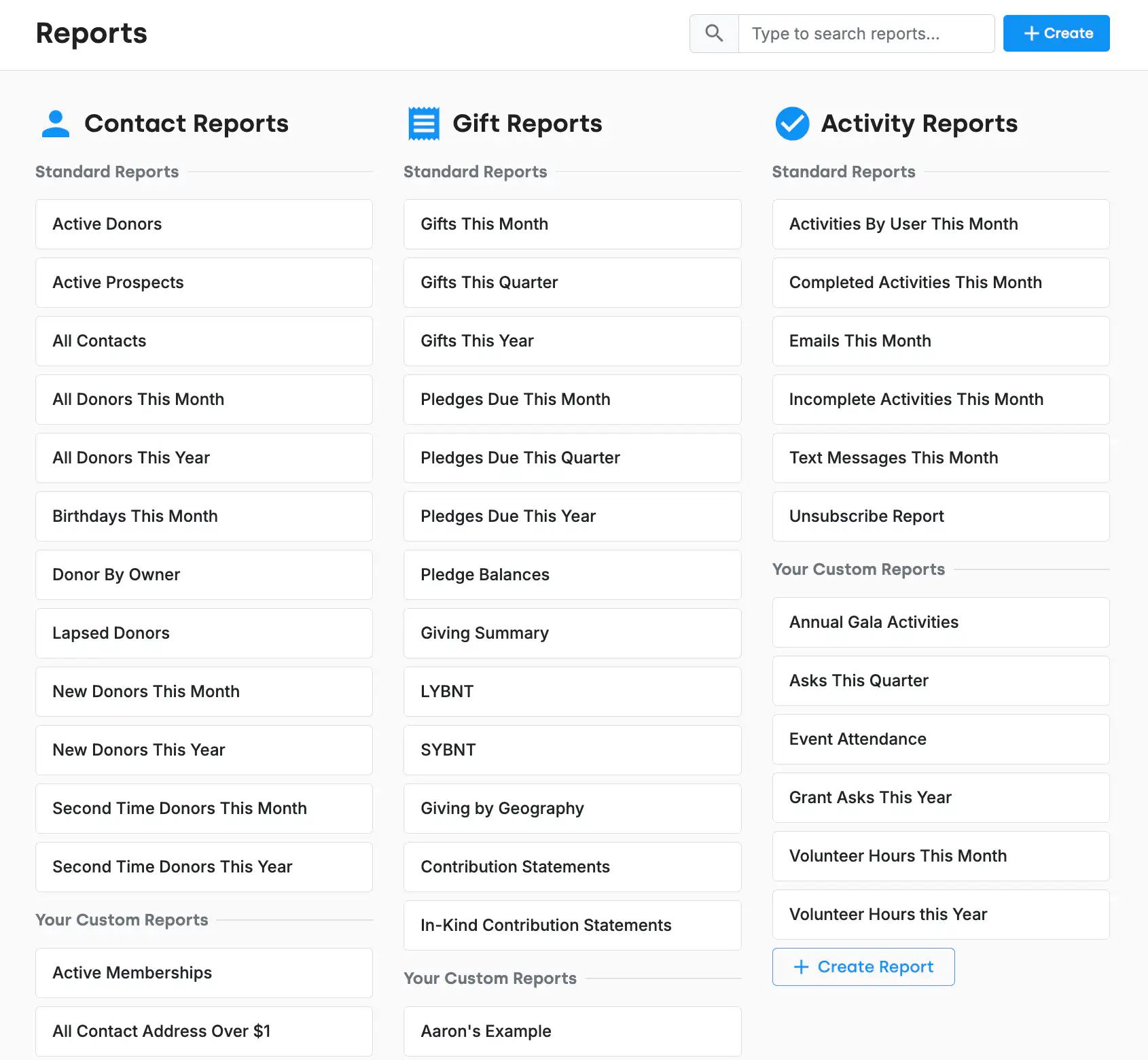
The DonorDock Reports page showing three columns of standard reports — Contact Reports, Gift Reports, and Activity Reports — each listing the built-in reports with the organization's saved custom reports underneath.
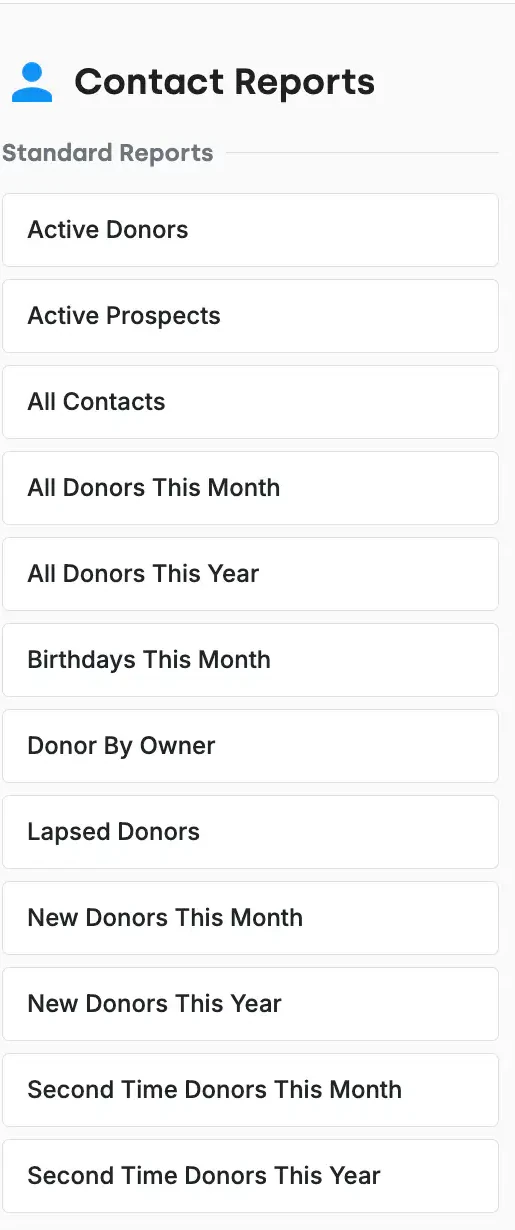
The Contact Reports column in DonorDock listing all twelve standard contact reports, from Active Donors and Lapsed Donors through Second Time Donors This Year.

Three kinds of reports, thirty-one ready to run

Every report in DonorDock is one of three types: A contact report returns one row per person. A gift report returns one row per gift, so a donor who gave four times appears four times. An activity report returns one row per activity.

The twelve contact reports

Active Donors, Active Prospects, All Contacts, All Donors This Month, All Donors This Year, Birthdays This Month, Donor By Owner, Lapsed Donors, New Donors This Month, New Donors This Year, Second Time Donors This Month, and Second Time Donors This Year.

What you do with a report once you have it

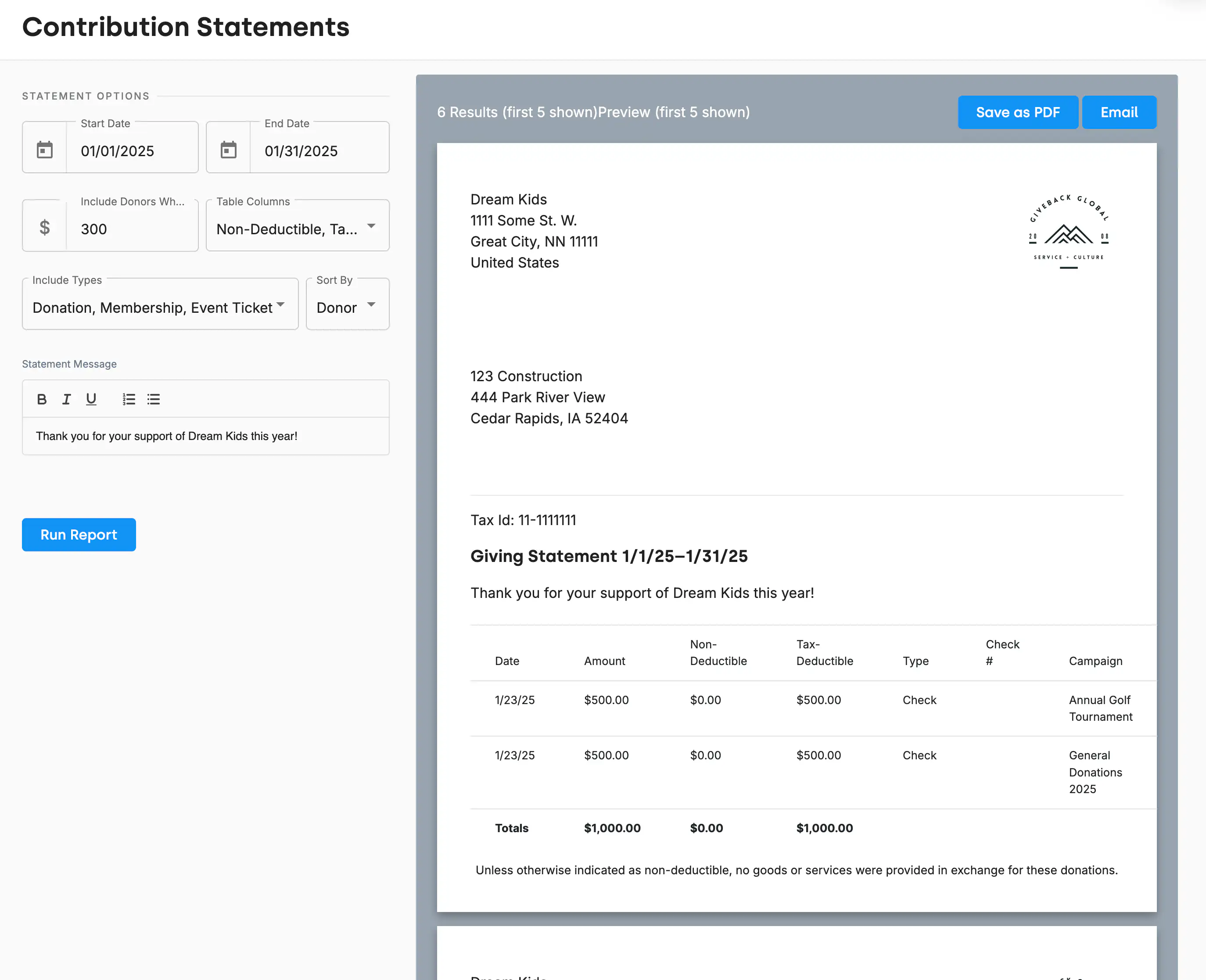
A report in DonorDock is a starting point, not a dead end. From any result set you can filter and sort further, save it as your own report, export it, build a mailing list, create activities in bulk, add badges in bulk, and print or email letters and receipts. Saved reports always pull current data, so a report you built in March is still right in November.

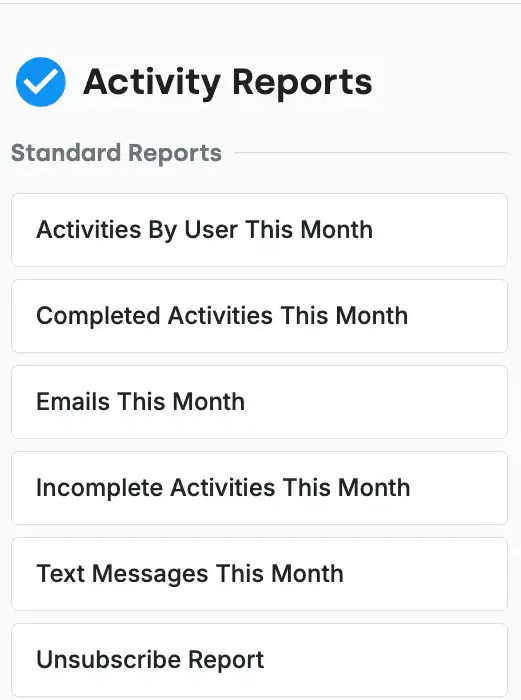
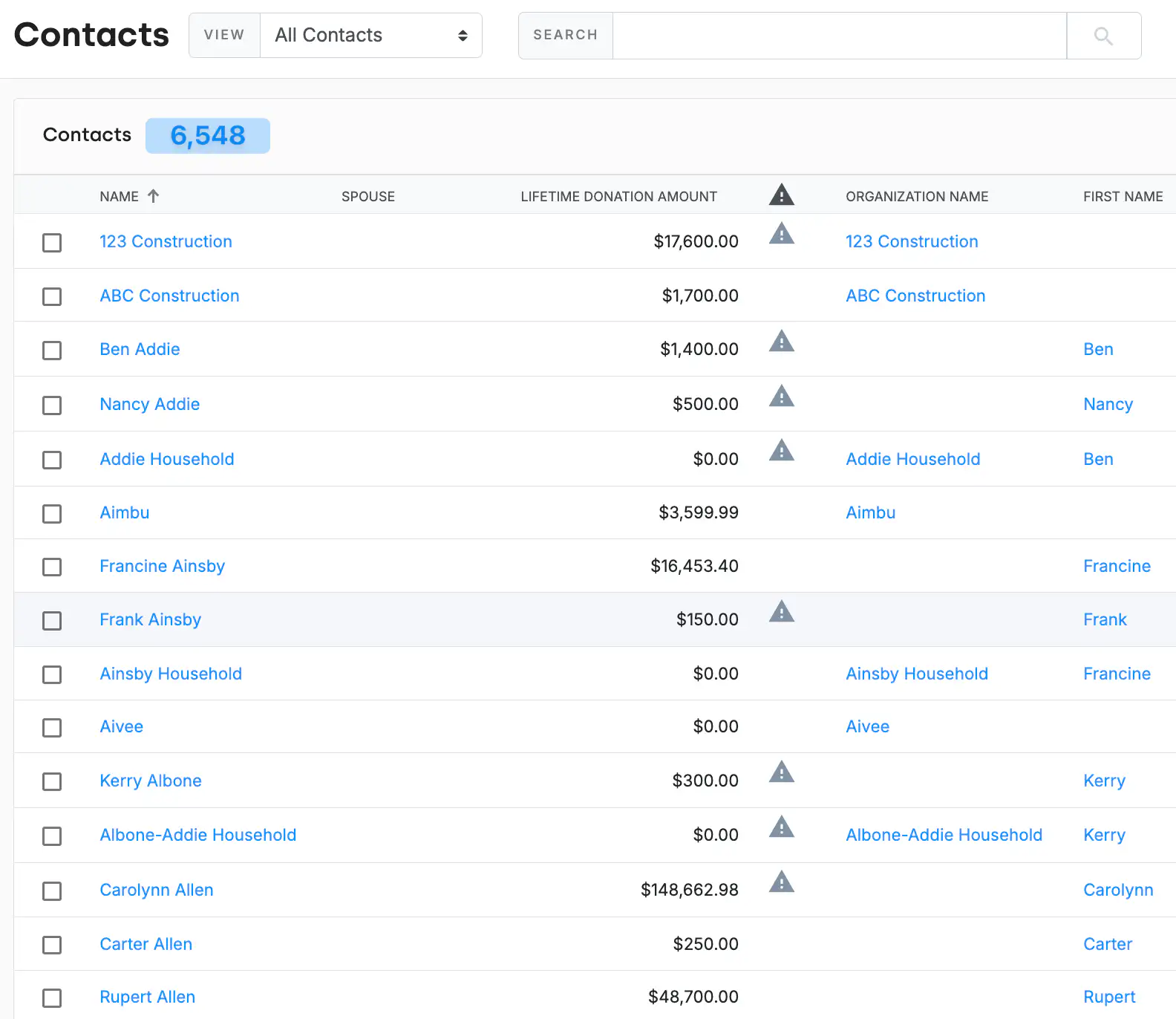
A contact report open in DonorDock, showing donor rows with sortable columns and the filter controls used to narrow the results.
The Contact Reports column in DonorDock listing all twelve standard contact reports, from Active Donors and Lapsed Donors through Second Time Donors This Year.

Frequently Asked Questions

Does DonorDock come with reports already built?
Yes. Thirty-one standard reports are included — twelve contact reports, thirteen gift reports, and six activity reports — available the day you log in.

What is the difference between a contact, gift, and activity report?
A contact report shows one row per person. A gift report shows one row per gift. An activity report shows one row per activity. The same data, three different questions.

What are LYBNT and SYBNT reports?
LYBNT means gave Last Year But Not This. SYBNT means gave Some Year But Not This. Both are standard gift reports in DonorDock, and both are lapsed-donor lists you would otherwise build by hand.

Can I save my own reports?
Yes. Custom reports save alongside the standard ones and always pull the latest data when you run them.

Can I export a report?
Yes. Reports export for use outside DonorDock, and can also become mailing lists, bulk activities, bulk badges, and printed or emailed letters and receipts.

Do reports include deceased or do-not-solicit contacts?
Contact reports exclude them by default. You can include them by adjusting the report's filters.

A contact report open in DonorDock, showing donor rows with sortable columns and the filter controls used to narrow the results.
The Contact Reports column in DonorDock listing all twelve standard contact reports, from Active Donors and Lapsed Donors through Second Time Donors This Year.
A contact report open in DonorDock, showing donor rows with sortable columns and the filter controls used to narrow the results.
User ratingUser ratingUser ratingUser ratingUser rating
G2 rating badge in yellow
Trusted by 7,600+ users

You'll believe it when you see it.

Schedule a demo and see why 7,200+ people trust DonorDock for their CRM.
Integration iconIntegration iconIntegration iconIntegration iconIntegration iconIntegration iconIntegration iconIntegration icon

Get more value from your tools

Connect your tools, connect your teams. With over 100 apps already available in our directory, your team’s favorite tools are just a click away.

Start building meaningful donor relationships today.

Your fundraising in one place.
Donor Dock-Shapes1-06