We use cookies to make your experience better. Learn more about how and why.

Email and Letter Templates With Merge Tags Built In

Email and letter templates

Build a thank-you letter, receipt, or appeal once, then let merge tags personalize it for every donor.
DonorDock's template library covers email and print, pulls donor and gift details in automatically with merge tags, and hands the same templates to your automations.
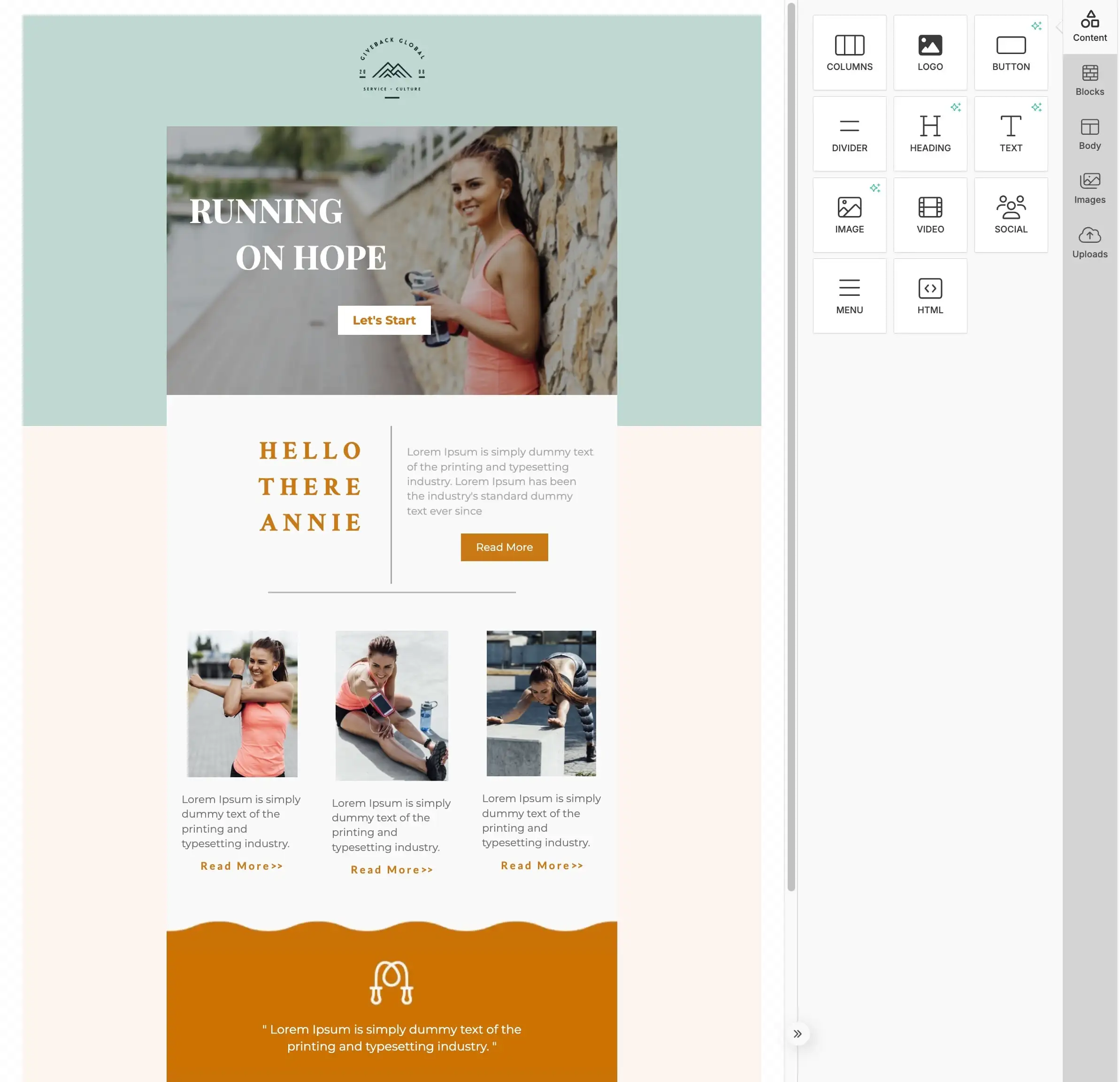
The DonorDock template editor with a branded nonprofit email on the canvas and the content block palette open on the right, showing Columns, Logo, Button, Divider, Heading, Text, Image, Video, Social, Menu, and HTML blocks.
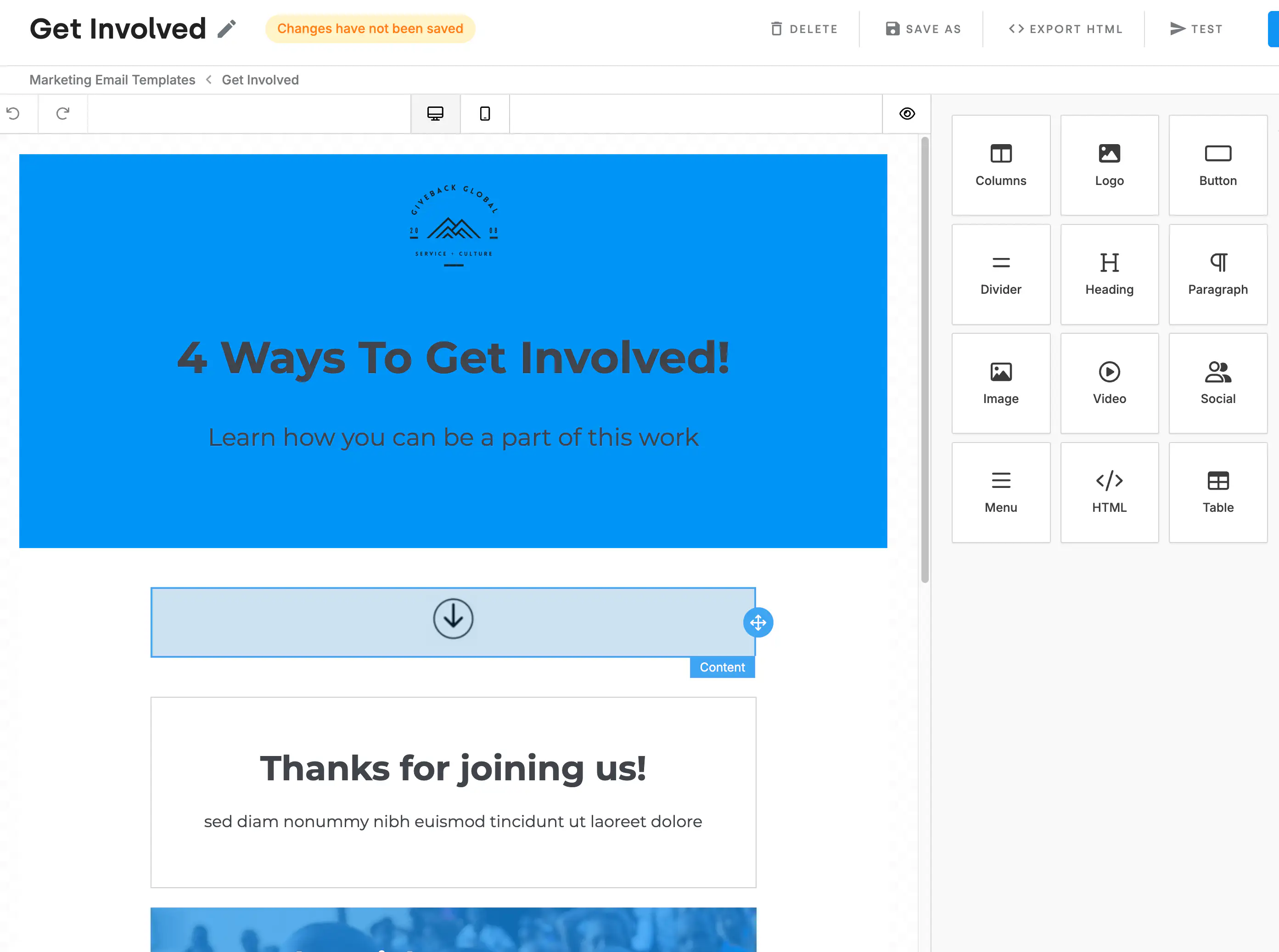
The Templates screen in DonorDock listing an organization's saved email and letter templates organized into folders.

The editor, without the design degree

Drag blocks onto the canvas: columns, logo, button, divider, heading, text, image, video, social links, menu, or raw HTML if someone on your team wants it. Side panels hold your content, your saved blocks, body settings, your image library, and uploads. Templates live in folders so a library built over three years stays findable, and you can send a test of any email or letter template to yourself before it goes to 4,000 people.

Merge tags do the personalizing

A merge tag is a placeholder DonorDock swaps for real data when the message sends or prints. Write Dear once with a tag after it, and 800 letters come out with 800 correct names. There are four categories:

  • Donor — anything on the contact record, including custom fields
  • Gift — amount, date, fund, and the rest, in transactional templates
  • Organization — your name, address, EIN, and logo, pulled from your settings
  • Miscellaneous — the current date, the sending team member's email signature, and the unsubscribe link required on bulk marketing email

A merge tag reference table lists every available tag, and there is a test contact so you can see exactly what a donor will see before you commit.

Signatures, attachments, and the fiddly print details

Templates hold real signatures — either your organization's receipt signature merge tag or an uploaded image of a handwritten one. Emails can carry attachments. Print templates can be adjusted for Word printing, paired with envelope templates, and set with page anchors so long letters break where you want them to.

Your templates feed everything else

The same template gets used by an automation step, sent in bulk from a report, attached to a receipt, or fired off one at a time from the Action Board. Write it once and it is available everywhere DonorDock sends something.
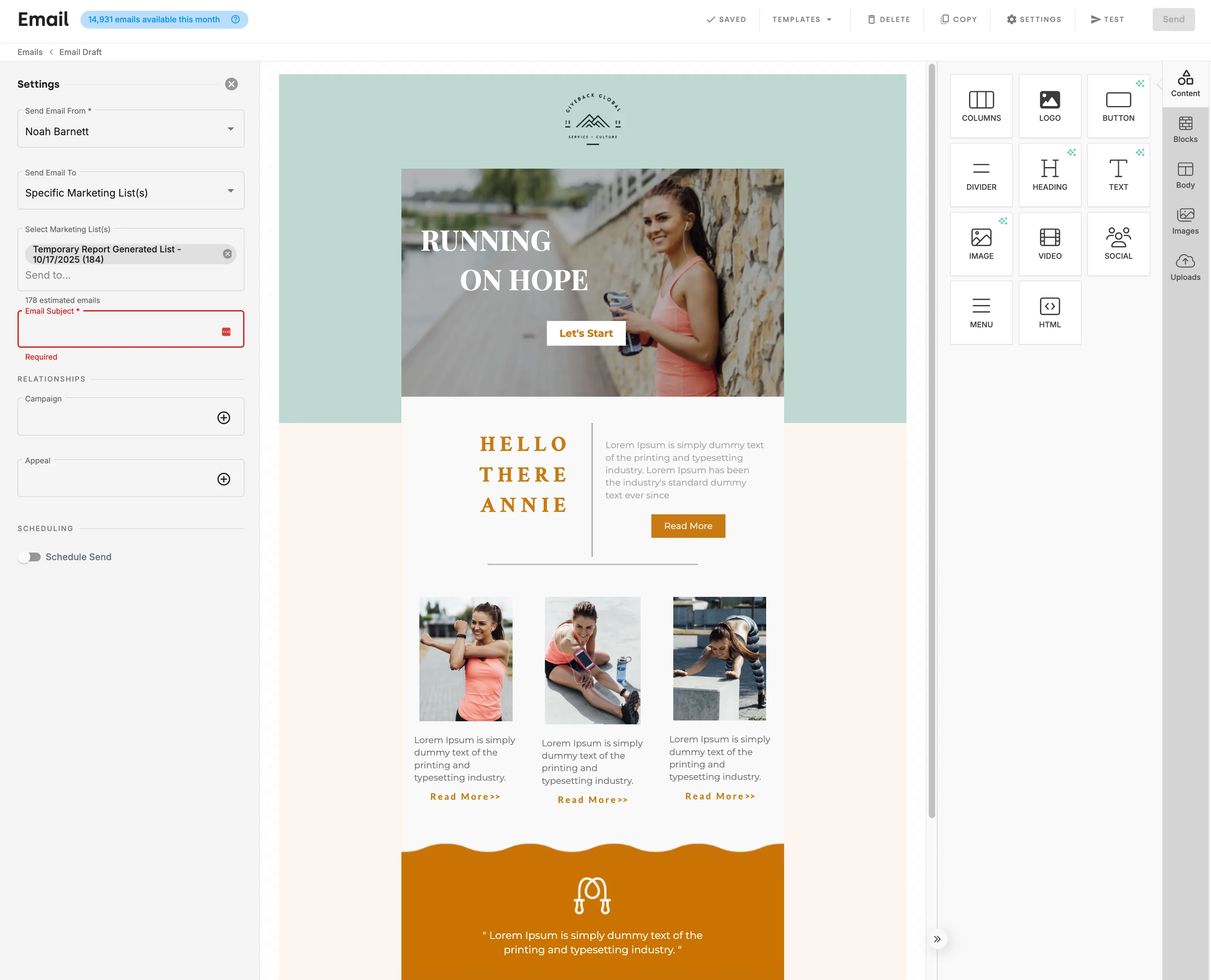
A DonorDock template being prepared to send, with the settings panel showing sender, marketing list, and schedule alongside the designed email.
The Templates screen in DonorDock listing an organization's saved email and letter templates organized into folders.

Frequently Asked Questions

What is the difference between a marketing and a transactional template?
Marketing templates are for outreach like bulk email and letters. Transactional templates follow a gift — receipts, thank-yous, pledge reminders — and are the only ones with access to gift merge tags.

What are merge tags?
Placeholders that DonorDock replaces with real information when the message sends or prints. They come in four categories: donor, gift, organization, and miscellaneous.

Can I use my existing Word letter?
Yes. Word documents upload into DonorDock as print templates, and there are envelope templates for the mailing side.

Can I test a template before sending it?
Yes. Both email and letter templates can be tested, and a test contact shows you how merge tags will fill in.

Can I add a signature?
Yes. Use your organization's receipt signature merge tag, the sending team member's email signature, or upload an image of a handwritten signature.

Do templates work with automations?
Yes. Automation steps that send an email, text, or letter use the templates in your library, so a sequence you build once stays on brand.

A DonorDock template being prepared to send, with the settings panel showing sender, marketing list, and schedule alongside the designed email.
The Templates screen in DonorDock listing an organization's saved email and letter templates organized into folders.
A DonorDock template being prepared to send, with the settings panel showing sender, marketing list, and schedule alongside the designed email.
User ratingUser ratingUser ratingUser ratingUser rating
G2 rating badge in yellow
Trusted by 7,600+ users

You'll believe it when you see it.

Schedule a demo and see why 7,200+ people trust DonorDock for their CRM.
Integration iconIntegration iconIntegration iconIntegration iconIntegration iconIntegration iconIntegration iconIntegration icon

Get more value from your tools

Connect your tools, connect your teams. With over 100 apps already available in our directory, your team’s favorite tools are just a click away.

Start building meaningful donor relationships today.

Your fundraising in one place.
Donor Dock-Shapes1-06