If I told you there was one key to unlocking your organization’s greatest potential, you might raise your eyebrows when you found out my secret.
It’s one word, but it’s something we at DonorDock believe can make or break the success barrier for nonprofits. The answer? Data.
At DonorDock, we have seen having access to data prove to be a huge differentiator for nonprofit organizations.
Data helps people make better decisions, engage with donors more effectively, raise more money, and ultimately drive more impact.
The idea of software systems that not only arm you with the data you need but also integrate with other tools you are already using is something that has been reserved for the largest nonprofits – until today.
One thing we know about all of the do-gooders who work in nonprofits – you are BUSY! Typically you wear multiple hats and have a large burden of responsibility within your organization.
This is why we chose to build an integration in DonorDock to a service called Zapier… because you have enough to do and we want to make your job easier.
What is Zapier?
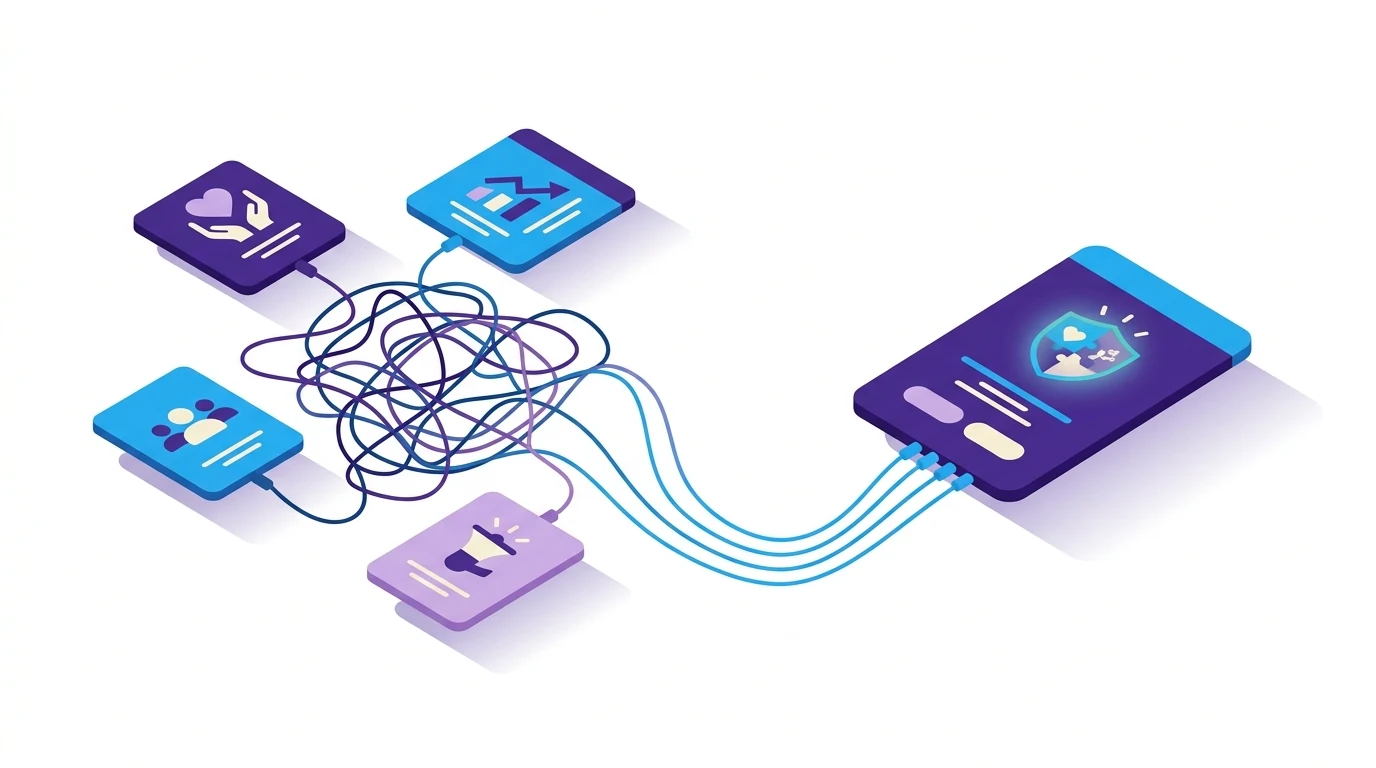
Let’s start by looking at what Zapier is and does. Zapier is a user-friendly no-code integration tool that lets you connect 2000+ other software applications with DonorDock.
While all software integrations come with their own degree of complications, Zapier does a great job of shielding you from any complexity and makes integrating your software tools as easy as it can possibly be.
How does Zapier Help You?
Unless you love entering the same data multiple times in multiple systems, Zapier will make your life and work significantly easier. It will also save you time, and for you nonprofit team members time is as good as gold!
Zapier helps you by saving time and effort by removing the tedious task of redundant data entry.
Maybe you use QuickBooks Online and for each and every donation, you manually enter the gift in DonorDock and then also enter a Sales Receipt in QuickBooks. I know, I can hear you groaning in agreement. With Zapier, the second step can be automated to save you time.
Maybe you love MailChimp and want new contacts in DonorDock to create new contacts in MailChimp. No problem, we can automate that!
Perhaps you want to send a personalized printed postcard for every donation – awesome idea, by the way. It’s simple. We’ll integrate with Thanks.io.
All of these things are not only possible, but they are also quite simple and straightforward. And it isn’t just those three applications. Zapier allows us to connect to over 1500 software apps, quickly and easily.
At DonorDock we LOVE data, and Zapier is all about moving data, so it is a match made in data heaven!
So How Do I Get Zapier?
The Zapier connector is built into DonorDock for most plans.
You'll need to create a Zapier account. There are are free and paid plans, a free trial, and nonprofit discounts. If you're new to DonorDock, just ask us for guidance setting up zapier during your onboarding.
Let’s get zapping and really start seeing the #datadifference.
Questions about Zapier?
If you're not yet using DonorDock, chat with a product expert about Zapier.
Already a DonorDock Customer? Visit the knowledge base & help desk.