TL;DR: This 7-step donor relationship mapping workflow shows your development team how to use your board, LinkedIn, and your CRM to identify warm pathways to high-capacity donors, run the introduction, and document everything so the next ask compounds on the last.
There is a moment in major gift fundraising when a board member says, "Wait, I know him." That moment is worth more than any cold pitch deck. According to BoardSource, warm board introductions and personal solicitations meaningfully increase the conversion rate of major gift cultivation. The challenge is that most development teams do not have a repeatable process for surfacing those moments on purpose.
This donor relationship mapping workflow gives you one. It is built for development teams running real major gift pipelines, not theoretical ones. Seven steps. About six hours of focused work to run end to end on a single prospect. Repeatable across every prospect on your list.
What is donor relationship mapping?
Donor relationship mapping is the practice of systematically charting the connections between your nonprofit's network (board, volunteers, staff, current donors) and your priority prospects. The goal is to find the warmest available pathway to each prospect, then activate it.
If you have ever opened a stranger's LinkedIn profile and noticed a mutual connection, you have done relationship mapping. The version this workflow walks through is the disciplined, board-powered version that produces predictable major gift conversations.
Step 1: Build the prospect list (your "hit list")
Start with the end in mind. Pull together a working list of 20 to 40 prospects capable of a five-figure or six-figure gift in the next 18 months. This is your hit list.
Sources for the hit list:
- Lapsed major donors from the last five years who have not been re-engaged
- Current mid-level donors showing capacity signals (employer, public profile, gift trajectory)
- Foundation principals and corporate giving leads identified in your pipeline
- Names surfaced by your board or executive director that have not yet made it into the CRM
Tag each prospect in your CRM with a "hit list" custom tag so you can pull and re-pull the list as you work the process. If your CRM does not support flexible tagging or custom fields, make that the first thing to fix.
Step 2: Pull your board's full network
The board is your most under-used asset for major gift mapping. Most development teams know this and still do not have the network in a place they can search.
For each board member, capture:
- Current employer and three previous employers
- College and graduate alma maters
- Boards they currently sit on
- Boards they have served on in the last 10 years
- Industry affiliations and public memberships
- Personal connections they have flagged for you
You can pull most of this from LinkedIn in 15 to 20 minutes per board member. Have a development associate or a thoughtful volunteer build the dataset in a spreadsheet first, then load it into the CRM on each board member's contact record.
The output of step 2 is a searchable database of every connection node your board can possibly offer. That database becomes the foundation for steps 3 through 7.
Step 3: Match prospects to connectors
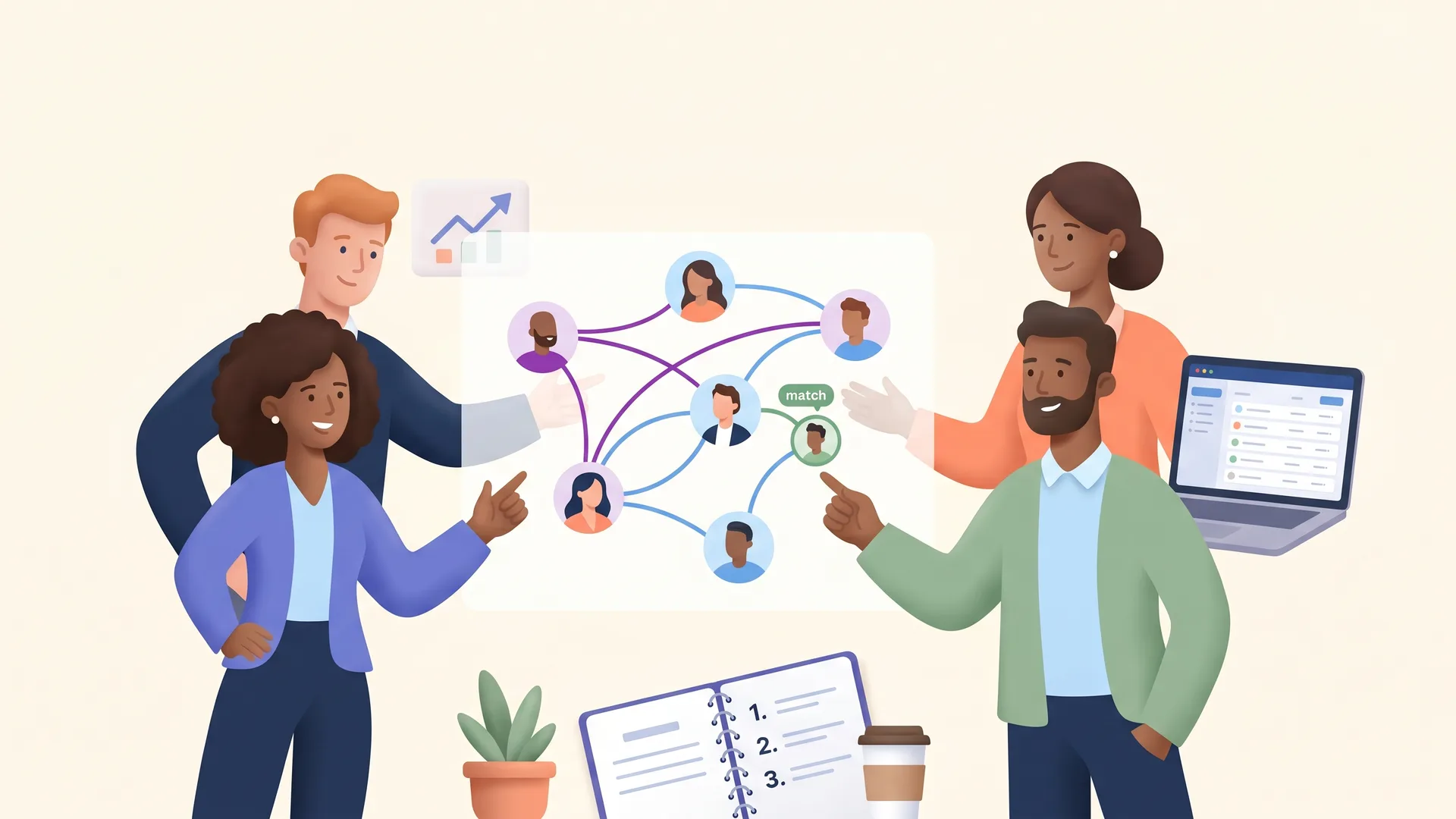
Now overlay the two datasets. For each prospect on the hit list, ask: who on our board has overlap with this person? Same employer? Same alma mater? Same industry circle? Same neighborhood?
The match is rarely zero. Most boards have at least one or two viable connectors for any well-researched prospect. The work is in surfacing them.
This is where activity tracking earns its keep. As you find connections, log them as notes against both the prospect's contact record and the board member's contact record. Your team needs to be able to answer, in one click: "Which prospects can this board member open doors to, and which board members can open doors to this prospect?"
Step 4: Brief the connector (the six-bullet briefing)
A board member will help. They will not figure out how to help. Your job is to make their part of the workflow short, specific, and high confidence.
For every introduction you ask for, send the connector a six-bullet briefing:
- Who the prospect is (one sentence, including the relevant employer or board reference)
- The connection you identified between them and the connector
- Why this prospect aligns with your mission right now (one or two sentences)
- The specific ask you want the connector to make (an introductory email, a coffee, a phone call, a board meeting invite)
- Suggested language they can use, including a four-line copy-paste email draft
- The date you will follow up with them about the response
Six bullets, half a page, fits inside a board member's coffee break. That is what makes the step happen.
Step 5: Run the warm introduction
Once the connector agrees, the introduction itself is light work. The most common pattern is a three-way email where the board member introduces you and the prospect by name and steps out of the thread within a reply or two.
Three rules for the introduction:
- Match the prospect's preferred medium. If they live on LinkedIn, ask the board member to message there instead of email.
- Do not pitch in the introduction. The goal is a 20-minute meeting, not a gift.
- Confirm the next concrete step in the first response (date, time, location, or video link).
Step 6: Document everything the moment it happens
This step is where most development teams struggle. They run the workflow up to step 5, the introduction happens, the meeting gets set, and then the documentation lives in someone's inbox and dies there when that someone leaves.
For every touchpoint:
- Log who initiated, who responded, when, and what was said
- Save the email thread inside the CRM contact record, not in the inbox
- Tag the prospect with the connector's name so the relationship is visible in both directions
- Capture the soft data: pets, kids, hobbies, recent travel, the project they just shipped
- Note the agreed-upon next step and the owner
With a properly documented CRM, your team can use AI tools like Otto to surface the full picture of a prospect, including the unstructured notes that used to live only in someone's head, before any meeting or call.
Step 7: Trigger the next move
The introduction meeting ends. The temptation is to feel done. You are not done. You are at the start of a moves management process.
Before you close the meeting, set the next move:
- Which board member, executive, or staff lead is the right next touch?
- What is the next action (visit, event invitation, project tour, second meeting)?
- When will it happen (specific date or window)?
- Who owns it (one person, not a team)?
Then enter it in the CRM as a scheduled task with the owner attached. If your CRM has a moves management view, like DonorDock's Ask Boards feature, pull the prospect into the appropriate stage so the next action surfaces automatically when it is due.
The 7-step workflow is repeatable because of step 7. Every cycle ends by setting up the next cycle. The prospect never falls into the gap between "we met them" and "we asked them."
A template you can copy this afternoon
To run the workflow on your first prospect this week, copy this:
- Open a blank CRM list called "Hit List Q3." Add five prospects.
- For each prospect, pull a one-page snapshot from LinkedIn and the open web (employer, board service, recent news, mutual connections).
- Cross-reference the snapshot with your board members' affiliations from your contact records.
- For the top two matches, draft the six-bullet briefing for the board connector.
- Send the briefing to the connector with a specific ask and follow-up date.
- Document every reply, every meeting, every soft data point in the CRM the same day it happens.
- At the end of the meeting, schedule the next move with an owner and a date.
The first cycle takes the longest. By the third prospect, your team will run it without needing the cheat sheet.
How do you keep board members engaged without overwhelming them?
The single most common reason this workflow breaks is over-asking the same two enthusiastic board members and under-asking everyone else. Rotate. Track which board member made which introduction in your CRM, and watch the distribution.
If 80% of your introductions are coming from 20% of your board, you have a coverage problem. Use the activity history to surface board members who have not been asked recently, and bring them into the next mapping cycle with low-stakes asks first. Confidence builds through small wins.
For more on engaging the full board in the development conversation, see our piece on governance practices that drive fundraising success.
Why this beats a cold campaign every time
Cold outreach to a high-capacity prospect is a low-conversion activity. A warm introduction from a board member is a high-conversion activity. The math is not subtle. BoardSource research shows that fewer than half of nonprofits achieve full board fundraising participation. The ones that do, paired with a documented relationship mapping process, raise more.
If you want a CRM that runs this workflow with you, including custom fields for board affiliations, activity tracking across prospects and connectors, and the moves management views that turn step 7 into a habit, the DonorDock CRM is built for development teams running exactly this kind of major gift process.