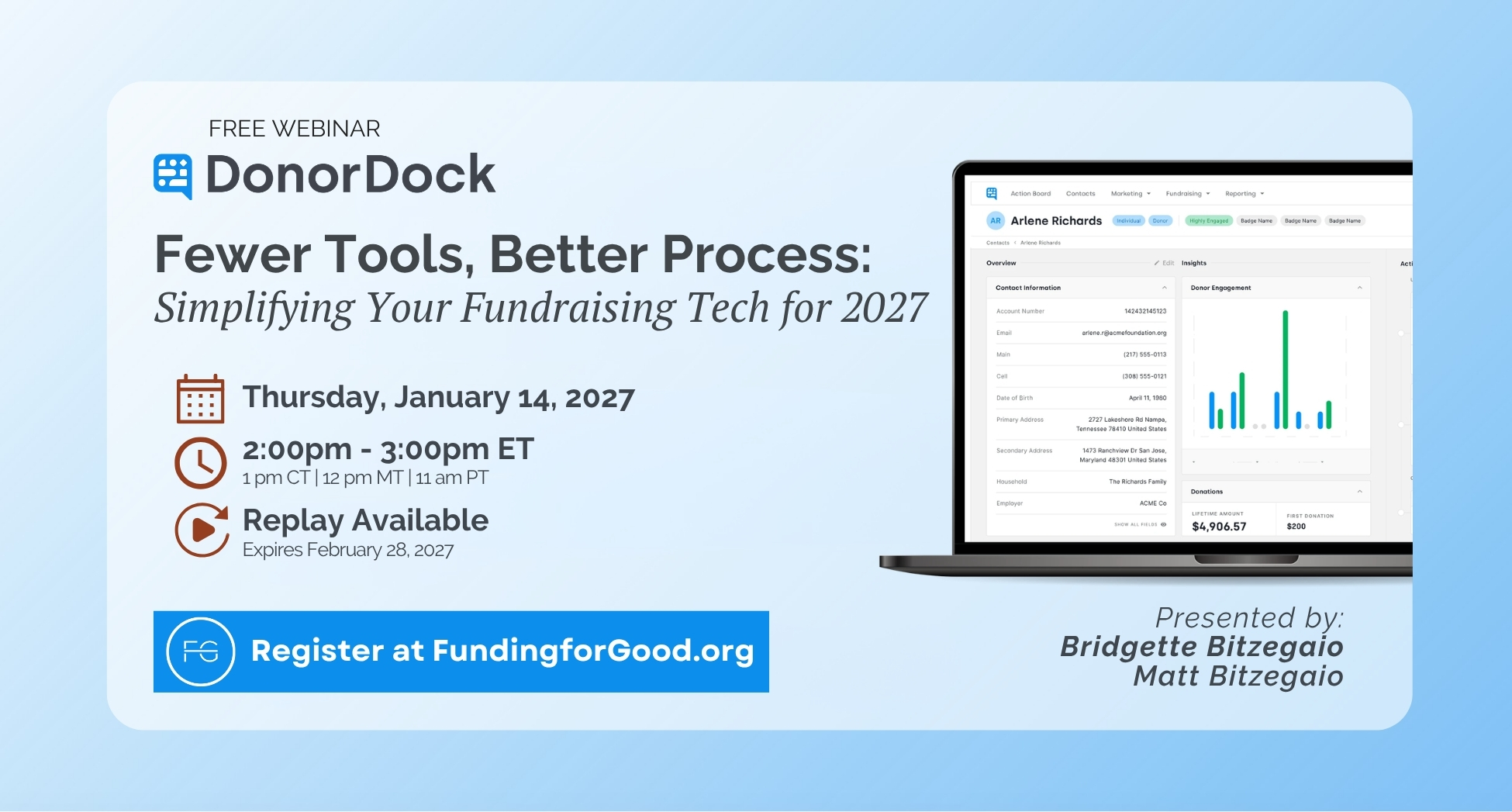
Your signature fall event just wrapped up, and you've got a fresh list of people who showed up for your mission. They're some of the warmest prospects you'll have going into year-end, but a generic December appeal won't bring them back. The Fundraising Effectiveness Project found that just 7.1% of new donors have given again this year.
Join Dave Costlow of Pledge It and Matt Bitzegaio of DonorDock for a practical walkthrough of how to turn fall event supporters into year-end donors and beyond. Using a fall 5K as an example, we'll show you how to:
- Look back at your event data to see who participated, who gave, and who's brand new to your organization
- Move first-time event donors into your year-end appeal and set up personal thank-you calls for sponsors and top donors
- Get a head start on spring so past participants, lapsed donors, and sponsors all have a reason to come back
Along the way, you'll see how the Pledge It and DonorDock integration keeps your event and donor data connected. You'll leave with a plan you can put to work before year-end giving kicks off.
Date: Tuesday, November 10, 2026
Time: 2:00 PM Eastern / 1:00 PM Central
Format: Live session with Q&A
Presenters: Dave Costlow, President, Pledge It, and Matt Bitzegaio, Co-Founder and CEO, DonorDock
Can't make it live? Register anyway. We'll send the recording.




.png)