If you're evaluating nonprofit CRMs, moving off a legacy system, consolidating fundraising tools, or making the case for one to your board, this guide is the primer. We'll cover what a nonprofit CRM is, how it differs from generic CRMs and adjacent tools (giving platforms, email tools, event software), the eight capabilities that separate a real CRM from a glorified database, and how to evaluate the right fit for a growing development team.
If your team has outgrown spreadsheets, accumulated three or four single-purpose tools that don't talk to each other, or inherited a legacy CRM nobody can run reports out of, this guide will help you move towards the right toolset.
What is a nonprofit CRM?
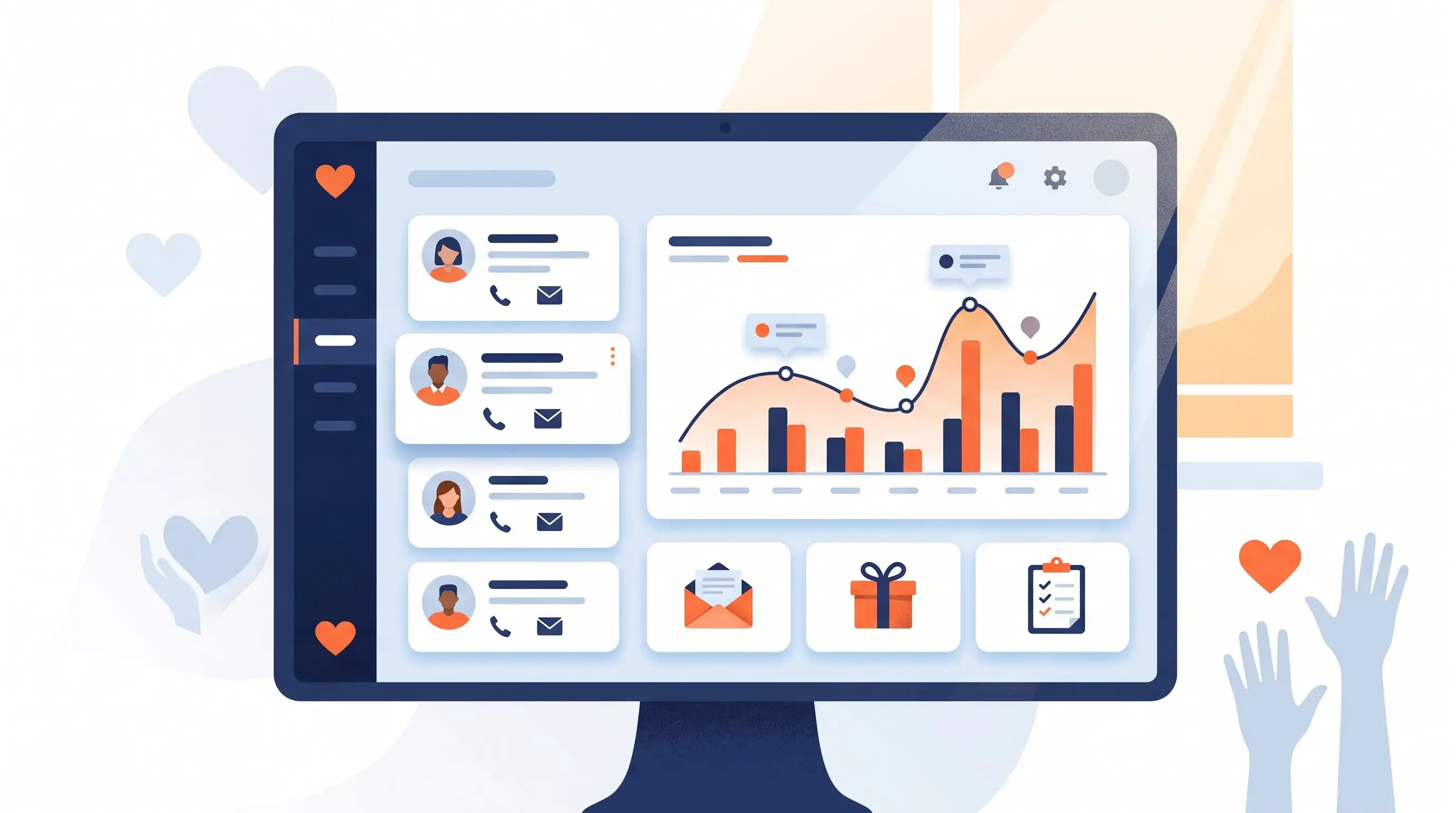
A nonprofit CRM, short for constituent relationship management system, is software that gives a nonprofit one place to track every supporter and every interaction with them. Donors, volunteers, members, board members, prospects, lapsed givers—they all live in the same database, with their giving history, contact info, communication preferences, event attendance, and notes attached.
The "C" in nonprofit CRM swaps "customer" for "constituent" because the people a nonprofit serves don't fit neatly into the customer mold. A donor isn't a customer. A volunteer isn't a customer. A grant officer isn't a customer. They're constituents, people connected to your mission in different ways, often in more than one way at once. A volunteer who becomes a donor. A board member who's also a major gift prospect. A program participant who becomes an advocate. A nonprofit CRM is built to track those overlapping relationships in one place.
At its simplest, a nonprofit CRM does three things:
- Stores who your people are. names, contact info, household links, employer, communication preferences, custom fields specific to your work.
- Tracks every interaction. gifts given, emails opened, events attended, calls made, tasks completed, conversations had.
- Helps you act on what it knows. automatic thank-you emails, renewal reminders, stewardship tasks, segmented appeals, board reports, year-end statements.
That third piece is what separates a CRM from a glorified spreadsheet. A spreadsheet can hold the data; a CRM uses the data to do something.
How a nonprofit CRM is different from a sales CRM
If you've worked in the for-profit world, you've used a sales CRM like Salesforce, HubSpot, or Pipedrive. The bones look similar—contact records, activity logs, pipelines, automation—but the use cases diverge fast.
A sales CRM is built for closing deals. Every contact has a stage in a pipeline, a deal value, and a probability. The metrics revolve around conversion and revenue per rep.
A nonprofit CRM is built for stewarding relationships over time—often for years or decades, with no single "close" moment. A donor who gives $50 every year for ten years matters more than a one-time $1,000 gift that never repeats. The metrics revolve around retention, recurring giving, lifetime value, and stewardship cadence, not deal velocity.
Practically, a nonprofit CRM ships with things a sales CRM doesn't: receipt and acknowledgement workflows, fund and campaign accounting, recurring gift management, soft credits and tribute gifts, board and volunteer tracking, online giving pages, and reports your accountant actually understands.
You can wedge a sales CRM into nonprofit work with enough customization, and many large nonprofits do exactly that (usually at the cost of a Salesforce admin on staff or a six-figure consulting engagement). For most growing and mid-sized nonprofits, a purpose-built nonprofit CRM gets you to value faster, with fewer consultants in the loop.
How a nonprofit CRM is different from fundraising software
Buyers often conflate "nonprofit CRM" with the adjacent tools they've already adopted. They're related but distinct:
- Online giving platforms (Givebutter, Donorbox, FundRaise Up) handle the donation form and payment processing. Some store donor records lightly; none are true full CRMs.
- Peer-to-peer fundraising tools (GoFundMe Pro, Funraise) handle campaign mechanics and supporter pages. They don't manage your overall donor relationships.
- Event tools (Eventbrite, GoFundMe Pro, OneCause) handle registration, ticketing, and auctions. Attendee data needs to flow somewhere afterward.
- Email marketing tools (Mailchimp, Constant Contact) send the messages. They don't track gifts or stewardship history.
- Accounting software (QuickBooks, Xero) tracks revenue. It doesn't know which donor gave or why.
A nonprofit CRM is the system underneath all of them. The source of truth for who your people are and what they've done. Most modern nonprofit CRMs include built-in versions of online giving, email marketing, and event registration so a growing development team isn't paying for and reconciling five separate tools.
What a nonprofit CRM unlocks for a growing development team
For teams that have outgrown spreadsheets or single-purpose tools, a nonprofit CRM does six things that move the needle:
- Surfaces lapsed donors before they're gone. Without giving history and engagement data in one view, donors who haven't given in 6, 12, or 24 months slip away unnoticed. A CRM flags them while there's still time to win them back.
- Standardizes thank-yous. Inconsistent acknowledgements are one of the top reasons donors stop giving. A CRM automates the thank-you so it never gets dropped for a $10 first-time gift or a $25,000 major gift.
- Runs the reports your board asks for. Cumulative giving by donor, by campaign, by fund, by year. Retention rates. Donor pipeline health. Reports that take ten minutes in a CRM and ten hours in a spreadsheet.
- Survives staff turnover. When the development director leaves, the donor history doesn't walk out the door. Notes, relationships, and stewardship plans live in the system.
- Reconciles online and offline giving. Donations from a giving page, a peer-to-peer event, a Facebook fundraiser, a check in the mail—all matched to existing donor records, not fragmented across platforms.
- Frees the team for fundraising. Less time on data entry and reconciliation; more time on donor calls, major gift cultivation, and strategy.
The eight essential features of a nonprofit CRM
The systems that work well for growing and mid-sized nonprofits tend to include the eight capabilities below.
1. A unified donor profile
One screen per person, showing every gift, every email, every event, every task, every note. No tabbing through five different systems to understand a donor.
2. Online giving pages
Branded, mobile-friendly donation forms that drop the gift directly into the CRM, matched to the right donor record. If your CRM and your giving page are separate platforms, you're paying for two products and reconciling data twice.
3. Email marketing and automation
Built-in email tools for newsletters, appeals, thank-yous, and nurture sequences. Bonus if it segments based on giving behavior automatically, so you can stop building the same "lapsed donor" list every quarter.
4. Recurring gift management
Recurring donors are roughly five times more valuable than one-time donors over a lifetime. The CRM should handle recurring schedules (start, stop, modify, retry failed payments) without staff lifting a finger.
5. Tasks, reminders, and donor journeys
The CRM should tell your team what to do next. Call this donor, send this stewardship card, follow up on this pledge. Without this, a CRM is just a database.
6. Reports your team can run themselves
Pre-built reports for the questions you ask every month: cumulative giving, retention rate, campaign performance, gift acknowledgements outstanding. If you need a consultant to pull a report, the system isn't working.
7. Native integrations with the tools you already use
Email (Gmail, Outlook), accounting (QuickBooks Online), payments (Stripe), event platforms, mail merge, peer-to-peer—your CRM should plug into the tools you've already adopted, not necessarily replace them. Native integrations (built and maintained by the vendor) beat Zapier-only integrations for reliability.
8. Receipts, acknowledgements, and year-end statements
Your CRM should generate IRS-compliant gift receipts, custom acknowledgement letters, and annual giving statements without a separate piece of software. If donors aren't getting clean tax letters by January 31, you have a tooling problem.
How to choose the right nonprofit CRM
Use this filter before you sit through your first demo:
- Size of your donor base. Between 1,000 and 50,000 active donors is the sweet spot for purpose-built nonprofit CRMs designed for growing and mid-sized teams. Above 50,000, you're in enterprise territory with enterprise pricing and complexity.
- Size and shape of your team. A solo development director needs a system that doesn't require a full-time admin. A team of 10–20 has different requirements (permissions, audit trails, multiple workflows) than a team of two or three.
- What you actually do. Heavy on grants and major gifts? You need pipeline tools and moves management. Heavy on annual fund and online giving? You need email marketing, automation, and integrated giving pages.
- Your budget and your three-year cost. Switching CRMs is painful. Look at total cost over three years, not just monthly subscription. Per-contact pricing penalizes growth; flat pricing is more predictable.
- Your team's tech comfort. A complicated CRM that nobody uses is worse than a simple one that everybody uses. The "best" CRM is the one your team will actually adopt.
- Setup, migration, and onboarding support. Importing five years of donor data from a spreadsheet (or worse, three different systems) is a project. Ask what onboarding includes, and what it costs, before you sign.
The "best" CRM is the one your team will actually adopt.
Then, before you commit, run a real demo. Not a marketing tour, a working session where you walk through your actual workflows: a new gift, a year-end appeal, a lapsed donor re-engagement, a board report. If the system can't handle those gracefully, it's not right for your organization.
Questions to ask during a nonprofit CRM evaluation
The questions that surface gaps in a vendor's offering, gathered from teams that have evaluated three or four platforms before choosing:
- How does pricing scale? Per-contact pricing is common but penalizes growth. Flat pricing with unlimited contacts is more predictable for a growing list.
- What's the platform fee on online donations? Some platforms claim "no platform fee" but tip-prompt donors at checkout (effectively 3%+). Transparent platform fees beat hidden ones.
- What does onboarding actually look like? Self-serve is different from a 90-day implementation with a consultant. Both can be right depending on the team, but know what you're signing up for.
- What does data migration include? Free data import vs. paid migration service. Cleaned data vs. raw dump. This is where switching costs can be hard to see.
- How does the CRM handle integrations? Native integrations are stronger than Zapier-only integrations. Ask which integrations are native.
- Who owns the data, and how do I get it out? If you ever need to leave, can you export everything? Watch for "data portability" clauses.
- What's the support model? Email only? Live chat? Phone? Customer success manager? For a development team, treat support quality is part of the product.
Making the case for a nonprofit CRM to your board
Boards approve CRMs based on outcomes, not features. The case usually rests on four numbers:
- Donor retention. Industry benchmark is 41–45%. If your retention is below 40%, a CRM that automates stewardship can move the number up, and the dollar value of moving retention even 5 points usually exceeds the CRM's annual cost.
- Recurring giving share. Recurring donors are roughly five times more valuable over their lifetime than one-time donors. A CRM with built-in recurring management and automated retry on failed payments protects revenue you've already earned.
- Staff time recovered. Hours per week spent on data entry, reconciliation, mail merges, and report-building are real labor costs. Most teams that adopt a modern nonprofit CRM recover 5–10 hours per week per staff member.
- Risk reduced. Spreadsheet-based donor data has no audit trail, no permissions, and no backup. One deleted column or one departed staff person can take years of relationships with it.
If the board needs a one-line case: a nonprofit CRM is the system that protects donor relationships when staff turnover happens, automates the stewardship that drives retention, and gives the development team back the hours currently spent on reconciliation.
How DonorDock fits in
DonorDock is a nonprofit CRM built around Smart Stewardship—a methodology for turning donor data into the next right action—for growing and mid-sized nonprofits. It's the platform for development teams that get squeezed by enterprise platforms (too expensive, too complex) and have outgrown basic donor lists. For a plain-language overview of the platform, see what DonorDock is.
DonorDock is $500/month flat with unlimited contacts and a 2% platform fee on online donations, so the price doesn't grow as your list does. It includes donor management, online giving pages, email and text outreach, automations, native integrations with QuickBooks Online and Mailchimp and others, and an Action Board powered by Smart Nudges that tells your team what to do next based on each donor's behavior.
If you'd like to see DonorDock in action, we offer a free demo. Or compare options in our best nonprofit CRM comparison.