Switching to a new donor management system sounds like a good idea...right up until someone mentions "migrating your data." Suddenly, the thought of moving thousands of donor records, gift histories, and contact notes feels like the biggest project you'll tackle all year.
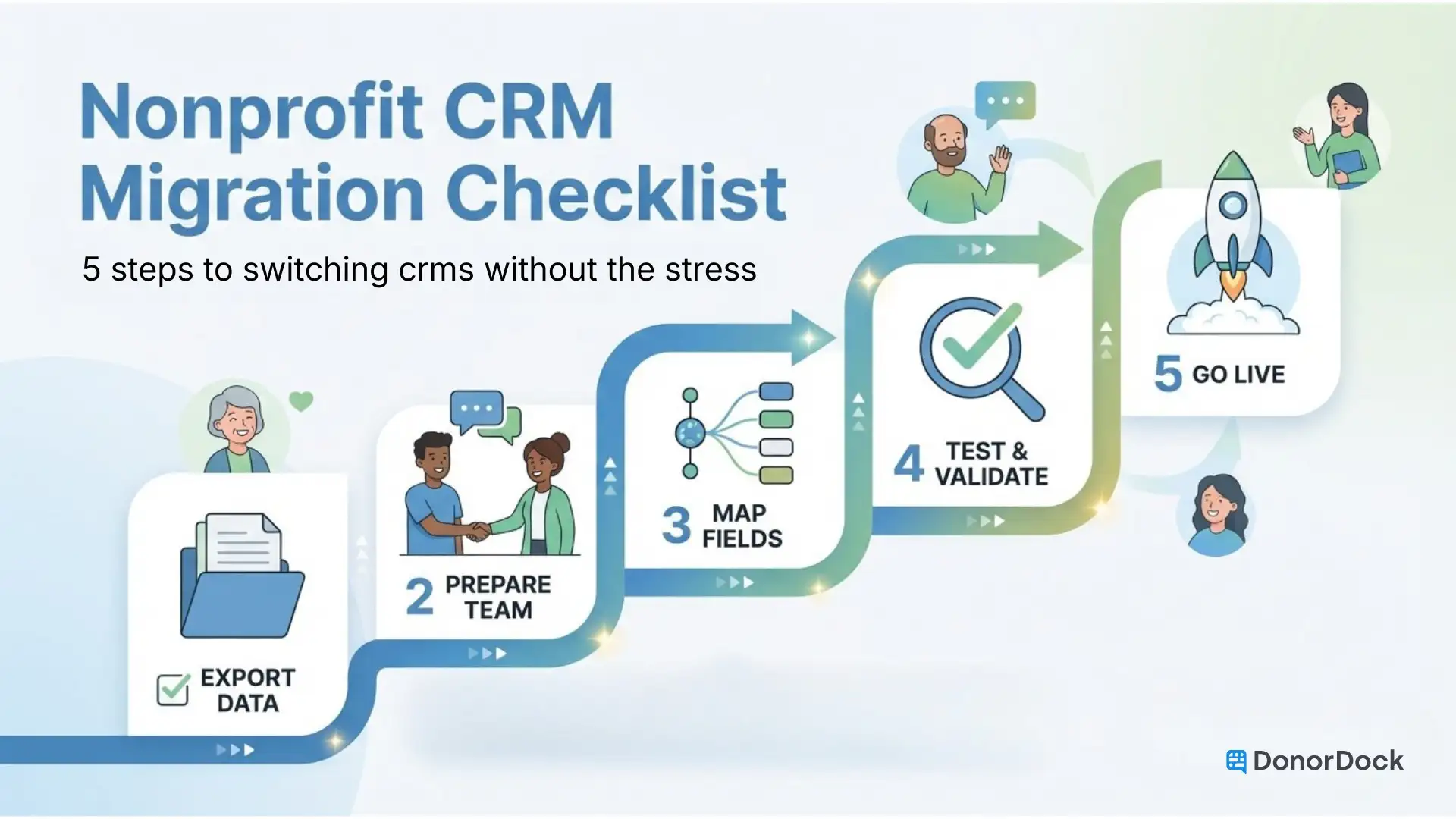
Here's the truth: a CRM migration doesn't have to be a crisis. With the right plan, most nonprofits can move their donor data to a new platform in under two weeks, without losing records, disrupting relationships, or derailing their fundraising calendar. This checklist walks you through the whole process, from pre-migration planning to your first wins in the new system.
The short answer is that the old tools aren't keeping up. Teams that outgrew spreadsheets moved to an entry-level CRM, then discovered it was either too expensive, too complicated, or simply not built for the way fundraising teams actually work.
If you've been managing donors in CRMs like Bloomerang or DonorPerfect and finding yourself fighting the software more than using it, you're not alone. (You can see how DonorDock compares to other crms if you're still weighing options.)
Common reasons nonprofits switch CRMs include:
- Pricing that no longer fits the budget (or crept up quietly)
- A user interface the team never fully adopted
- Missing features for stewardship, automation, or online giving
- Data that's messy, siloed, or impossible to report on cleanly
- A new Executive Director or Development Director who wants a fresh start
Whatever brought you here, the goal is the same: get your donor data into a system that actually works for your team, without losing anything in the process.
Phase 1: Plan Before You Touch Anything
The biggest migration mistakes happen when teams skip straight to exporting data before they've thought through what they actually need.
Start with an audit of your current data. Before you export a single CSV file, take a few hours to evaluate what you have. Ask yourself:
- What donor records are active, and which are years out of date?
- Are there duplicate contacts that should be cleaned up before the move?
- What custom fields or notes do you rely on that must carry over?
- Do you have complete gift histories, or are there gaps that need to be filled?
Cleaning your data before migrating is much easier than cleaning it after. Remove duplicates, standardize name formats, and flag any records you're not sure about. Most teams discover they've been managing 20-30% more "junk" records than they realized.
Map your must-have data points. Every CRM has different field names and structures. Before you export, list the data types you need to migrate: contact records, gift history, communication logs, tags/segments, custom fields, and recurring gift schedules. This mapping exercise becomes your checklist for verifying the migration is complete.
Set a realistic timeline. For most nonprofit teams, a clean migration to DonorDock takes 7-14 days from data export to being fully operational, but that is often much higher for other CRMs. Build in a buffer around any major fundraising deadlines, year-end campaigns, or board meetings.
Phase 2: Export Your Data the Right Way
Once you've planned, it's time to get your data out of the old system.
Request a full export from your current CRM. Most platforms let you export donor records, gift history, and communication data as CSV files. If you're not sure where to find the export function, contact their support team and ask specifically for:
- All contact records (name, address, email, phone)
- Complete gift history (amount, date, campaign, payment method)
- Recurring giving schedules
- Notes and communication logs (if exportable)
- Any custom fields or tags you've been using
Back everything up. Before you do anything else, save your export files in at least two places: a local drive and a cloud folder. This is your safety net.
Don't cancel your old subscription yet. Keep your previous system active through the transition period. You may need to reference records, pull additional data, or compare entries during the verification phase. Cancel only after you've confirmed the migration is complete and accurate.
Phase 3: Import to Your New System
This is where a platform's onboarding quality makes a real difference.
For a self-guided import, follow this order:
- Import contact records first (so every record exists before gifts are attached)
- Import gift history tied to existing contacts
- Import recurring gift schedules
- Import tags, segments, and custom field data
- Spot-check a sample of records against your source files

For a white-glove migration, you provide the export files and the platform's team handles the import, mapping, and verification. This option is worth considering if your data is complex, your team is stretched thin, or you're working against a deadline.
DonorDock's Premium Onboarding includes white-glove migration and 1:1 human training. The platform also includes simple self-import options and built-in duplicate detection and field mapping, so you're not manually matching every column header one by one.
Either way, plan to do a verification pass before you go live. Pull up 10-15 donor records at random and compare them against your source export. Check that gift amounts, dates, and contact details all match. If something looks off, catch it now.
Phase 4: Onboard Your Team (This Part Actually Matters)
A clean data migration means nothing if your team doesn't know how to use the new system. Staff adoption is where most CRM switches quietly fail.
Identify your power users first. You don't need everyone trained on day one. Start with the 1-3 people who will use the system most heavily. Get them comfortable first, then let them help bring the rest of the team along.
Run a focused kickoff session. Keep it practical. Instead of a general platform tour, build the training around your team's actual daily workflows: How do you log a gift? How do you send a thank-you? How do you find a donor's history? Walk through real tasks, not features.
Set up your core workflows before you officially launch. Before the team starts using the system in earnest, make sure the basics are configured: thank-you email templates, donation acknowledgment sequences, and any recurring automations you rely on. In DonorDock, this is a good time to activate Stewardship Journeys so automated follow-ups are running from day one.
Give everyone a grace period. The first two weeks in a new system are always a little slower. That's normal. Build in margin for questions, small errors, and the occasional "where do I find that?" moment.
Phase 5: Get Your First Wins Fast
The goal isn't just a successful migration. It's a migration that immediately makes your fundraising better.
Run your first donor report. One of the fastest ways to feel the difference is to pull a report you could never easily run in your old system. Lapsed donors from the past 18 months. Major gift prospects who haven't given in two years. Donors who gave last December but not this one. Clean data in a capable system means answers you can actually act on.
Activate automation from day one. DonorDock's Action Board and Otto Intelligence surface personalized next-step prompts based on your donor data, so you're not starting from scratch figuring out who needs attention. Otto's Smart Nudges flag lapsed donors, birthday connections, and follow-up moments automatically. You put in the work to migrate your data. Now let the system put it to use.

Celebrate the small things. When a thank-you email goes out automatically. When a board report takes 5 minutes instead of an afternoon. When a team member says "oh, this is actually way easier." Those moments matter. Note them. They're the proof that the transition was worth it.
Your Migration at a Glance
Here's the condensed checklist you can print and work through:
Before you start:
- Audit current data for duplicates, outdated records, and gaps
- Map your must-have fields (contacts, gifts, custom data, notes)
- Set a migration timeline with buffer around key fundraising dates
- Identify your post-migration point person
Data export:
- Export all contact records, gift history, recurring schedules, and notes
- Save export files in two locations (local + cloud)
- Keep your old system active until migration is fully verified
Data import:
- Import in the correct order: contacts first, then gifts, then everything else
- Use duplicate detection tools during import
- Spot-check 10-15 random records before going live
Team onboarding:
- Identify and train power users first
- Run a practical, workflow-focused kickoff session
- Configure core automations (thank-yous, donation receipts, stewardship journeys) before launch
Early wins:
- Run your first meaningful donor report
- Activate AI prompts and automation
- Schedule a 30-day post-migration check-in
Switching CRMs is one of the higher-stakes decisions a fundraising team makes. But it doesn't have to be the disruption everyone dreads. With a clear plan, clean data, and the right onboarding support, you can be fully operational in a new system before the month is out.
If you're evaluating DonorDock for your next move, see how our data migration works. And if you want to see it in action first, schedule a demo and we'll walk you through the whole thing.
Still deciding which system to move to? Our comparison of 11 nonprofit CRMs covers pricing and fit side by side, and why nonprofit CRM implementations fail is worth reading before you commit to any of them.