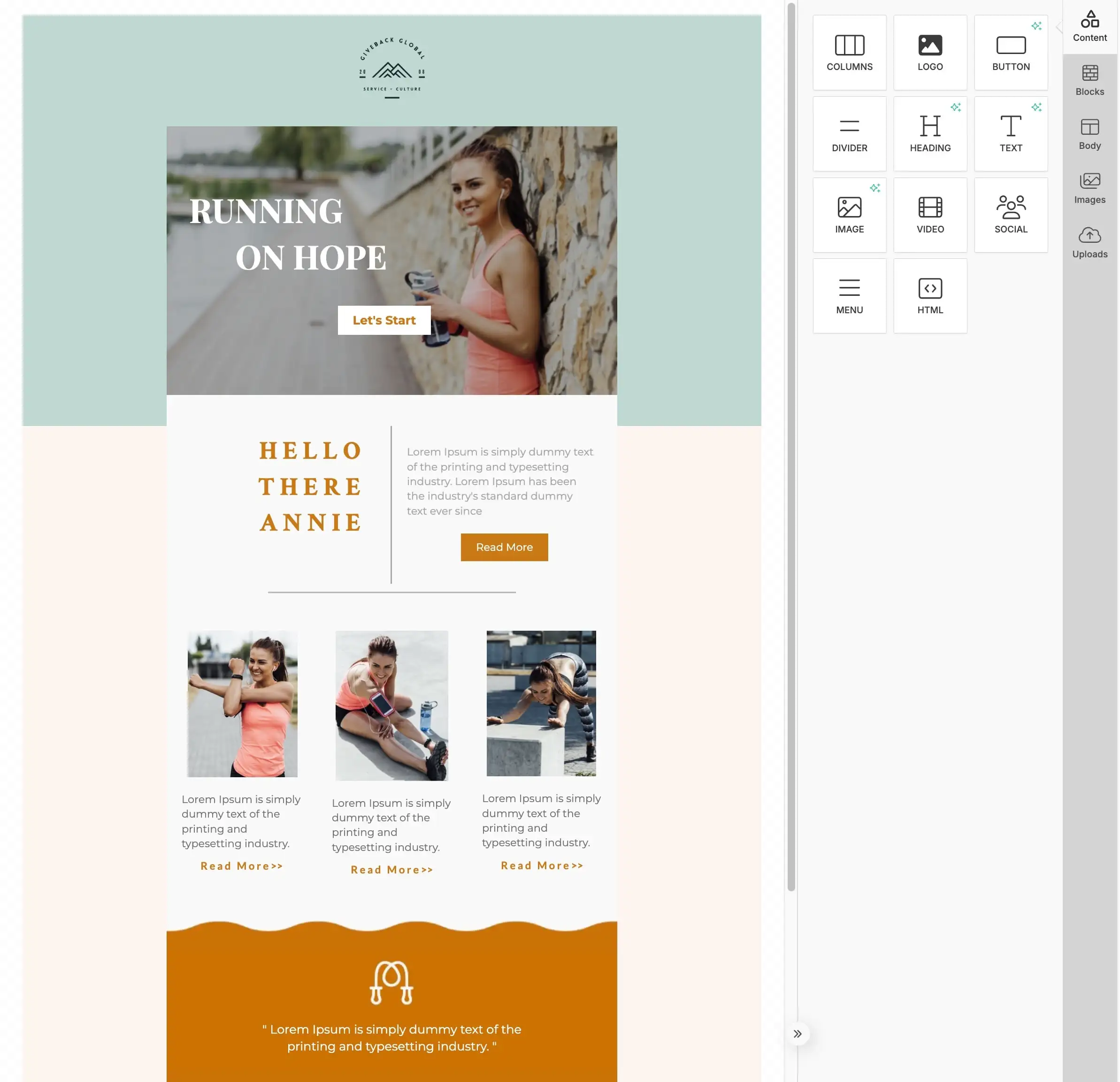
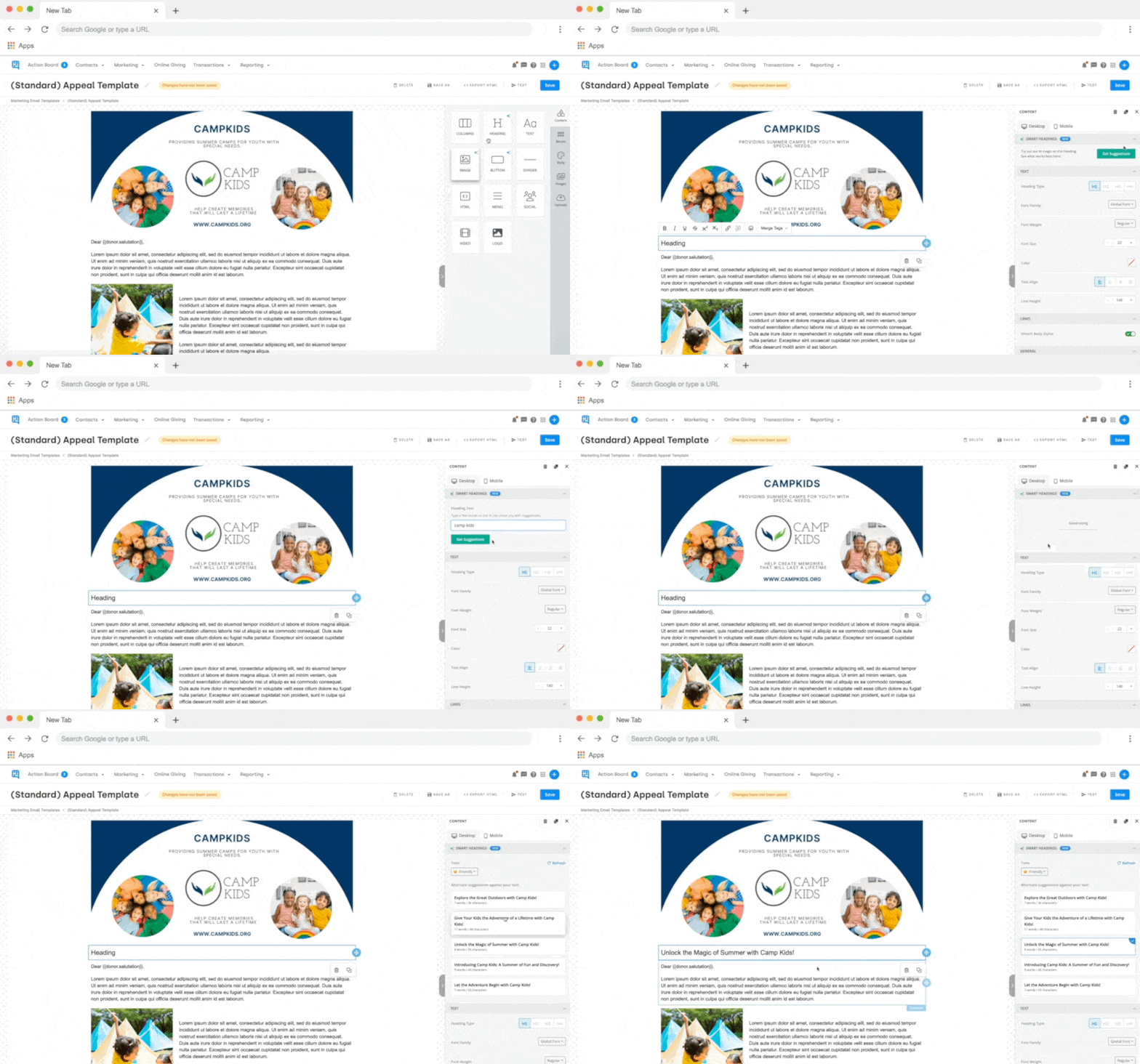
Drag and drop text blocks, images, buttons, dividers, and columns to build emails and letters that match your brand. The visual editor shows you exactly what your donors will see — no coding or design skills needed. Adjust fonts, colors, and spacing with a click.
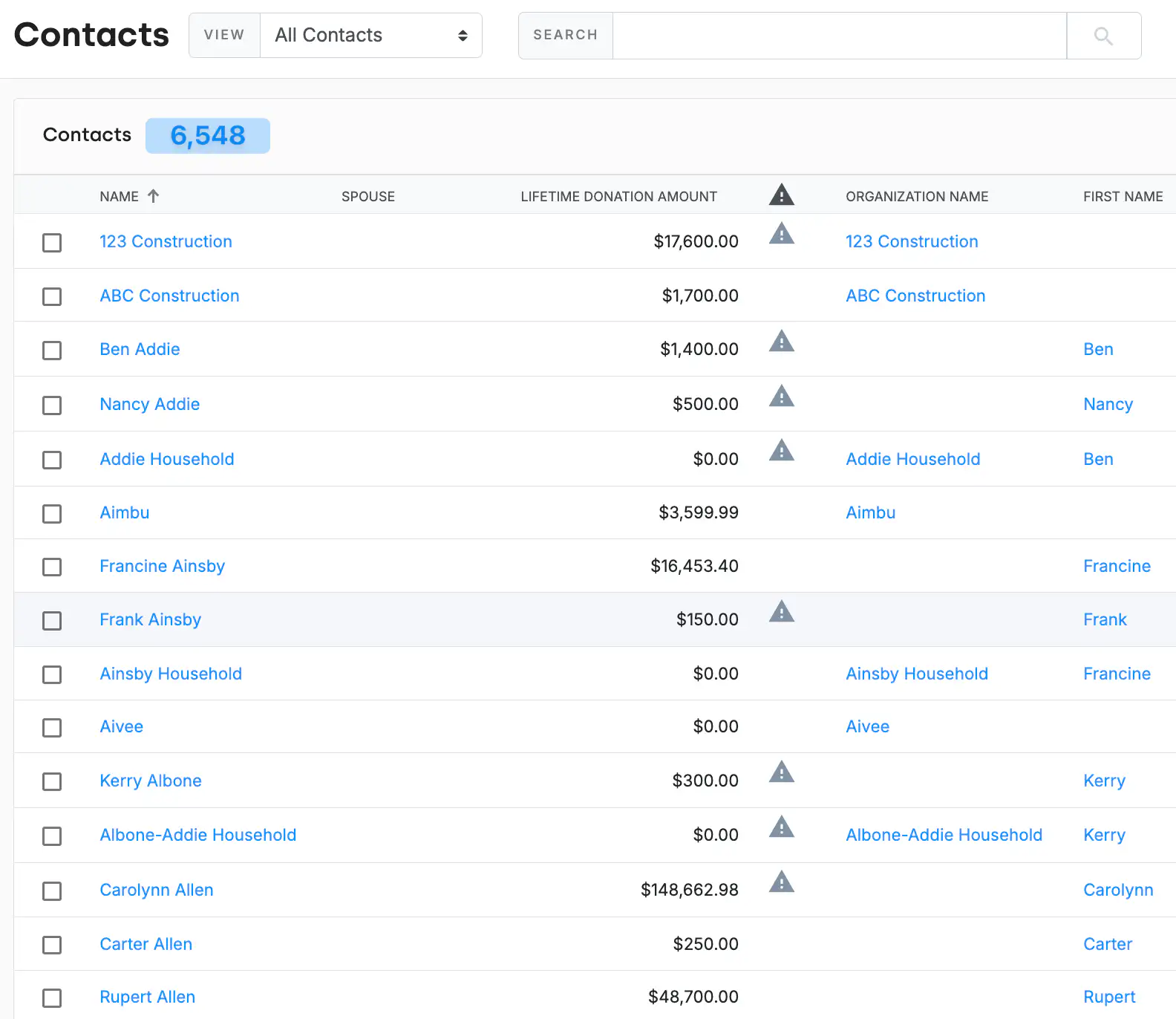
Insert donor names, gift amounts, giving history, and custom field data directly into your communications. Every email or letter feels personal because it is — DonorDock pulls real data from each contact record and merges it into your template automatically.
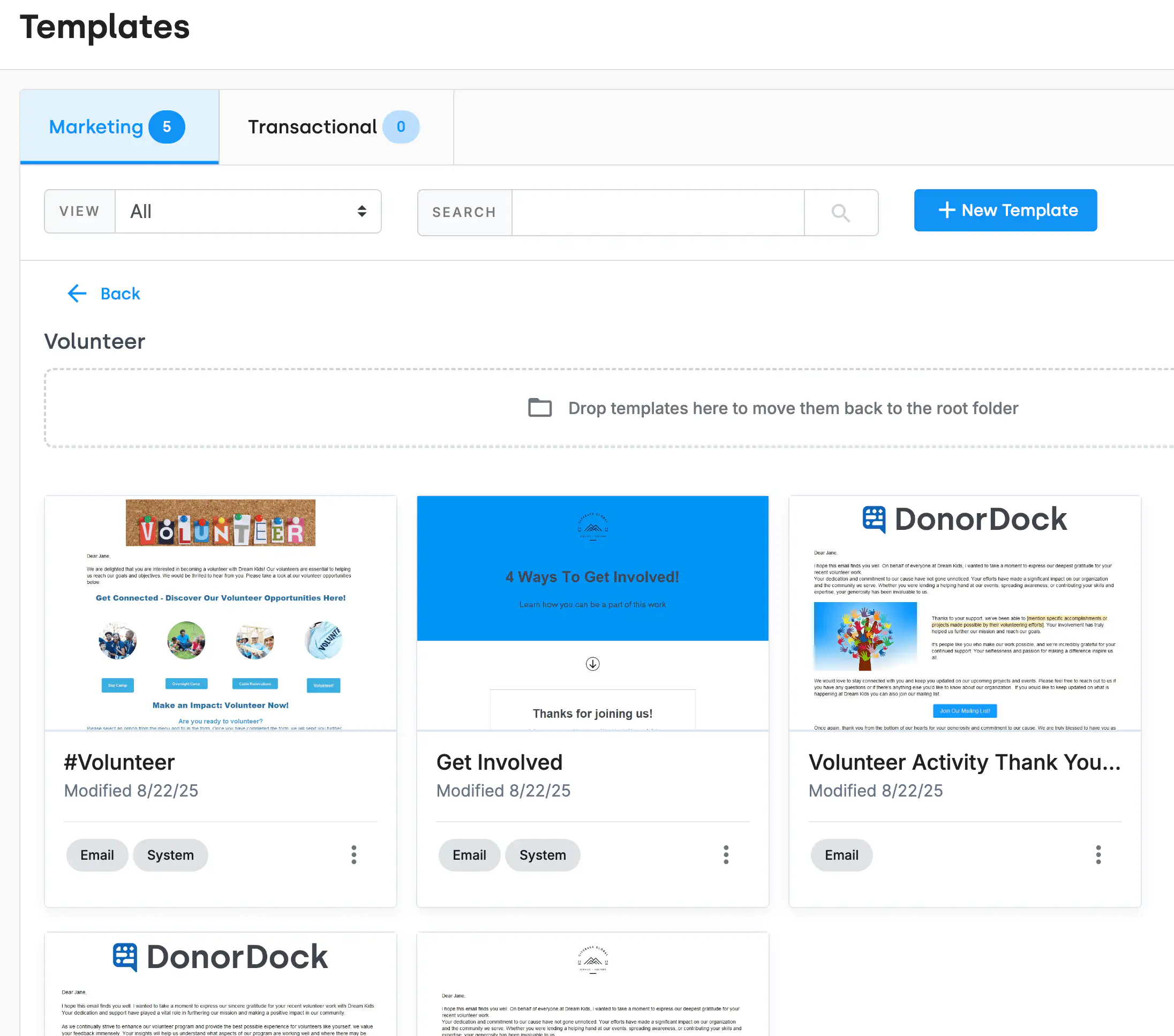
Start with professionally designed templates for thank-you letters, donation receipts, annual appeals, event invitations, newsletters, and more. Customize any template to match your organization's branding, then save your own templates for repeat use.
Create stunning visuals in Canva and insert them directly into your DonorDock emails and letters. Access Canva's library of nonprofit templates, customize with your branding, and embed designs without ever leaving the editor.
Can I create both emails and printed letters?
Yes. The same editor supports email campaigns and printed letters. For letters, you can generate PDFs with mail-merged data and print or download them.
Does the editor support images and GIFs?
Yes. Upload images directly, embed Canva designs, or add GIFs. The editor supports all common image formats and provides basic editing tools.
Can I save my own templates?
Absolutely. Save any design as a custom template so your team can reuse it for future campaigns, ensuring consistent branding across all communications.


.webp)