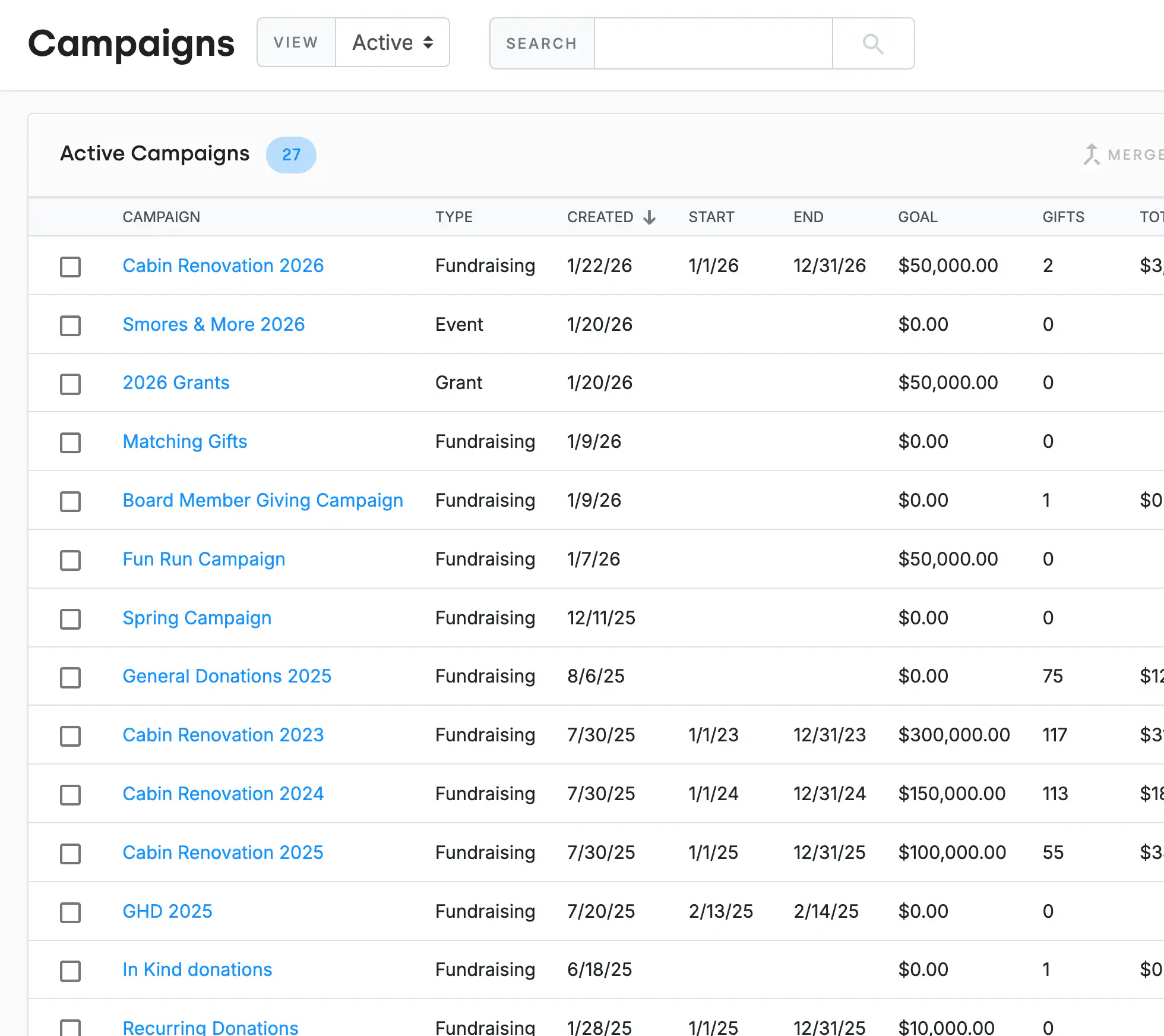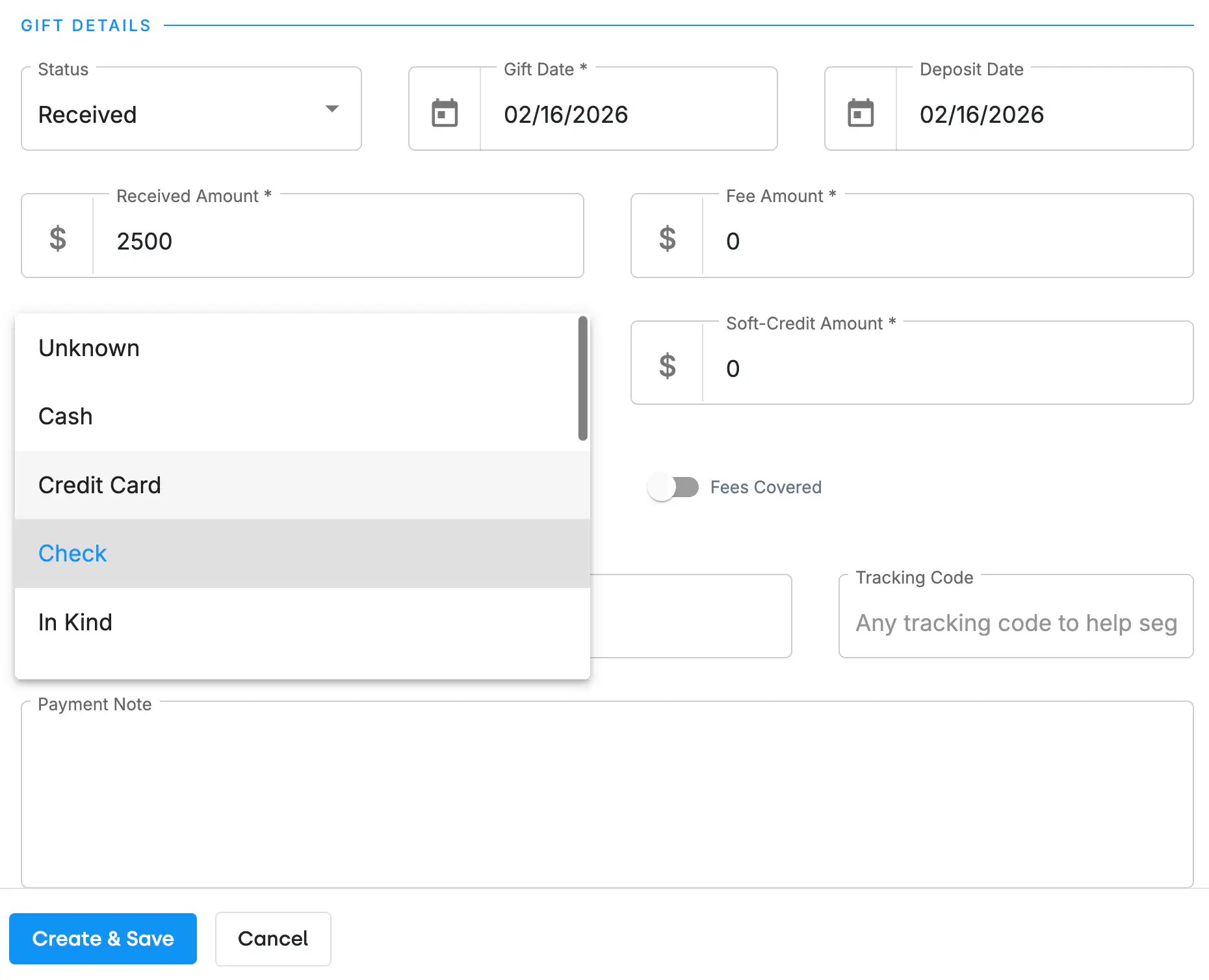
Enter cash, check, stock, wire transfer, and other offline gift types directly in DonorDock. Log the amount, date, payment method, campaign, fund, and appeal. Attach notes about the gift context — like "received at gala" or "mailed with annual appeal response."
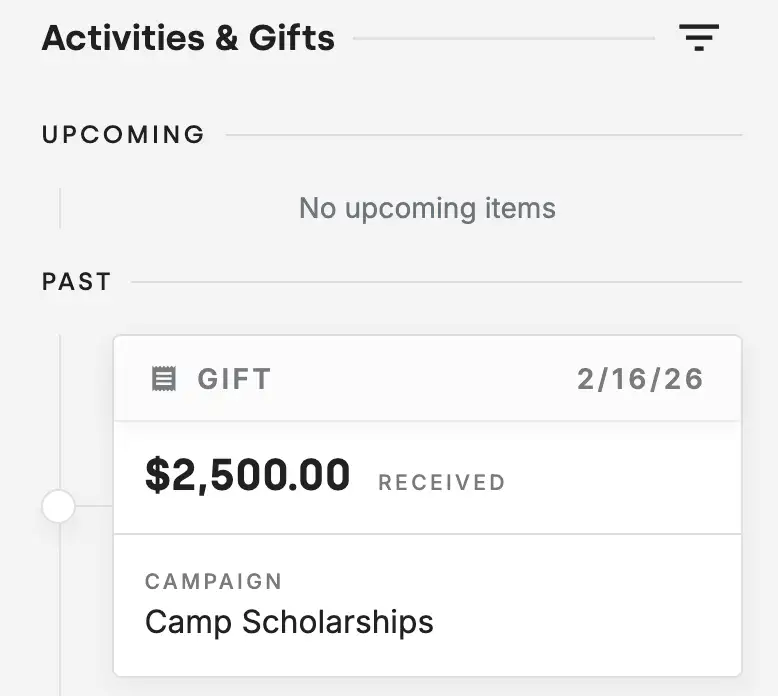
When offline gifts are recorded alongside online donations, you see each donor's true total giving. Reports, dashboards, and donor profiles reflect the full picture. This prevents the common problem of understating donor value because offline gifts live in a separate spreadsheet.
Received a stack of checks? Use bulk import to enter multiple gifts at once. Map columns for donor name, amount, date, and fund, and DonorDock matches gifts to existing contacts. This is especially helpful after events, annual appeals, and end-of-year giving seasons.
Offline gifts recorded in DonorDock can be exported or synced with QuickBooks and other accounting tools. Keep your finance team aligned without double-entering data.

Can I record stock or in-kind donations?
Yes. DonorDock supports multiple gift types including cash, check, stock, wire transfer, in-kind, and more. Each type can be tracked and reported separately. You can create custom gift types as well.
Will offline gifts show in donor reports?
Absolutely. All gifts — online and offline — appear in reports, dashboards, and on the donor's giving timeline. There is no distinction in reporting.
Can I import a batch of offline gifts?
Yes. Use the bulk import tool to upload a CSV of gifts. DonorDock matches gifts to existing contacts by name or email.


.webp)