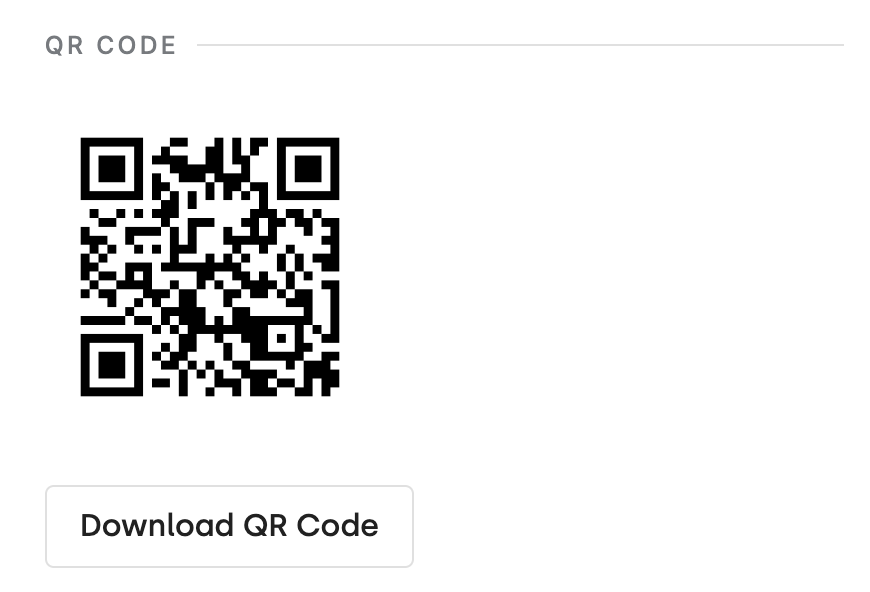
Many donors give up on donating if it's too hard or takes too long, especially on their phones. But with DonorDock’s scan-to-donate feature, giving is super easy. Just scan a QR code and you're taken to a secure donation page. It makes donating a breeze and more people finish the process!
How do donors scan to donate?
Display your QR code on screens, printed materials, or table cards. Donors scan with their phone camera, which opens your DonorDock giving page directly in their mobile browser.
Can I generate QR codes for different campaigns?
Yes. Each giving page has its own QR code, so you can create campaign-specific codes for events, appeals, and outreach materials.
Does scan-to-donate work with text-to-give?
They are complementary features. QR codes link to your giving page, while text-to-give lets donors text a keyword to start the donation process. Both are great for in-person fundraising.


.webp)